Setting Up the GALAXY GX2
GALAXY GX2
37
US
Changing Cylinders
Changing test cylinders in the Cylinder Holders is a simple procedure.
To change an RFID tagged test gas cylinder, using an electronic Cylinder Holder:
(1) Unscrew and remove a cylinder with its attached RFID tag from the Cylinder Holder.
(2) Screw a new test gas cylinder into the Cylinder Holder.
The Multi-Color Light Band will indicate test gas cylinder functionality as described in the System
Features -Cylinder Holder section [ chapter 2.5].
(3) Navigate to the Home screen and select the appropriate cylinder pressure gauge from the
touch screen.
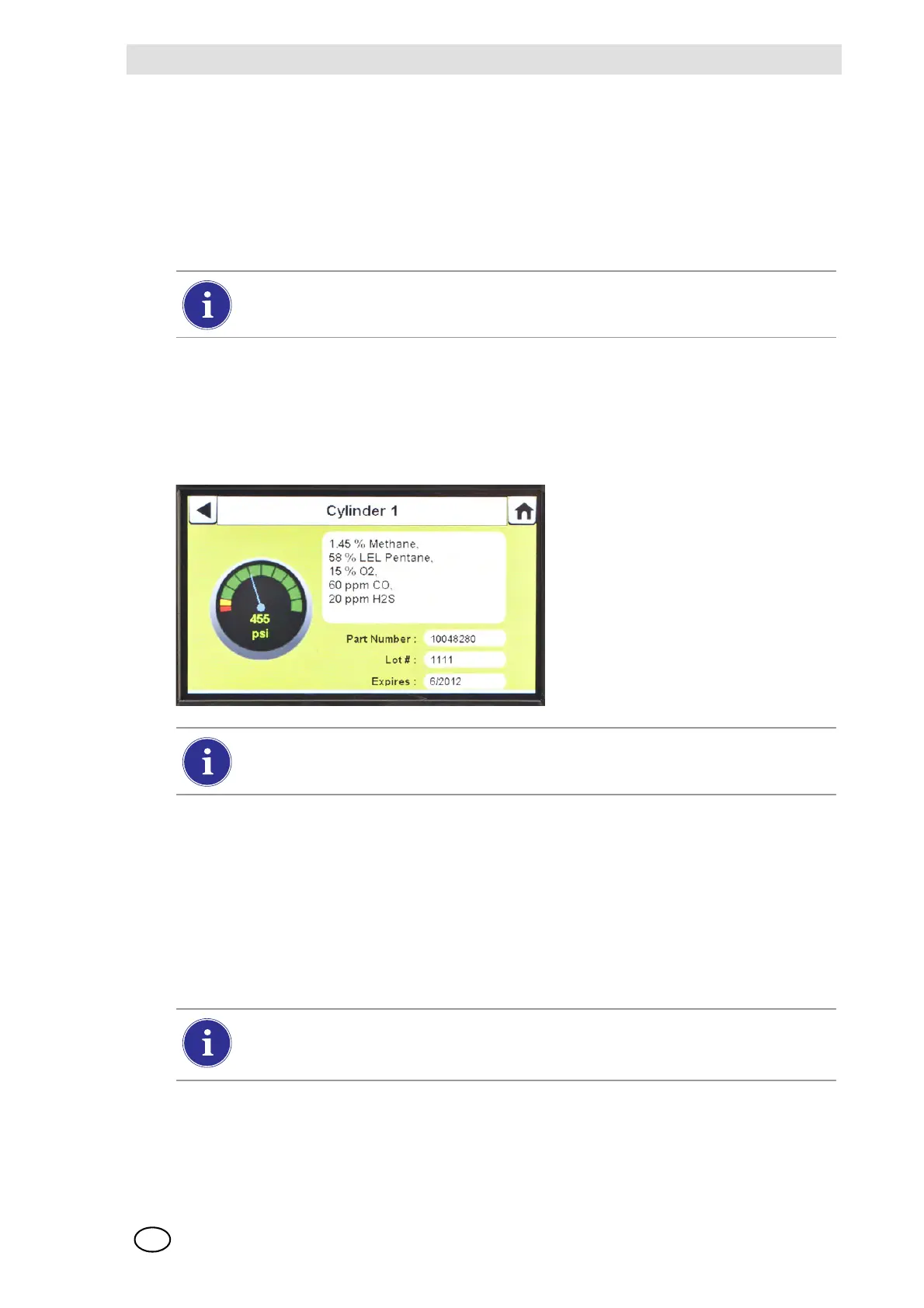
Z The selected Cylinder screen will appear, as shown.
To change a test gas cylinder, using a non-electronic Cylinder Holder:
(1) Remove the test gas cylinder from the Cylinder Holder.
(2) Unscrew the pressure regulator.
(3) Reattach the pressure regulator to the new test gas cylinder.
(4) Insert it into the Cylinder Holder.
(5) Navigate to the Home screen [ Fig. 23] and select the cylinder gauge to ensure the
GALAXY GX2 is reading the gas type.
The new cylinder's RFID tag will automatically populate the cylinder data fields on the
Cylinder Setup screens.
Ensure the GX2 is reading the pressure and gas type.
If a new gas type is used, the user must manually enter the cylinder data fields on the
Cylinder Setup screens, as described in the Cylinder Configuration section
[ chapter 4.7].



 To Next Page