GALAXY GX2
52
Using the GALAXY GX2
MSA
US
Reminder: Instrument datalogs can only be downloaded when an Ethernet connection to
MSA Link Pro is active or via an IR Dongle to MSA Link.
Helpful Hint: Instrument Periodic datalogs can grow large and create lengthy download times,
particularly for the ALTAIR 5/5X. MSA recommends downloading and then erasing Periodic data-
logs after every test. Erase Datalog is the default setting.
The GX2 will only erase instrument datalogs after receiving confirmation from MSA Link Pro that
data is successfully stored. If the software application is inactive the Test Stand displays a mes-
sage stating datalogs cannot be downloaded.
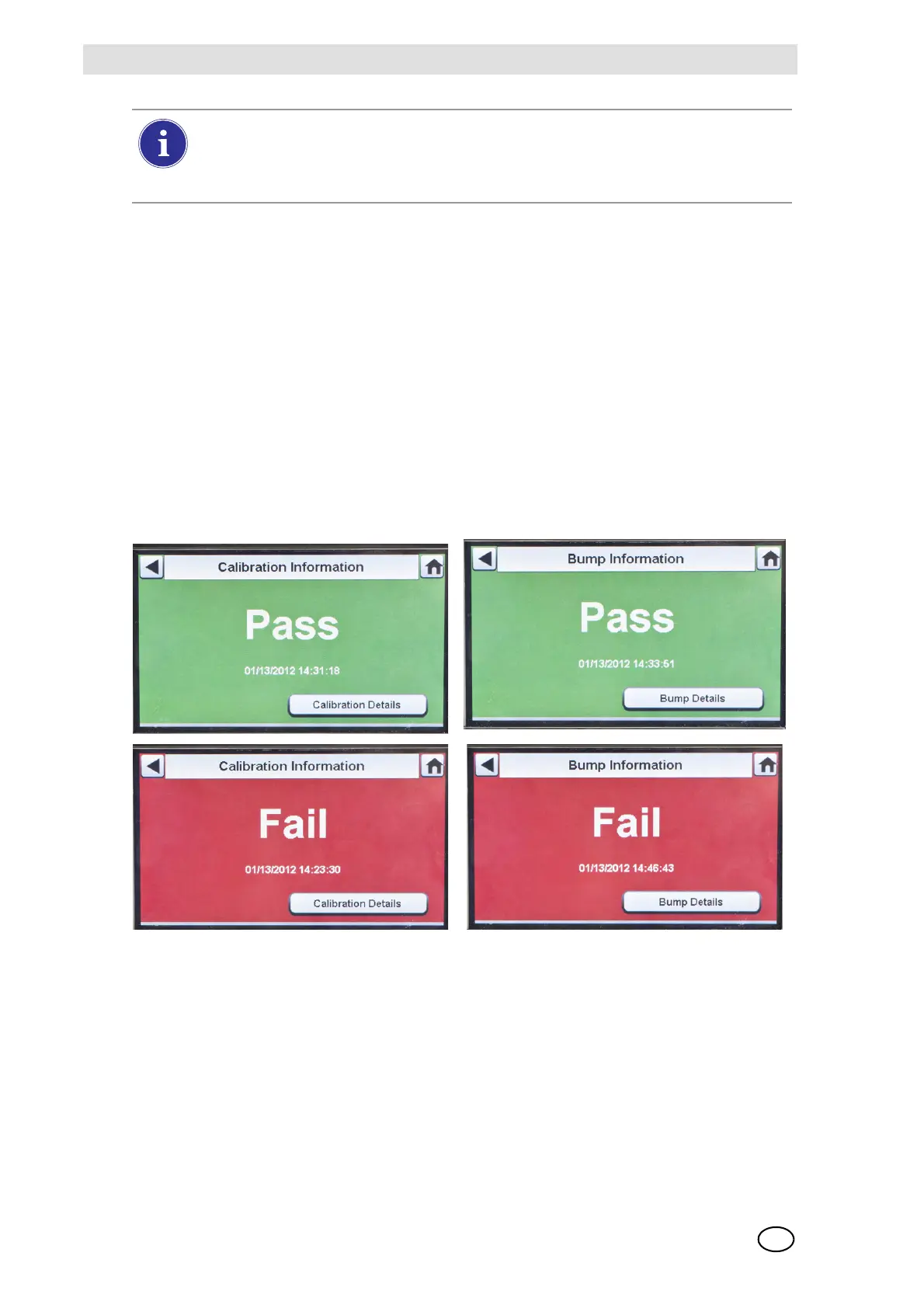
(7) The instrument Pass or Fail screen displays. This screen displays until a new instrument is
inserted or the user makes another selection on the touch screen. If datalog downloads are
enabled, the screen will indicate the status of the download (Successful or Failed) at the
completion of the data transfer.
If the instrument passes the test, remove it or select Home.
If the instrument fails the test, select Calibration Details or Bump Details for sensor failure
information.
If the instrument is removed while the Test Stand is performing a calibration or bump
the instrument will default to the last valid and retained calibration parameters. For gas
detectors with multiple sensors, any green colored calibration progress values are con-
sidered a valid calibration.



 To Next Page