8. 469PC PROGRAM INSTALLATION/UPGRADE
8-1
This document provides all the necessary information to install and/or upgrade a previous installation of the 469PC Program, upgrade
the relay firmware and write/edit setpoint files. It should be noted that the 469PC program should only be used with firmware versions
30D
220
A4.000, 30D
220
A8.000, 30D251A8.000 or later releases.
The 469 PC Program is
not
compatible with Mods or any firmware versions prior to 220, and could cause
errors if setpoints are edited. It can however be used to upgrade older versions of relay firmware. When
doing this however all previously programmed setpoints will be erased and should be saved to a file for
reprogramming with the new Firmware.
The following sections are included in this document:
• System requirements
• 469PC program version for previous installation check
• 469PC program installation/upgrade procedure
• 469PC program system configuration
• Relay firmware upgrade procedure
• Creating/Editing/Upgrading/Downloading Setpoint Files
• Printing Setpoints and Actual Values
• Using Trending and Waveform Capture
• Viewing Phasors and Event Record
• Troubleshooting
8.1 INSTALLATION/UPGRADE
The following minimum requirements must be met for the 469PC Program to properly operate on a computer.
Processor: minimum 486, Pentium recommended
Memory: minimum 4 Mb, 16 Mb recommended
minimum 540 K of conventional memory
Hard Drive: 20 Mb free space required before installation of PC program.
O/S: Windows 3.1, Windows 3.11 for Workgroup, Windows NT,
or Windows 95
Windows 3.1 Users must ensure that
SHARE.EXE
is installed.
If a version of the 469PC Program is currently installed, note the path and directory name
as this information will be needed when upgrading.
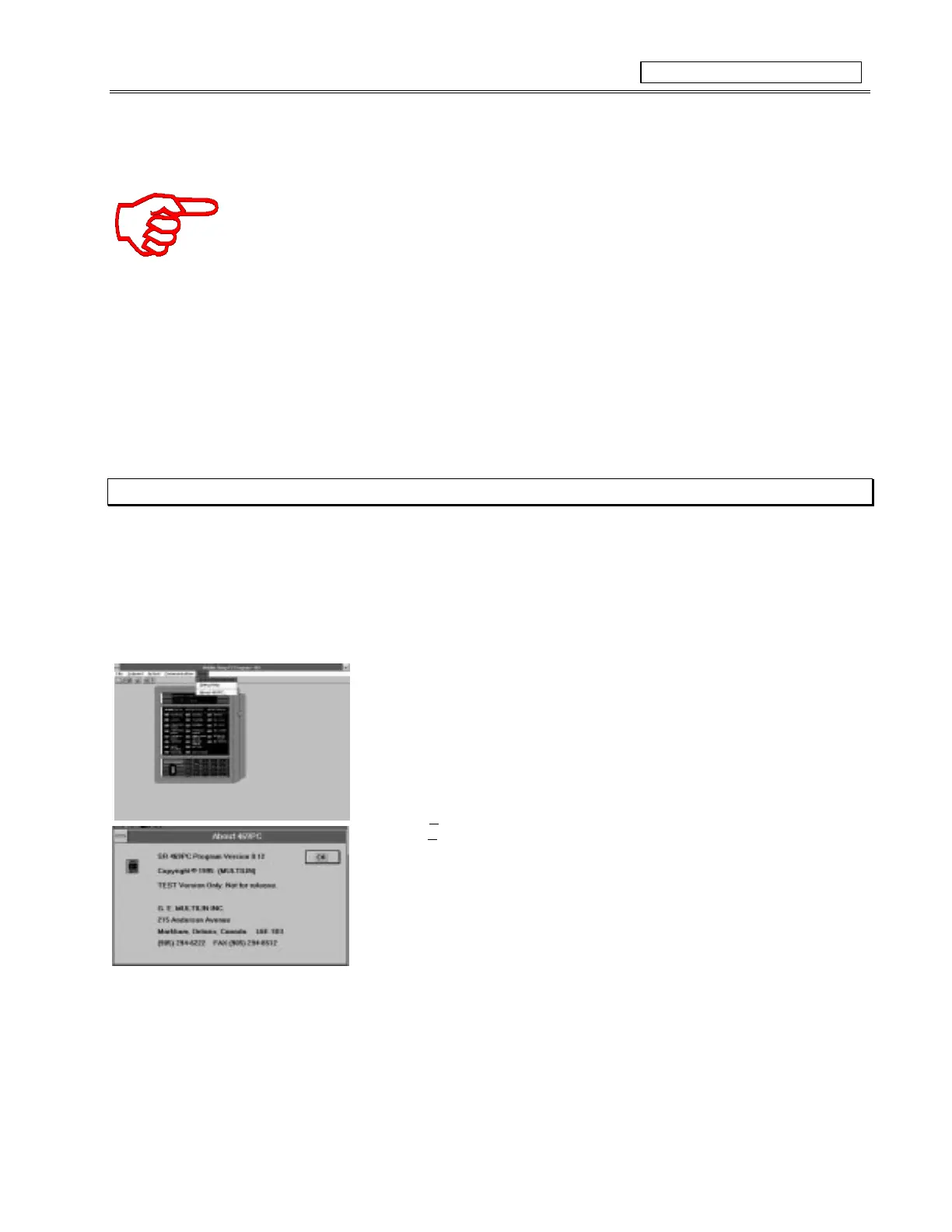
How to check if a currently installed version of 469PC program needs upgrading:
1. Run 469PC program
2. Select
Help
3. Select
About 469PC
4. Compare version number located here with one on installation disks.
5. If number here is lower, program needs upgrading.
Figure 8-1 CHECKING PROGRAM VERSION



 To Next Page