UPGRADING SETPOINT FILE TO NEW REVISION 8. 469PC PROGRAM
8-8
8.7 UPGRADING SETPOINT FILE TO NEW REVISION
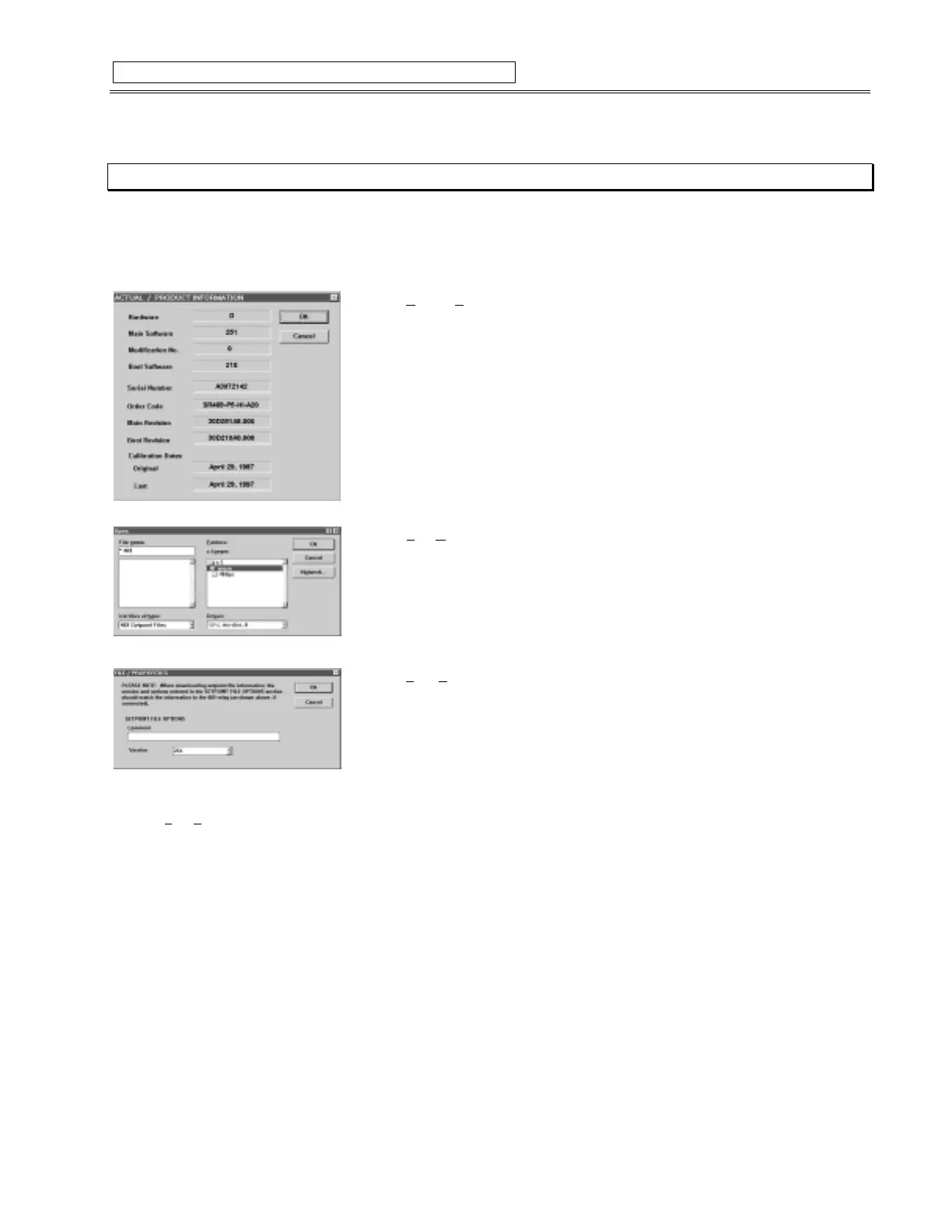
It may be necessary to upgrade the revision code for a previously saved Setpoint file when the firmware of the SR469 is upgraded.
1. To upgrade the revision of a previously saved Setpoint file, run the 469 PC program and establish communications with the SR469
through the front RS232 port.
2. Select
Actual
,
P
roduct Information
from the menu and record the Main Revision
number of the relay’s firmware, e.g. 30D
251
A8.000, where
251
is the Main Revision
identifier.
3. Select
File
,
O
pen
from the menu and enter the location and file name of the saved
Setpoint File to be downloaded to the connected relay. When the file is open, the 469PC
program will be in “File Editing” mode and “Not Communicating”.
4. Select
File
,
P
roperties
from the menu and note the version code of the setpoint file. If
the Main Revision code of the Setpoint File (e.g.
23X
) is different than the Main Revision
code of the Firmware (as noted in step 2, as
251
), use the pull-down tab to expose the
available revision codes and select the one which matches the Firmware
e.g. Firmware revision: 30D
251
A8.000
current setpoint file revision:
23X
change Setpoint file revision to
25X
5. Select
File
,
S
ave
to save the Setpoint file to Disk.
6. See Section 8.6 for downloading this setpoint file to the connected SR469.
Figure 8-8 UPGRADING SETPOINT FILE TO NEW REVISION



 To Next Page