8. 469PC PROGRAM CREATING A NEW SETPOINT FILE
8-5
8.4 CREATING A NEW SETPOINT FILE
1. To create a new Setpoint file, run the 469PC Program. It is not necessary to have a SR469 connected to the computer. The 469PC
status bar will indicate that the program is in “Polling Relay” mode and “Not Communicating”
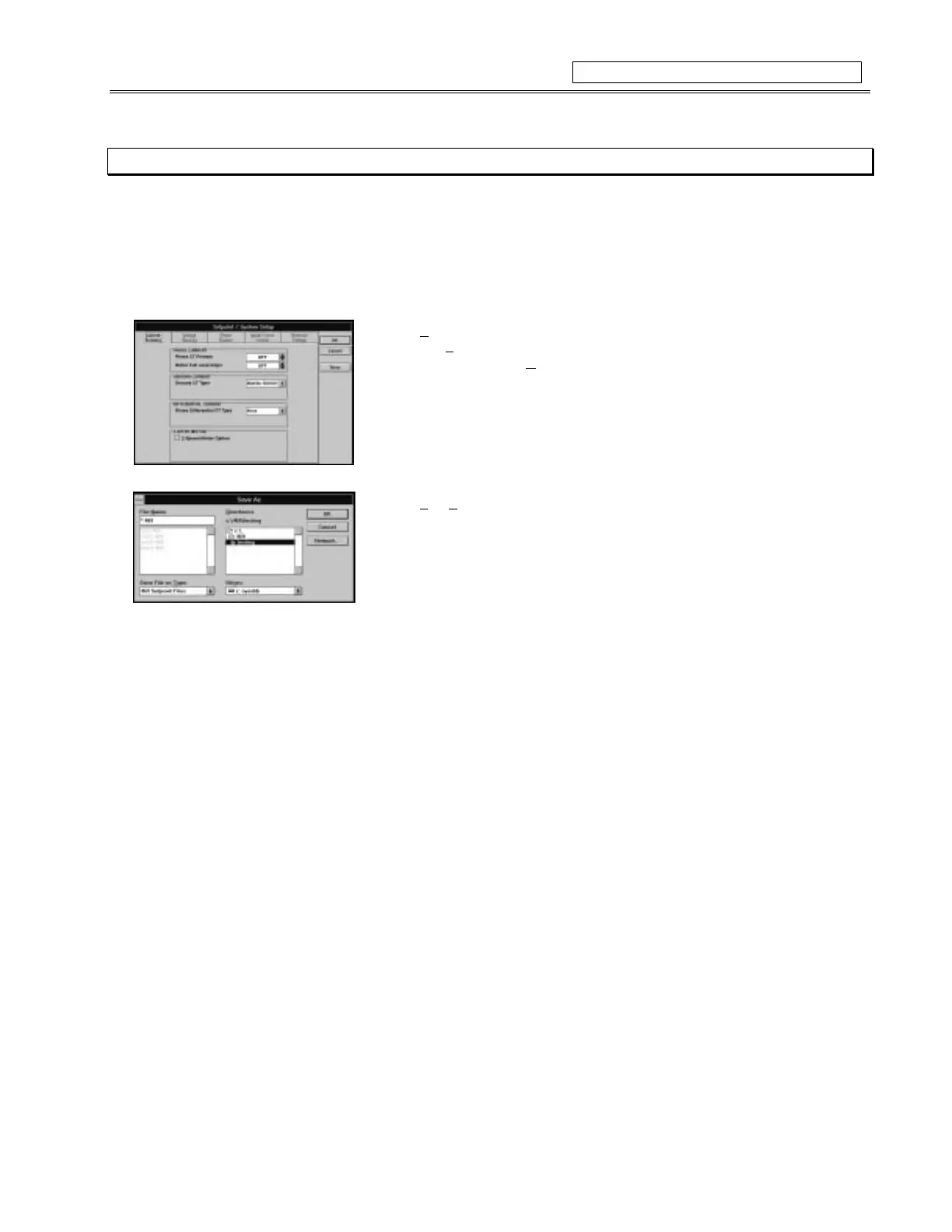
2. Select
Setpoints
from the menu and choose the appropriate section of setpoints to
program, e.g.
System Setup
and enter the new setpoints. When you are finished
programming a page, select
OK
and store the information to the computer’s scratchpad
memory (note: this action does store the information as a file on a disk)
3. Repeat step 2. until all the desired setpoints are programmed.
5. Select
File
,
S
ave As
to store this file to disk. Enter the location and file name of the
setpoint file with a file extension of ‘
.469
’ and select
OK.
• The file is now saved to disk. See section 8.6 for downloading this setpoint file to the
SR469 relay.
Figure 8-5 CREATING A NEW SETPOINT FILE



 To Next Page