UPGRADING RELAY FIRMWARE 8. 469PC PROGRAM
8-4
8.3 UPGRADING RELAY FIRMWARE
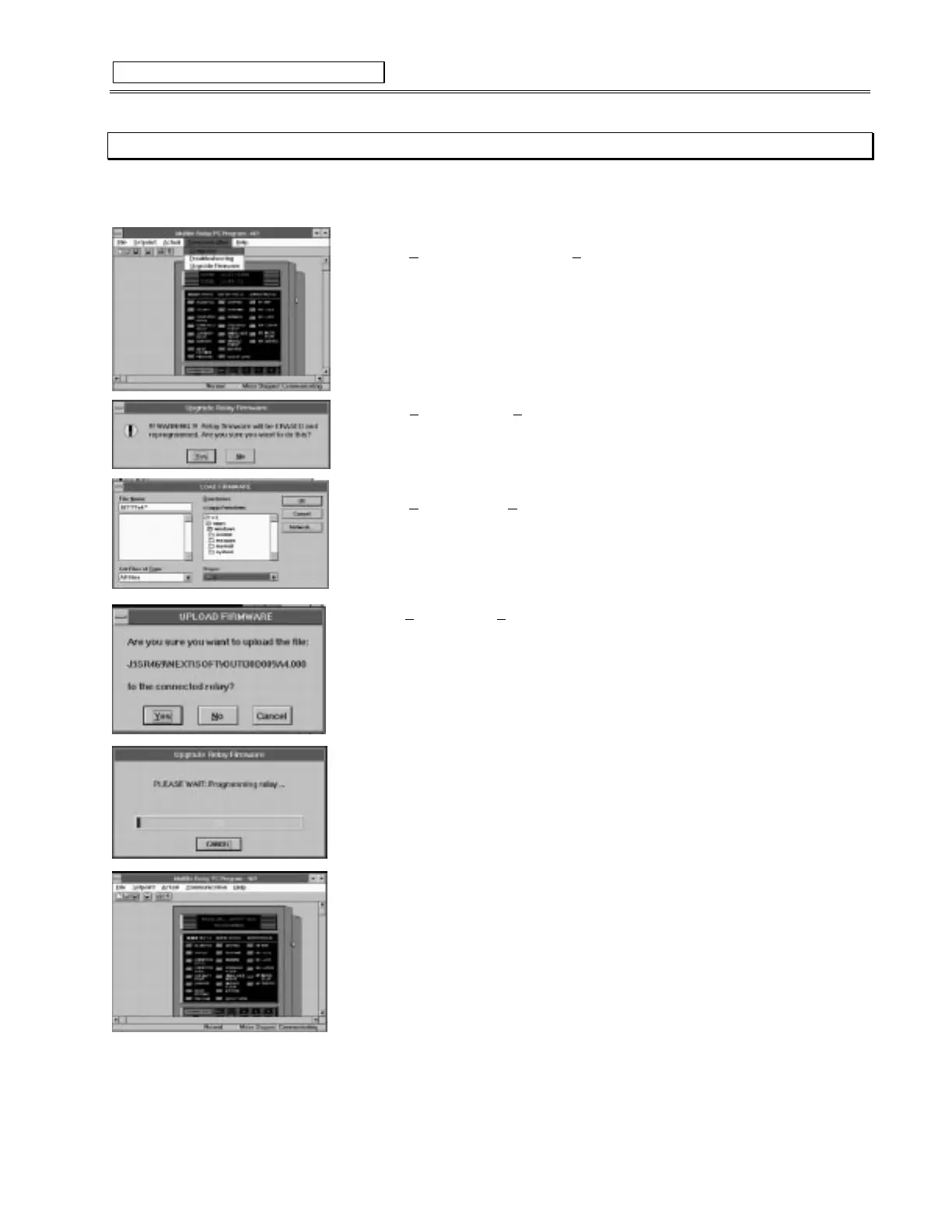
1. To upgrade relay firmware connect a computer to the SR469
via the front RS232 port
. Then run the 469PC program and
establish communications with the relay. Next follow the steps listed below.
2. Select
Upgrade Firmware
from the
C
ommunication
menu.
3. Select
Yes
to proceed or
N
o
to abort.
• Remember all previously programmed setpoints will be erased.
4. Locate the firmware file to load into the relay.
5. Select
OK
to proceed or
C
ancel
to abort.
6. Select
Yes
to proceed,
N
o
to load a different file or
Cancel
to abort the process.
• The program will automatically put the relay into upload mode and then begin loading the
file selected.
• When loading is complete the relay will not be in service and will require programming.
• To communicate with the relay via the RS485 ports, Slave Address, Baud Rate and Parity
may have to be manually programmed.
Figure 8-4 UPGRADING RELAY FIRMWARE



 To Next Page