8. 469PC PROGRAM EVENT RECORDING
8-15
8.12 EVENT RECORDING
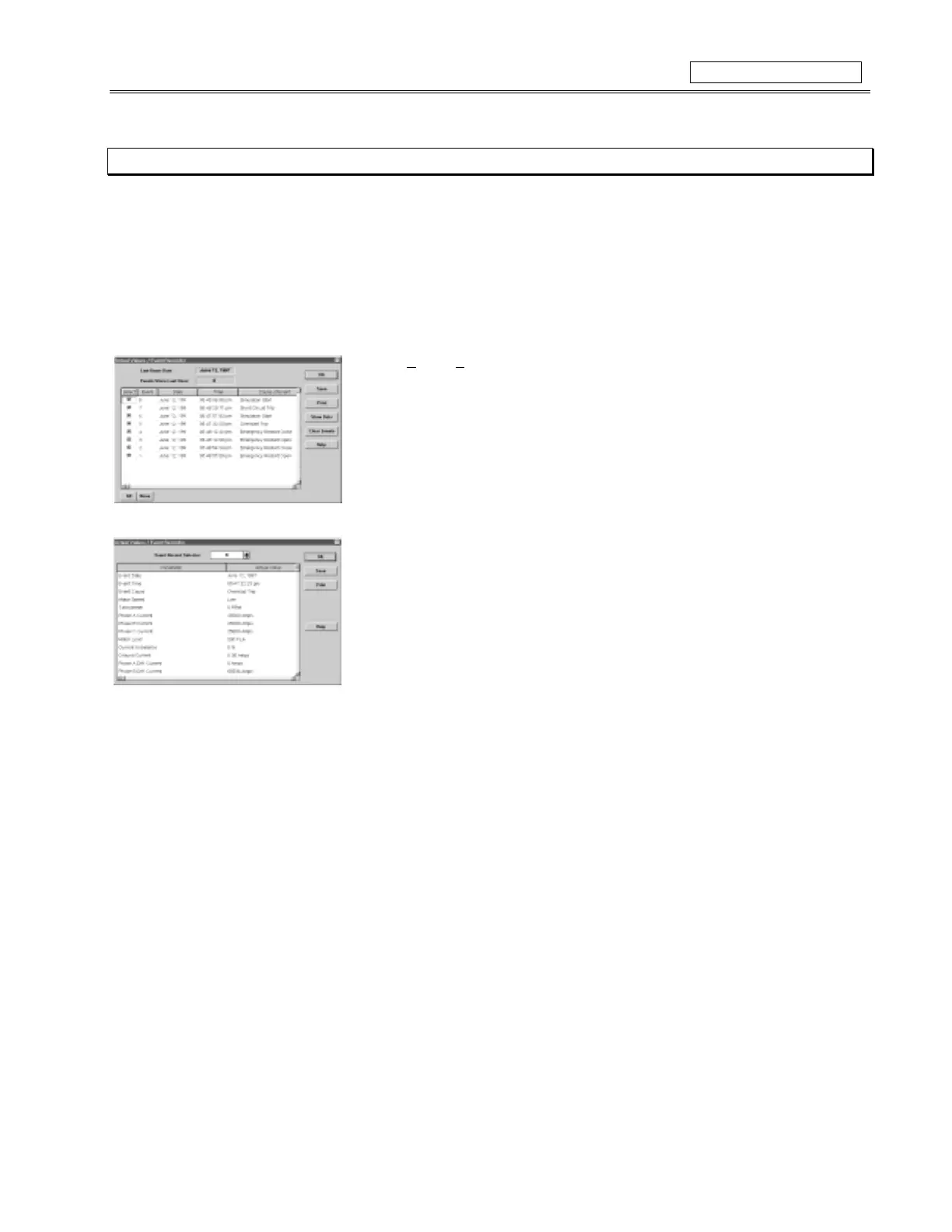
The 469PC program can be used to view the SR469 Event Recorder. The Event Recorder stores motor and system information each
time an event occurs (i.e. motor trip). The Event Recorder stores upto 40 events, where EVENT01 is the most recent and EVENT40 is
the oldest event. The EVENT40 is overwritten when a new event occurs.
1. To use the
Event Recording
function, run the 469PC program and establish communications with a connected SR469 Relay.
2. Select
Actual
,
E
vent Recording
from the main menu to open the
Event Recording
Window. The Event Recording Window displays the list of events with the most current
event displayed on top.
3. Press the
View Data
button to view the details of selected events.
The
Event Record Selector
at the top of the
View Data
Window allows the user to scroll
through different events.
4. Select
Save
to store the details of the selected events to a file.
5. Select
Print
to send the events to the system printer, and
OK
to close the window.
6. More information for
Event Recording
can be found under
Help
.



 To Next Page