TRENDING 8. 469PC PROGRAM
8-10
8.9 TRENDING
Trending from the SR469 can be accomplished via the 469PC program. Many different paramters can be trended and graphed at
sampling periods ranging from 1 second up to 1 hour.
The parameters which can be
Trended
by the 469PC program are:
Currents/Voltages
Phase Currents A,B&C Avg. Phase Current Motor Load Current Unbalance
Ground Current Differential Currents A,B & C System Frequency
Voltages Vab, Vbc, Vca Van, Vbn & Vcn
Power
Power Factor Real Power (kW) Reactive Power (kvar) Apparent Power (kVA)
Positive Watthours Positive Varhours Negative Varhours
Temperature
Hottest Stator RTD Thermal Capacity Used RTD’s 1 through 12
Demands
Current Peak Current Reactive Power Peak Reactive Power,
Apparent Power Peak Apparent Power
Others
Analog Inputs 1,2 3 & 4 Tachometer
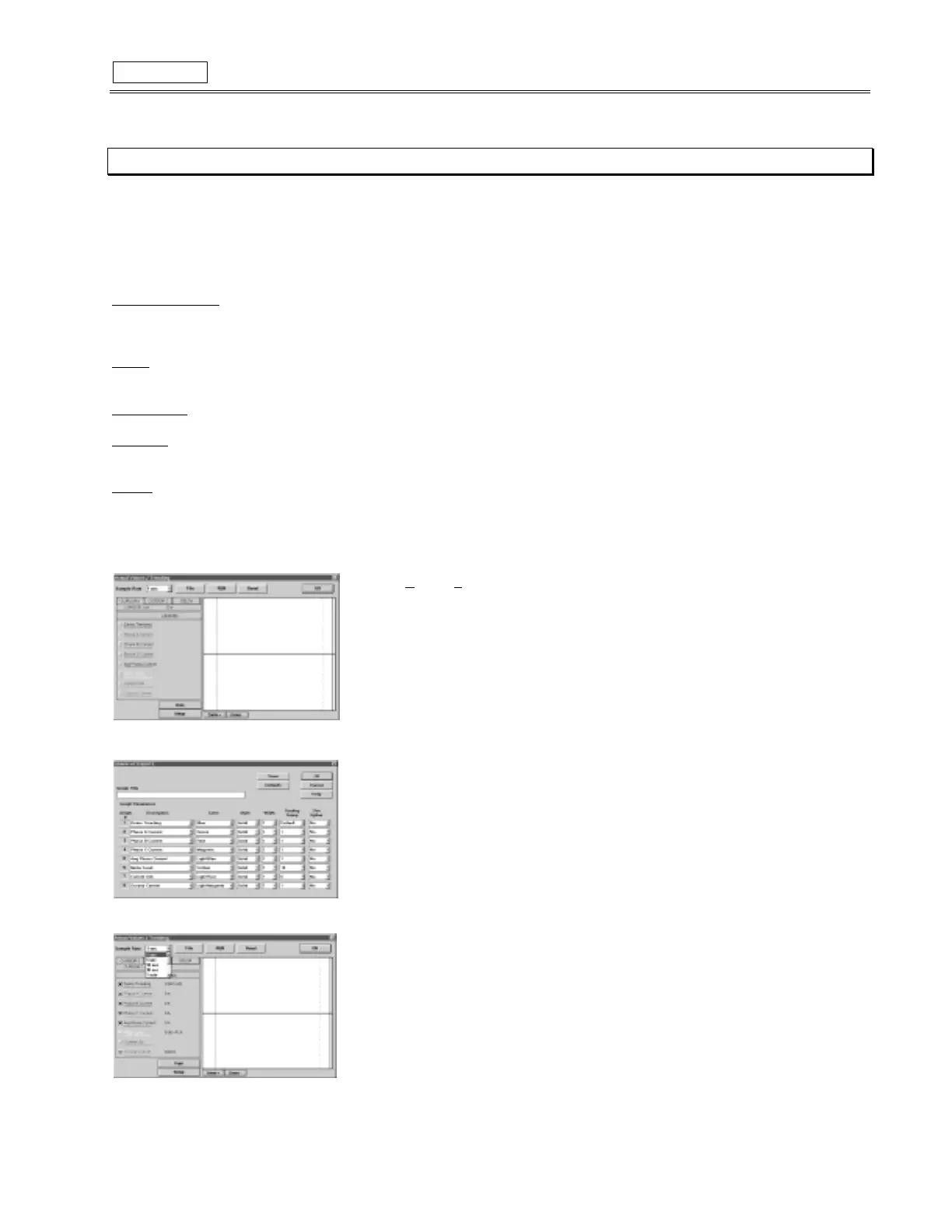
1. To use the Trending function, run the
469PC
program
and establish communications with a connected SR469 relay.
2. Select
Actual
,
T
rending
from the main menu to open the
Trending
window.
3. Press the
Setup
button to enter the
Graph Attribute
page.
4. Program the
Graphs
which are to be displayed by selecting the pull down menu beside
each
Graph Description
. Change the
Color
,
Style
,
Width
,
Group
#
, and
Spline
selection
as desired.
Select the same Group # for all paramaters to be scaled together.
5. Select Save to store these
Graph Attributes,
and
OK
to close this window.
7. Use the pulldown menu to select the
Sample Rate
, click the checkboxes of the
Graphs
to
be displayed, and select
RUN
to begin the trending sampling.
8.
Print
will copy the window to the system printer. More information for navigating through
Trending can be found under
Help
.



 To Next Page