WAVEFORM CAPTURE 8. 469PC PROGRAM
8-12
8.10 WAVEFORM CAPTURE
The 469PC program can be used to capture waveforms from the SR469 at the instant of a trip. Maximum of 64 cycles can be captured
and the trigger point can be adjusted to anywhere within the set cycles. Maximum of 16 waveforms can be buffered (stored) with the
buffer/cycle trade off.
The waveforms captured are:
Phase Currents A, B & C
Differential Currents A, B & C
Ground Current
Phase Voltages A-N, B-N & C-N
1. To use the
Waveform Capture
function, run the 469PC program and establish communications with a connected SR469 Relay.
2. Select
Actual
,
W
aveform Capture
from the main menu to open the
Waveform Capture
Window.
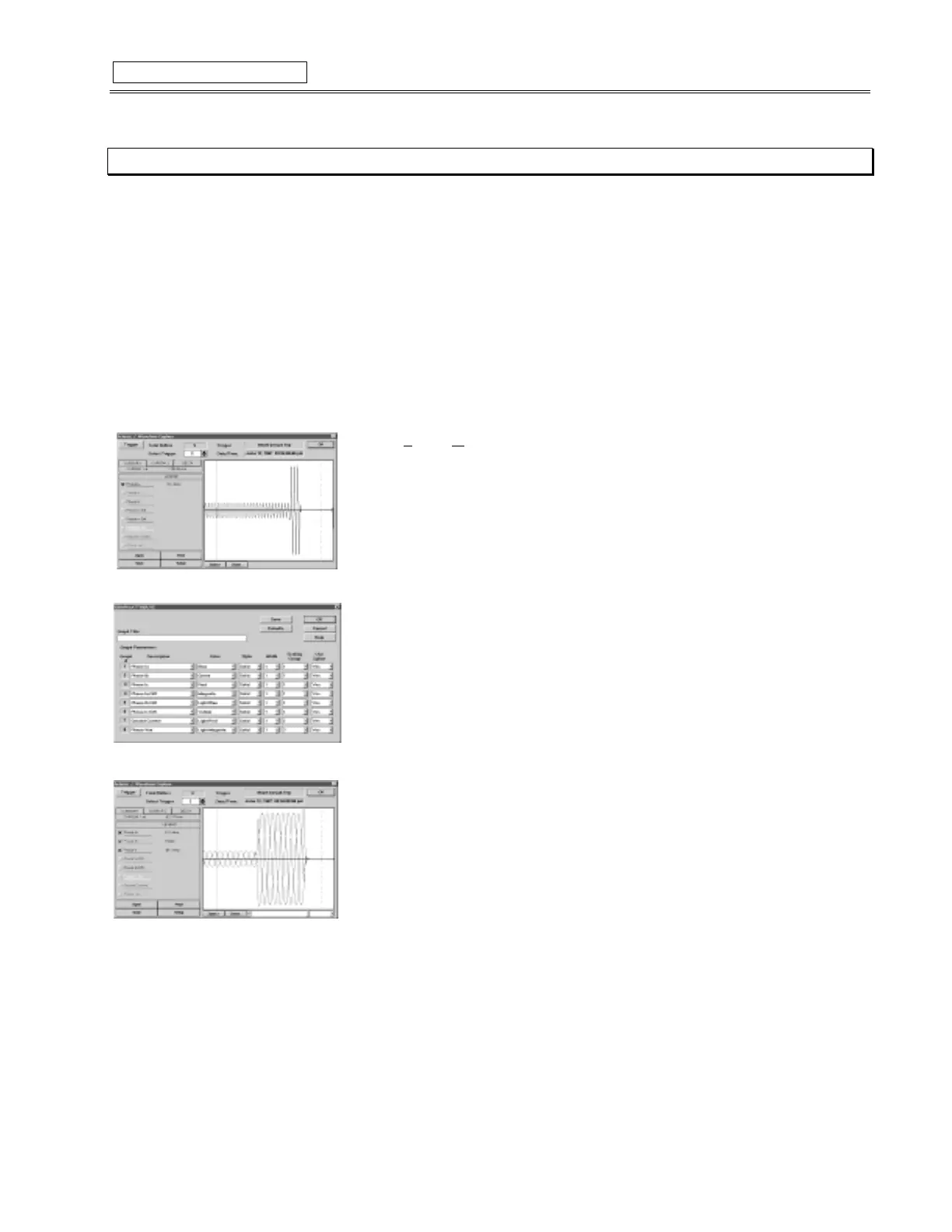
What will appear is the waveform of Phase A current of the last trip of the SR469. The date
and time of this trip is displayed on the top of the window. The RED vertical line indicates the
trigger point of the relay.
3. Press the
Setup
button to enter the
Graph Attribute
page.
4. Program the
Graphs
which are to be displayed by selecting the pull down menu beside
each
Graph Description
. Change the
Color
,
Style
,
Width
,
Group
#
, and
Spline
selection
as desired.
Select the same
Group #
for all parameters to be scaled together.
5. Select
Save
to store these
Graph Attributes,
and
OK
to close this window.
6. Click the checkboxes of the
Graphs
to be displayed,
7. The
Save
button can be used to store the current image on the screen, and
Open
can be
used to recall a saved image.
Print
will copy the window to the system printer. More
information for navigating through Waveform Capture can be found under
Help
.



 To Next Page