8. 469PC PROGRAM CONFIGURATION
8-3
8.2 CONFIGURATION
Connect the computer running the 469PC program to the relay via one of the RS485 ports (see manual section 2.2.13) or directly via the
RS232 front port.
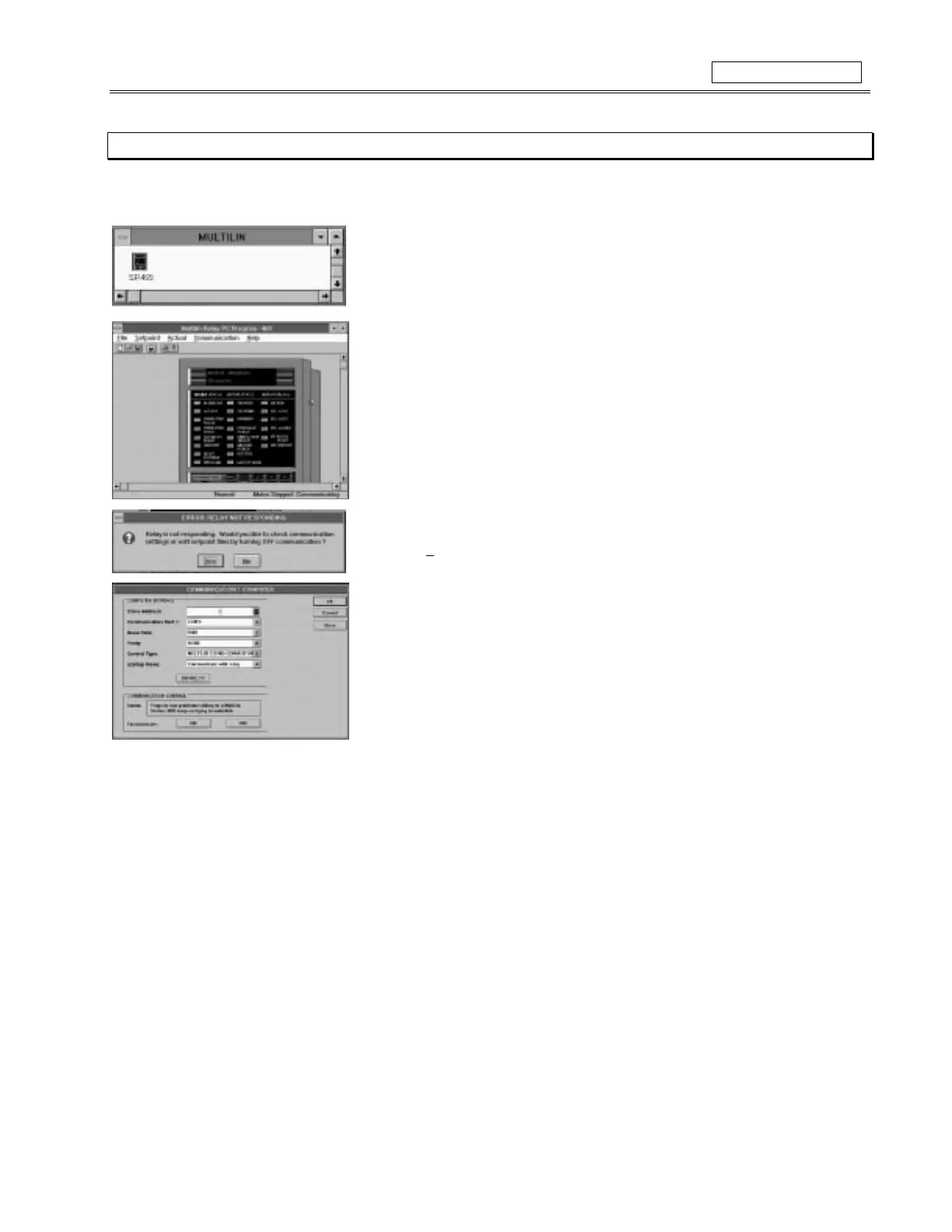
• Double click on the SR469 icon inside the Multilin group.
• Once the 469PC program starts to operate it will attempt to communicate with the
relay. If communications are established the relay shown on the display will display
the same information as displayed by the actual relay.
• LED status and display message shown will match actual relays if communications is
established.
• If the 469PC program cannot establish communications with the relay, this message
will appear.
• Select
Yes
to edit the communication settings for the 469PC program.
• Set
Slave Address
to match that programmed into relay.
• Set
Communication Port#
to the computer port connected to the relay.
• Set
Baud Rate
and
Parity
to match that programmed into relay.
• Set
Control Type
to type used.
• Select
ON
to enable communications with new settings.
Figure 8-3 CONFIGURATION



 To Next Page