© Munters AB, 2018 11
4 Element Interface
•
Key Board
•
Main Screen
•
Front Switches
•
Main Menu
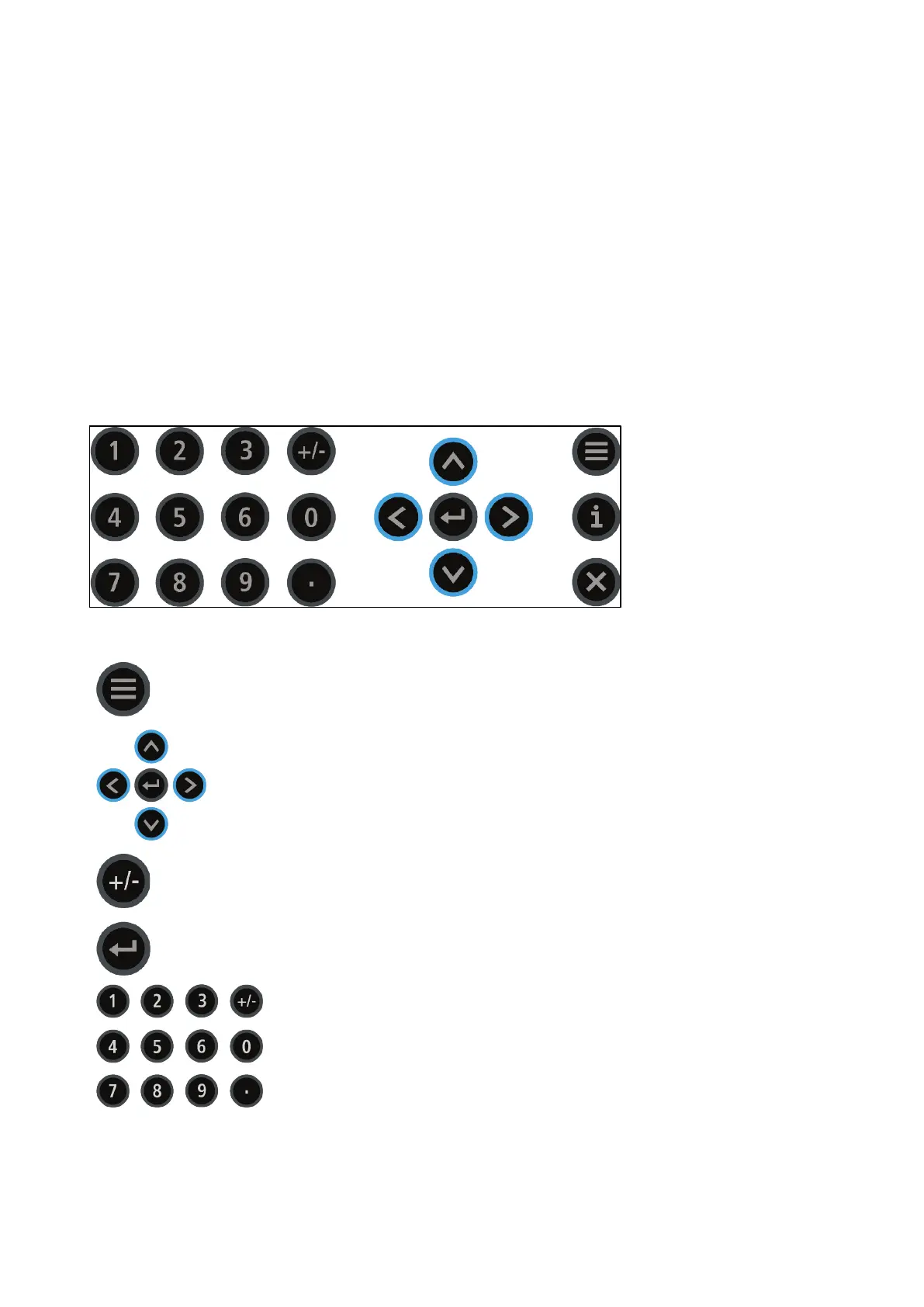
4.1 Key Board
Table 1: Keyboard Functions
Menu Press this button to go to the Element menus (refer to Main
Menu, page 14).
Arrows Press arrow keys to navigate through the windows.
+/- Press the +/- key to switch between options (for example
ventilation cycle options).
Enter Press Enter to confirm entries (for example, after changing a
growth date, press Enter) and to access menu items.
Numeric
Pad
Press Number keys to enter numerical data.



 To Next Page