© Munters AB, 2018 73
15 Calibration
•
Calibrating the Inlets and Curtains
•
Calibrating the Humidity and Temperature Sensor
•
Calibrating the Water Meter
15.1 Calibrating the Inlets and Curtains
•
Refer to Calibrating the Opening/Closing, page 60.
15.2 Calibrating the Humidity and Temperature Sensors
CAUTION
The humidity and temperature sensors are very accurate. Only calibrate the sensors if
you have reason to believe that they are producing inaccurate results.
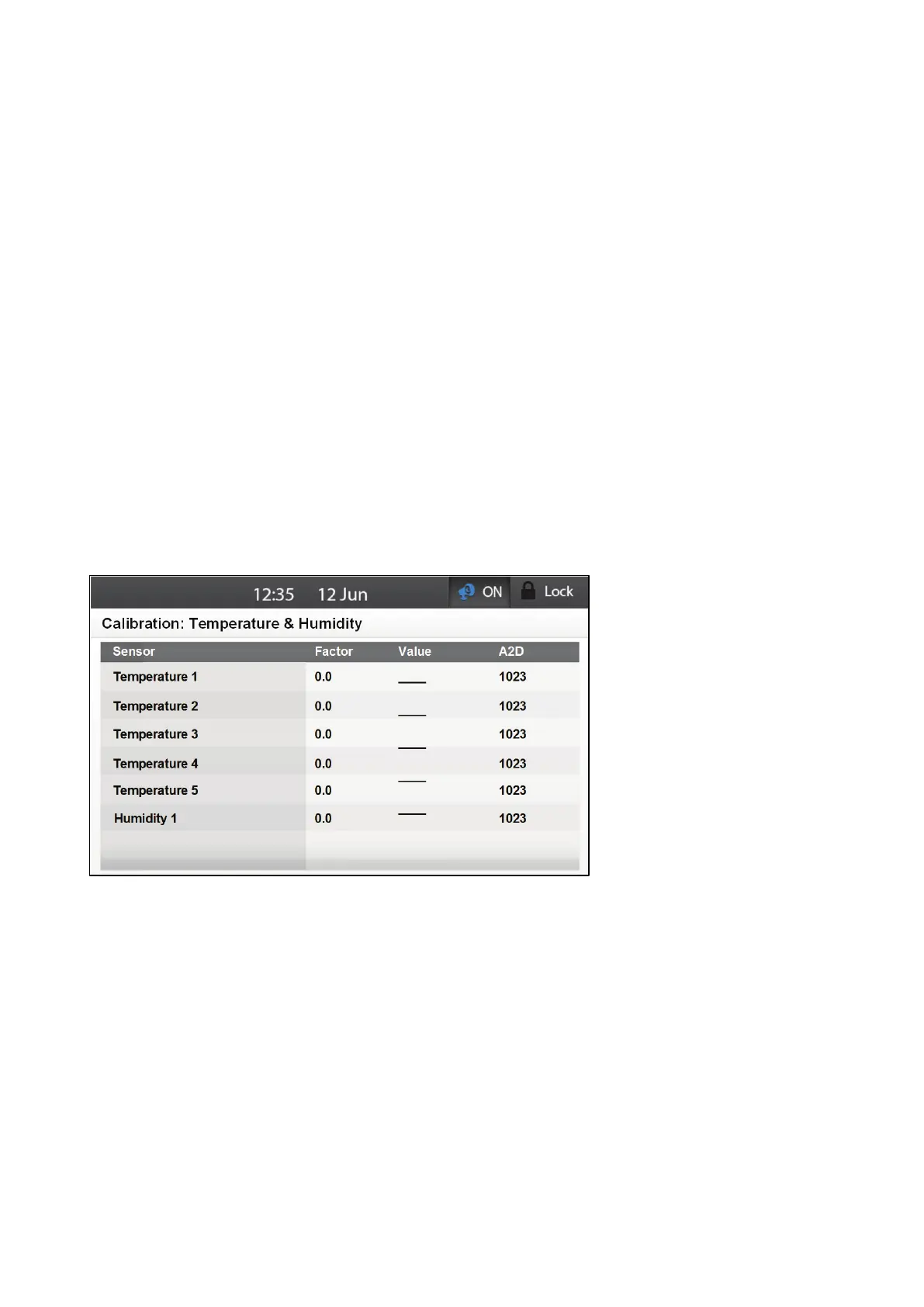
1. If required, go to Calibration > Temperature & Humidity.
2. Calibrate the sensors on this screen.
3. Using the Arrow keys, scroll to the required sensor.
4. Calibrate the sensors by using a very accurate reference instrument and enter the offset number
for each sensor under Factor. The system remembers the difference between the system's
calculation and the changed calibration value.
•
Range:
o
Temperature sensors: 5.0 to 5.0C°/9.0 to 9.0 F°
o
Humidity sensor: ±10
o
Default: 0
•
Value: Read only. Displays each sensor's current value
•
A/D: Read only. Displays each sensor's current A/D value



 To Next Page