© Munters AB, 2018 16
5 Unit installation
The following sections detail how to mount and wire the Element and define external devices.
NOTE Munters recommends that a trained technician perform the following operations.
•
Mounting the Unit
•
Wiring Diagrams
•
Timers
5.1 Mounting the Unit
•
Grounding and Shielded Wiring
•
Installation and Electrical Connections
CAUTION
These units must be installed by an authorized electrician. Disconnect the power to avoid
electrical shock and damage.
CAUTION
To avoid exposing the controllers to harmful gases or high humidity, it is recommended
to install it in the service room.
NOTE Installation Category (Over voltage Category) II
•
The power supply to the controller should be protected by 1 amps circuit breaker.
•
All electrical connections should comply with National Electrical code (NEC).
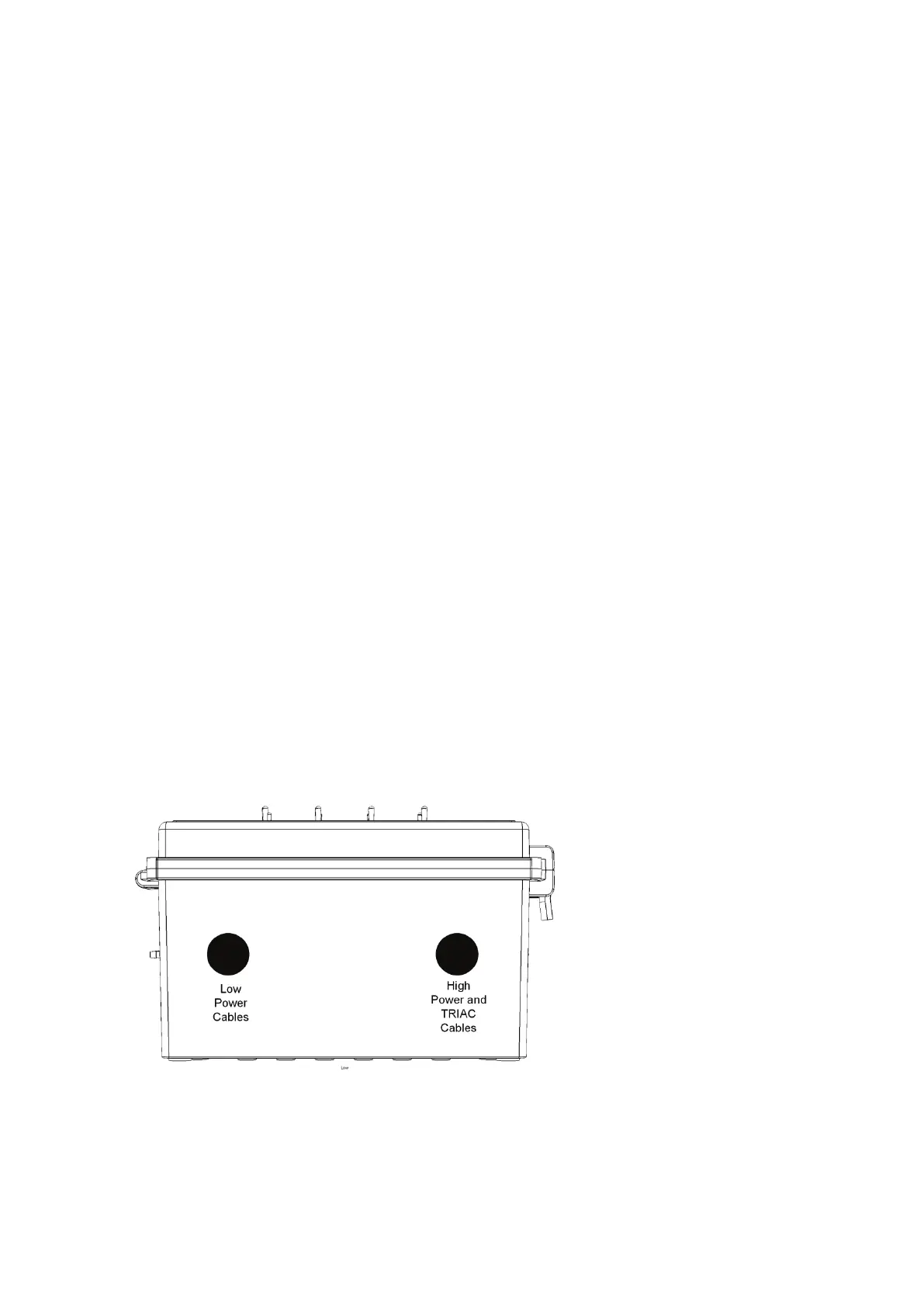
1. Using the four supplied clips and screws, mount the Element.
2. Drill holes at bottom of the box and place cable holders.
3. Place the required cables through the cable holders at the bottom of the unit.
4. Close the Element enclosure lid carefully and tightly. Use RTV silicon or equivalent sealant to
seal the cable holders.
5. After installation is completed, operate the Element for a few hours and re- check for proper
operation.



 To Next Page