© Munters AB, 2018 74
NOTE If an error occurs with a temperature sensor, the information regarding the specific sensor can
be deleted from the
Calibration
menu. This is done by pressing <
PROG
> when an invalid sensor’s
field appears.
15.3 Calibrating the Water Meter
Define a digital sensor as a water meter as shown in Figure 11, page 25.
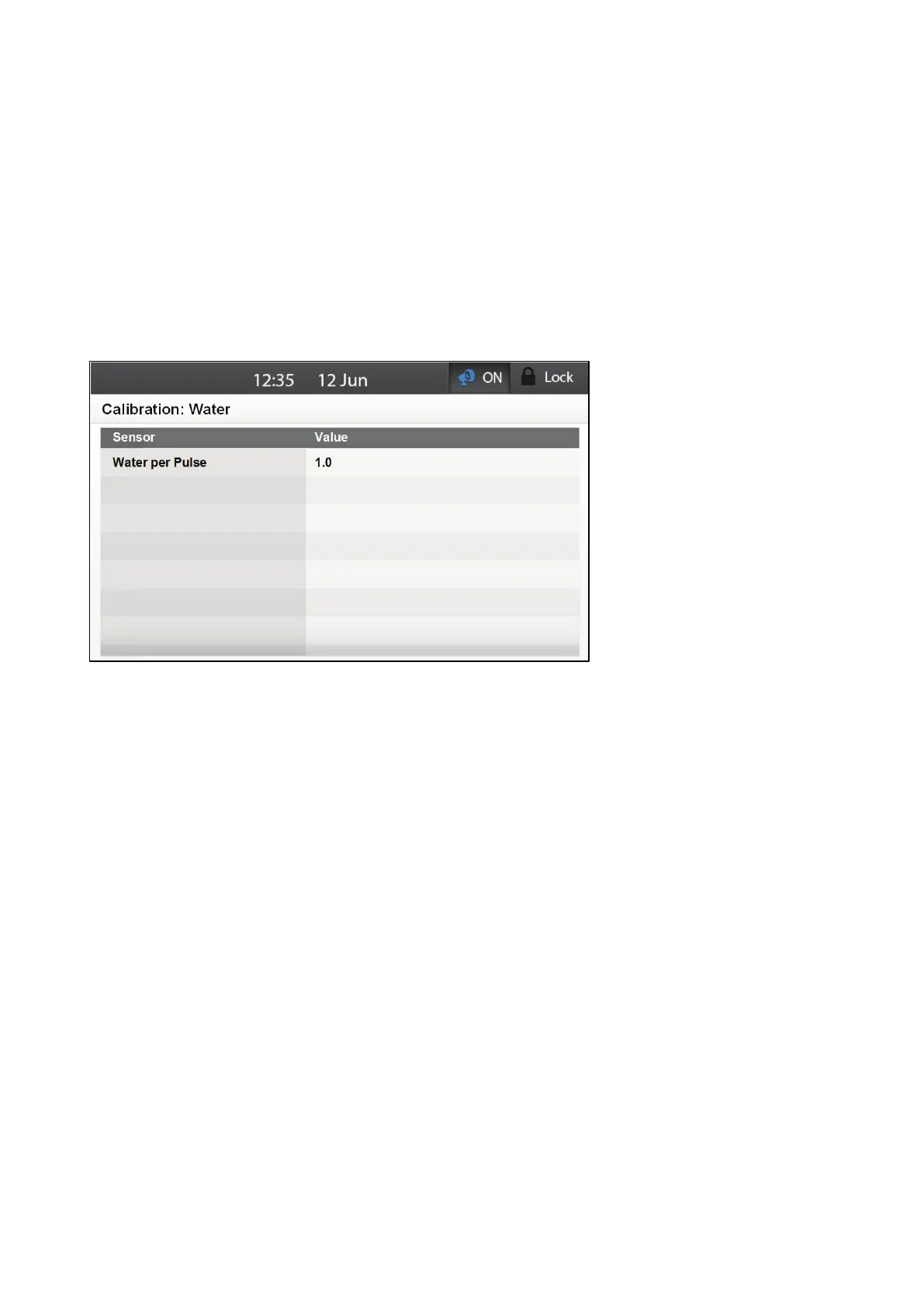
The water system operates on a pulse counting system. In this screen, specify how much water flows per
pulse.
1. Go to Calibration > Water.
2. Specify the flow rate.
o
Range: 0 – 100 liters per pulse. Default: 0



 To Next Page