© Munters AB, 2018 31
5.2.5.4 Configuring the Analog Sensors
Wire the analog input devices as shown in Figure 13.
1.
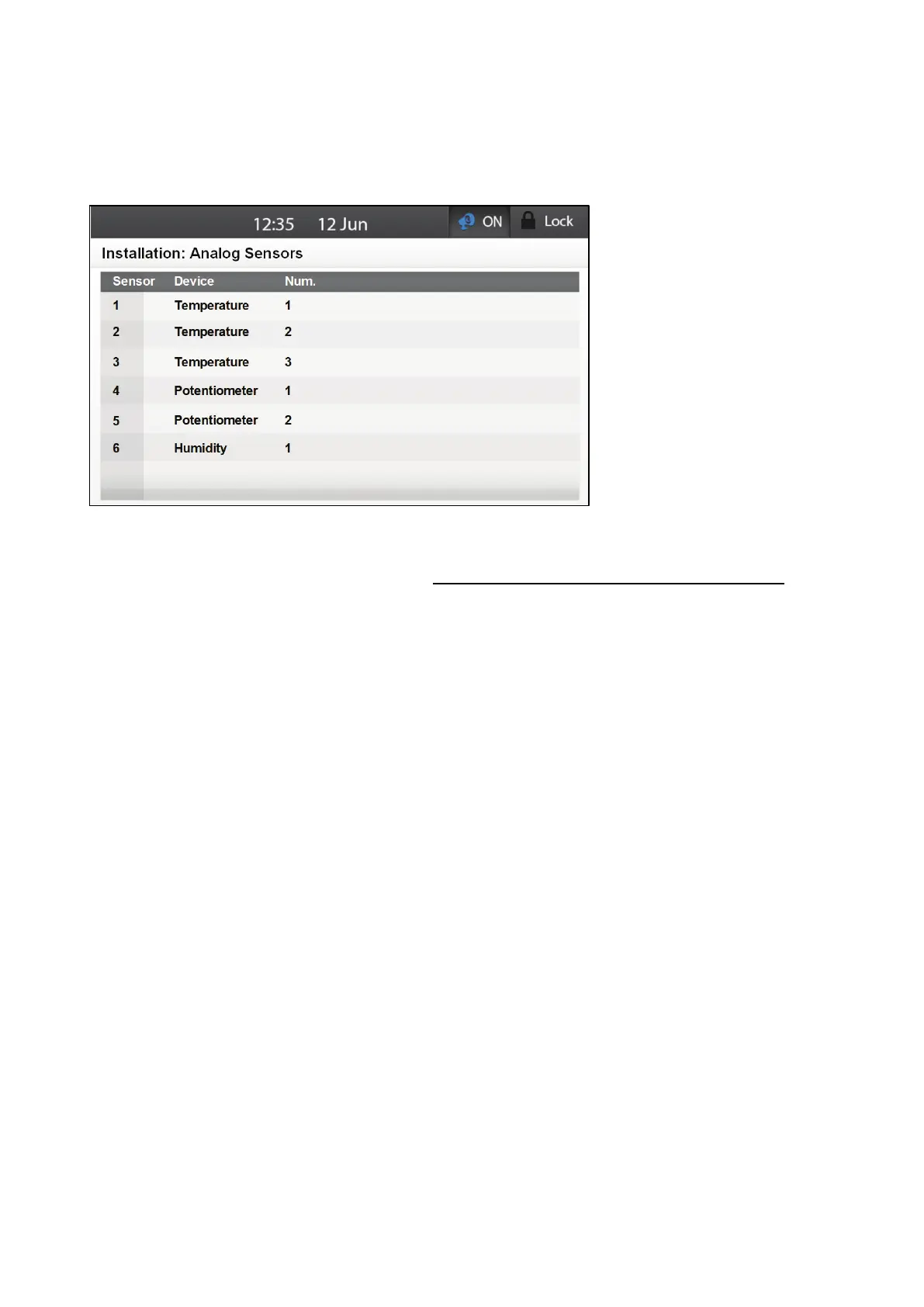
Go to System > Installation > Analog Sensors.
2. Scroll to each sensor.
3. From the drop down list, select the device wired to that port.
o
If a humidity sensor is installed, define sensor 6 only to be the humidity sensor.
o
Element automatically assigns the sensor a number, according to the device type. The
number of devices supports varies according to the device type.
Temperature: 6
Potentiometer: 2
Humidity: 1
o
You can edit the number, but any assigned number must be different from an existing
number of that device type (for example, you cannot assign two sensors to be
Temperature #2).
o
If no sensor is available (for example, if you try to define three sensors as
potentiometers), an error message appears.
5.2.5.5 Defining the Temperature Sensors
Calculating the temperature data, Element takes the following into consideration:
•
Sensor temperature (including any calibration).
•
Average temperature: Data from multiple sensors can be averaged. If a sensor fails, the
sensor's data is removed from any calculations.
•
Device temperature: A sensor (or sensors) can be mapped to a specific device.
•
Outside temperature: Temperature sensors defined as an outside temperature is not included
in any average calculation.
Install a temperature sensor(s) as shown in Figure 13.
1. Go to System > Installation > Temperature Definition.



 To Next Page