© Munters AB, 2018 35
o
Similar relay, analog output, and TRIAC devices must have different numbers.
o
If no relay is available (for example, if no fans are available), an error message
appears.
NOTE To uninstall a device, define it as None.
NOTE If a device fails, the device remains on the Analog Output screen and an alarm message is
sent.
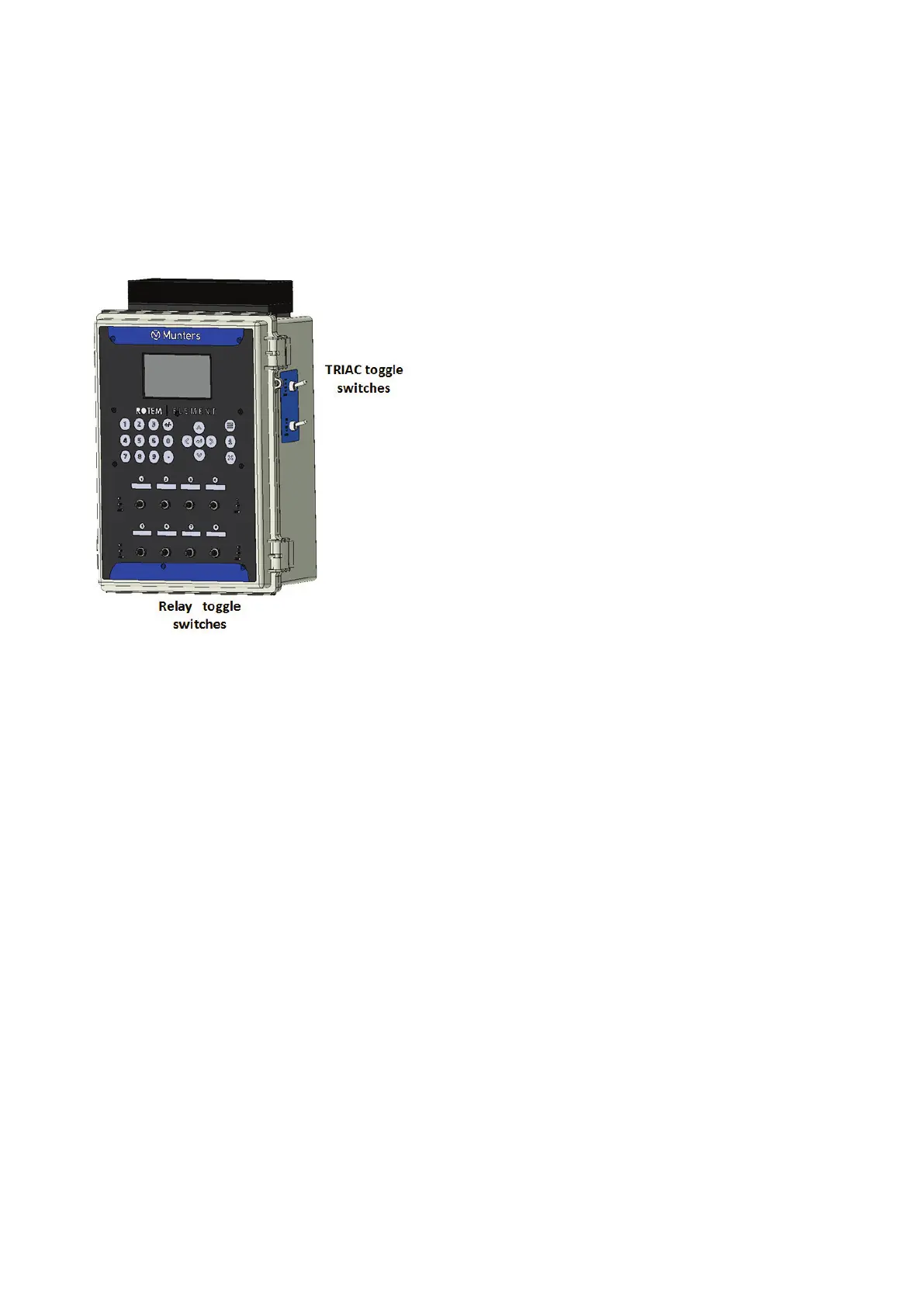
Figure 21: Element Toggle Switches
4. On the Element side are two toggle switches. After wiring a TRIAC device (refer to Figure 18),
turn a toggle switch to On or Auto to enable the device
o
On: device runs continually
o
Auto: device runs according to the settings
5.3 Timers
Timers provide an additional method of controlling relay devices, namely setting a time table in which
the device can operate. In addition to the time table, Element enables setting up time cycles and
temperature ranges in which a device can operate.
Define up to two relays as timers.
1. To enable time cycles and temperature range control, go to Control > Timers > Set (option).



 To Next Page