© Munters AB, 2018 79
•
Pressure Sensor Failure
•
Potentiometer # Failure
•
Switch Card # Failure
•
Relay Card # Failure
•
Auxiliary 1 Activated
•
Switches Changed
•
Alarm Test
•
Below Min Air
•
CPU Low Battery
NOTE Performing a Cold Start or Starting a new group clears the Alarm History.
17.6 Viewing the Event History
Go to this screen to view the last 999 events.
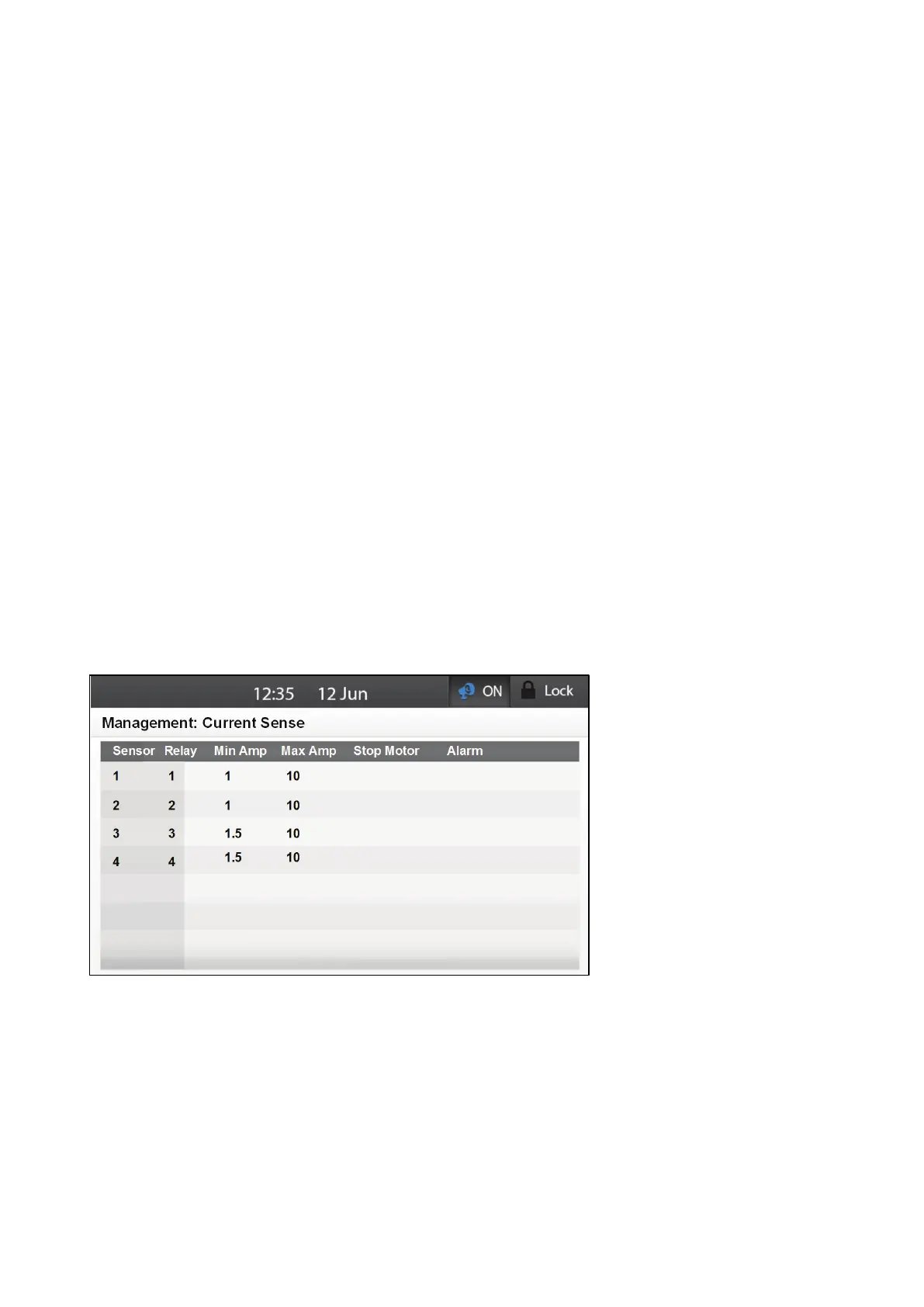
17.7 Monitoring the Current Sense
The Current Sense function monitors the current supply, recording the input and sending alarms when
the current, going to a specific device that is wired via the current sensor, is too high or too low. Using
the function helps prevent excess or insufficient current from damaging motors wired to Element relays.
Wire the relays to the current sensors as shown in Figure 8.
1.
Go to Management > Current Sense.
2. Define the following parameters:
o
Sensor: Read only number specifying the current sensor relay number.
o
Relay: Relay number wired to the sensor. Range: 1 - 8
o
Min Amp: Current less than this number generates an alarm. Range: Yes/No
o
Max Amp: Current greater than this number generates an alarm. Range: Yes/No
o
Stop Motor: Cease current flow if the current exceeds the levels defined in Min/Max
Amp.
o
Alarm: Send an alarm if the current exceeds the levels defined in Min/Max Amp.
3. If required, go to Management > Current Sense > Set.



 To Next Page