© Munters AB, 2018 14
o
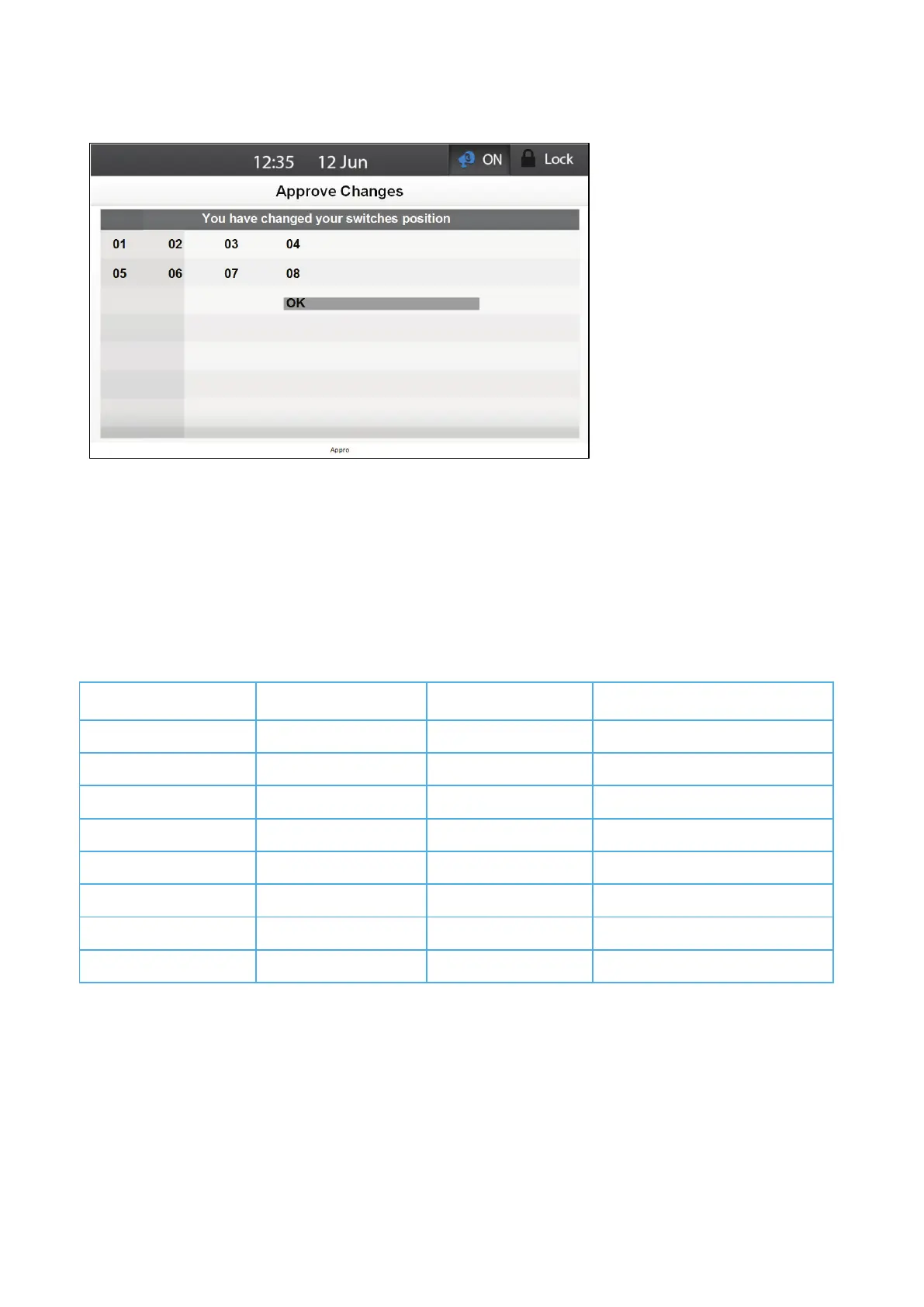
Move the switch back to its original position to cancel the change.
4.3 Main Menu
Table 2 and Table 3 detail the complete Element main menu structure. The menu has two levels.
1. Press the left/right arrow keys to scroll between menus.
2. Press Enter to use the menu's items.
3. To enter the second level, scroll to System Menu and press Enter.
Table 2: Menu (Level One)
Temperature Curve Alarm Reset Temperature Levels of Ventilation
Min/Max Levels Group Settings Humidity Calibration
Humidity Alarm Settings Water Installation
Static Pressure Animal Weight Heaters General
Heaters Current Sense Alarms
Cooling Save Settings Events
Timers Load Settings



 To Next Page