© Munters AB, 2018 40
7 Basic Setup
The following section details how to define basic Element parameters. These parameters define the user
interface, growth cycle, and system parameters.
•
Defining the General Settings
•
Defining the Group Settings
•
Defining the Expected Animal Weights
•
Viewing the Element Version
7.1 Defining the General Settings
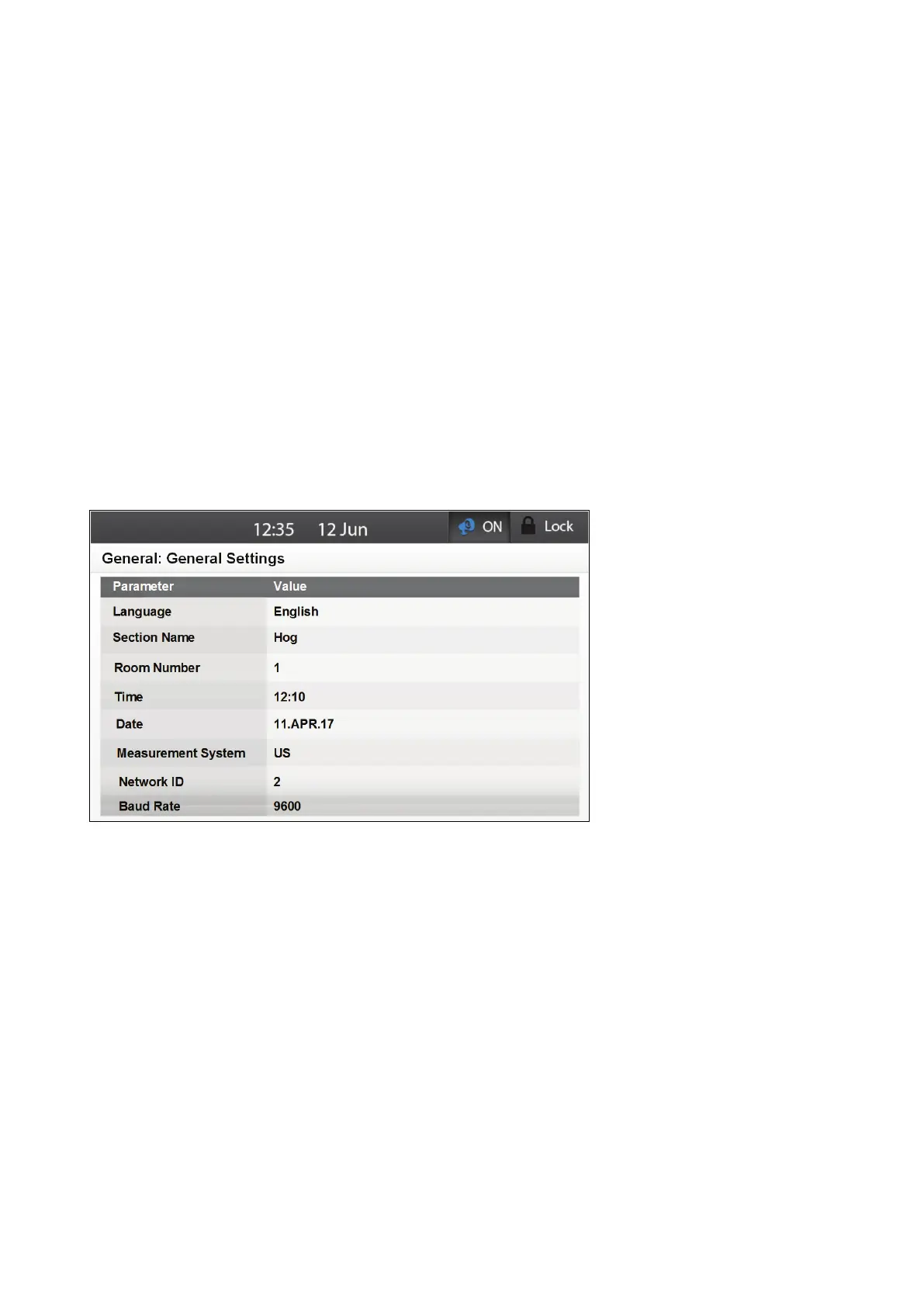
The Settings screen defines the Element's user interface.
NOTE Generally, these parameters are set once only, when installing the unit.
1
.
Go to System > General > General Settings.
2. Define the following parameters:
o
Language: Choose a language from the drop down list: Default: English
o
Section name: TBD.
o
Room Number: Select a number for room which the Element operates. Ensure that this
number is unique and not assigned to other Elements.
o
Time: This parameter defines the Element's clock setting. This setting is used in any
operation that is based on the time of day (for example, ventilation or event
notification).
o
Date: This parameter defines the current day.
o
Measurement System: Select Metric or US (default). This parameter defines the units
for the following measurements:



 To Next Page