MAINTENANCE MANUAL
VC2E-MM-00
22
Maintenance
This chapter explains the parts replacement and maintenance of the ValueCut Cutting Plotter. It gives
detailed step-by-step instruction on how to replace or adjust the components of this machine.
Parts Replacement
Removing Covers
Please follow the steps below to remove the front, back, side and top covers.
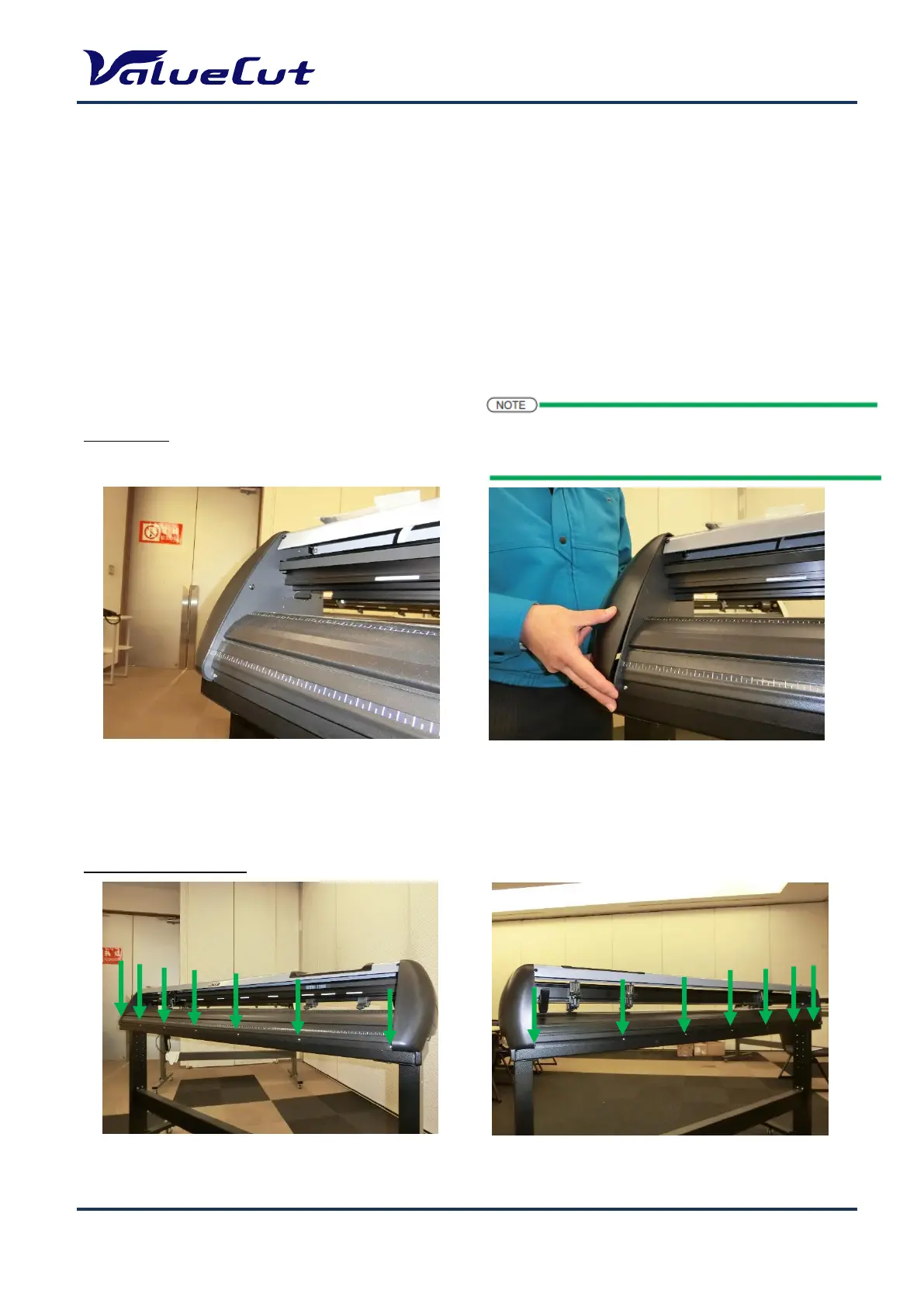
Side Cover:
Front and Back Cover:
1. Remove the side cover screws.
2. Put equal pressure on both sides of the
side cover and pull to remove.
1. Remove the 7 front cover screws and 7 back cover screws.
The procedure to remove Side cover R is the same as
that of Side cover L. The pictures used here are of Side
cover L.










 To Next Page