36 Loading media
[12]
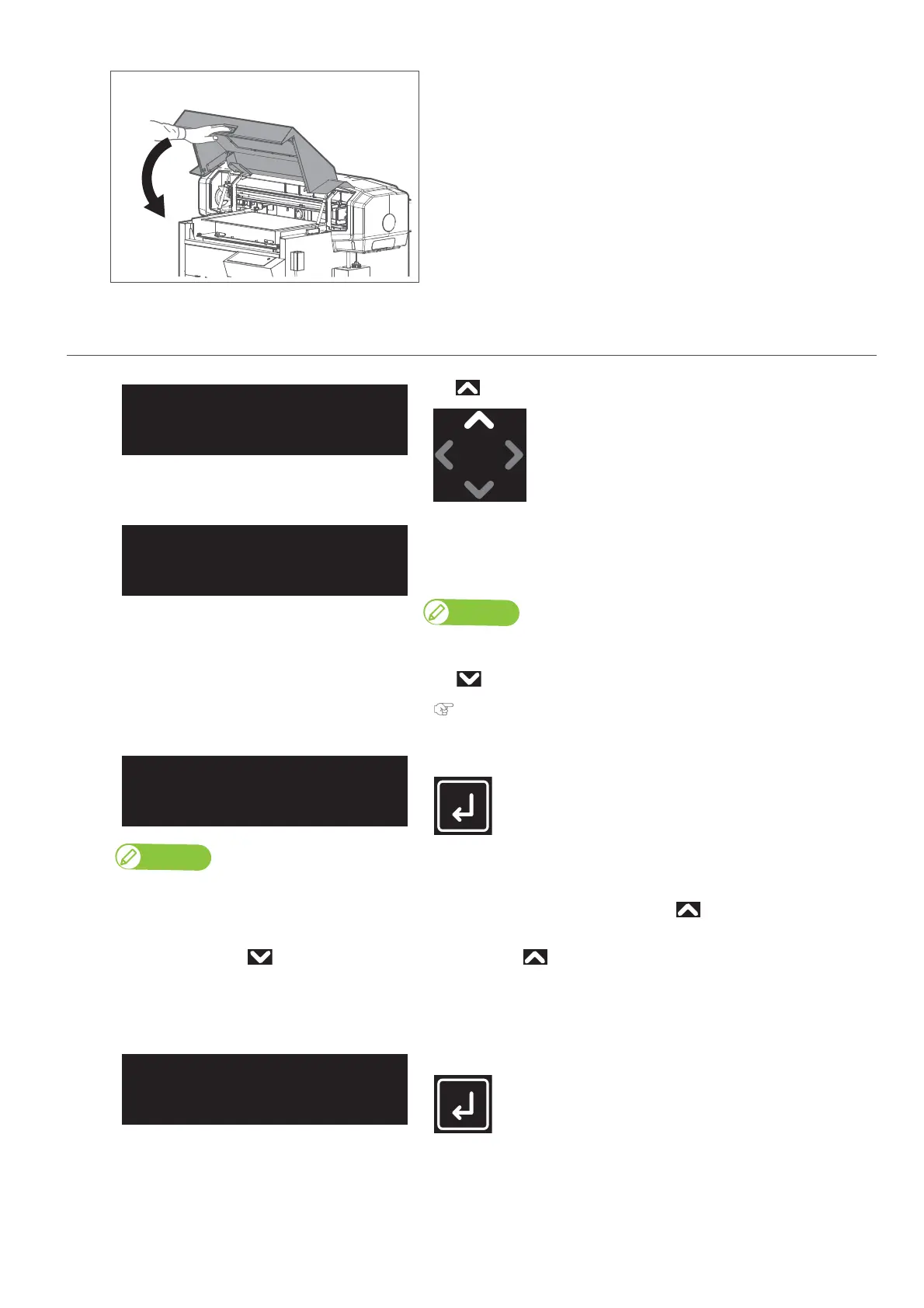
Hold the position shown on the left and gently close the cover.
4. Specify the print start position
[1]
Tap .
The message on the left will appear.
• The table will move inward, and a check will be run using the obstacle
sensor, to make sure that the media will not contact with the head.
Note
If the table is still positioned too high, the following will appear “Obstacle
Detected Tap [∨] key”.
Tap and readjust the table’s height.
"Adjusting the table’s height" P. 32
[2]
Tap [Enter].
• This menu only appears when the User Type are selected for the first time.
• If you select “On”, you will have to input the media width, media length and origin position after tapping each time you set a media on the
table.
• If you select “Off” via , “Ready to Print” will be displayed after tapping each time you set a media on the table.
In that case, the currently selected User Type values will be used for the media width, media length and origin position.
• Even if “Off” is selected, you can enter media height, obstacle detect, media size and origin position from the “**: Media Setting1 Set Media” by
tapping [Cancel] while the message “Print Ready” or “Set media, then Tap[ ∧ ] key.” appears on the panel.
[3]
Tap [Enter]
Setmedia,then
Tap[∧]key.
SetMedia
Start ー> Enter














 To Next Page