124 Cleaning
1. Performing Head cleaning
[1]
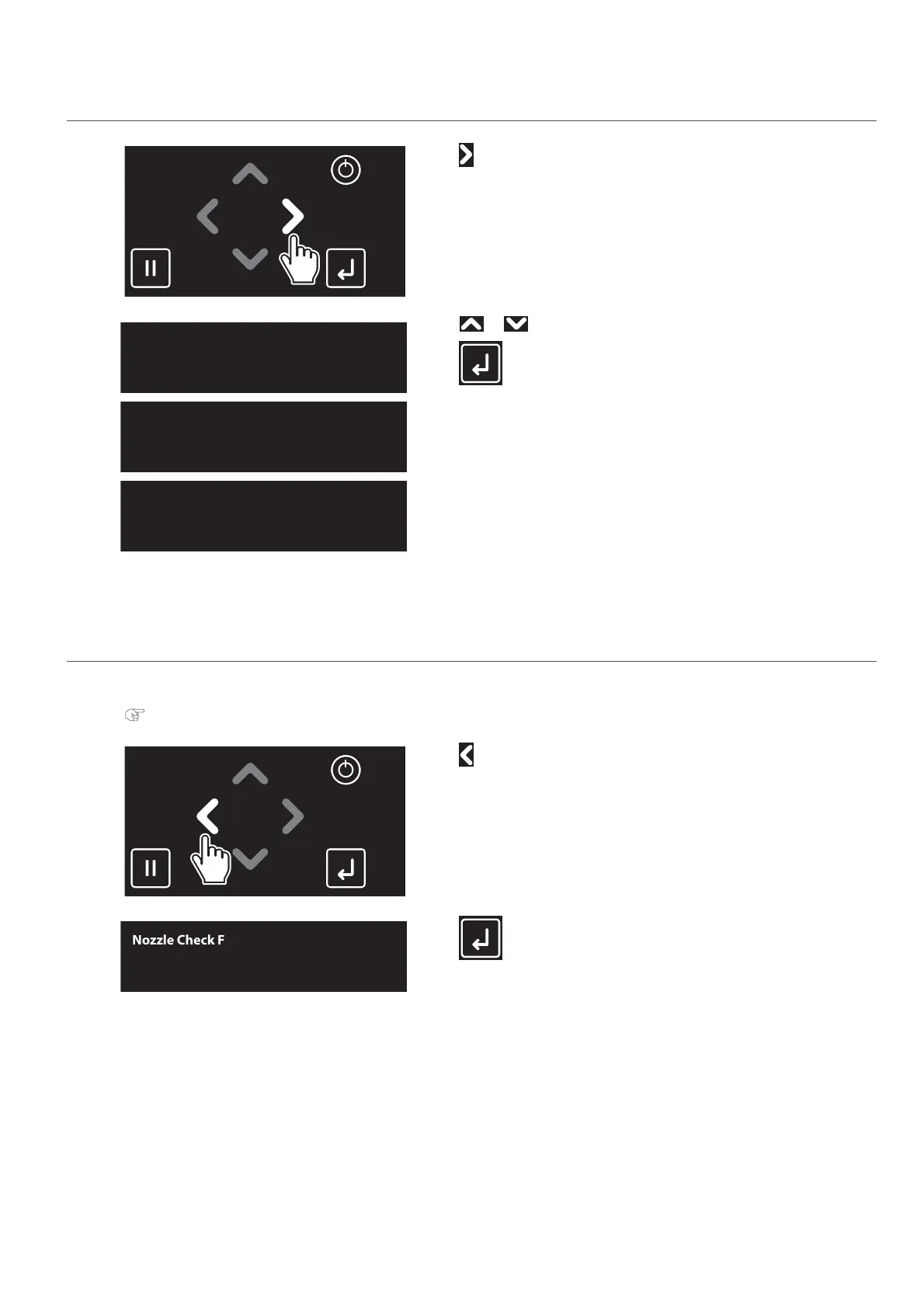
Tap .
[2]
Use or to choose the cleaning mode.
Tap (Enter).
• The printer will start cleaning.
[3]
Run a nozzle check.
2. Performing Nozzle check
[1]
Load a roll media to print the nozzle check pattern.
"Loading a roll media" P. 22
[2]
Tap .
[3]
Tap (Enter).
• The printer will print the nozzle check pattern.
Clean Print Head?
Short
Clean Print Head?
Normal
Clean Print Head?
Long
Nozzle Check F
Start -> Enter



 To Next Page