Troubleshooting 169
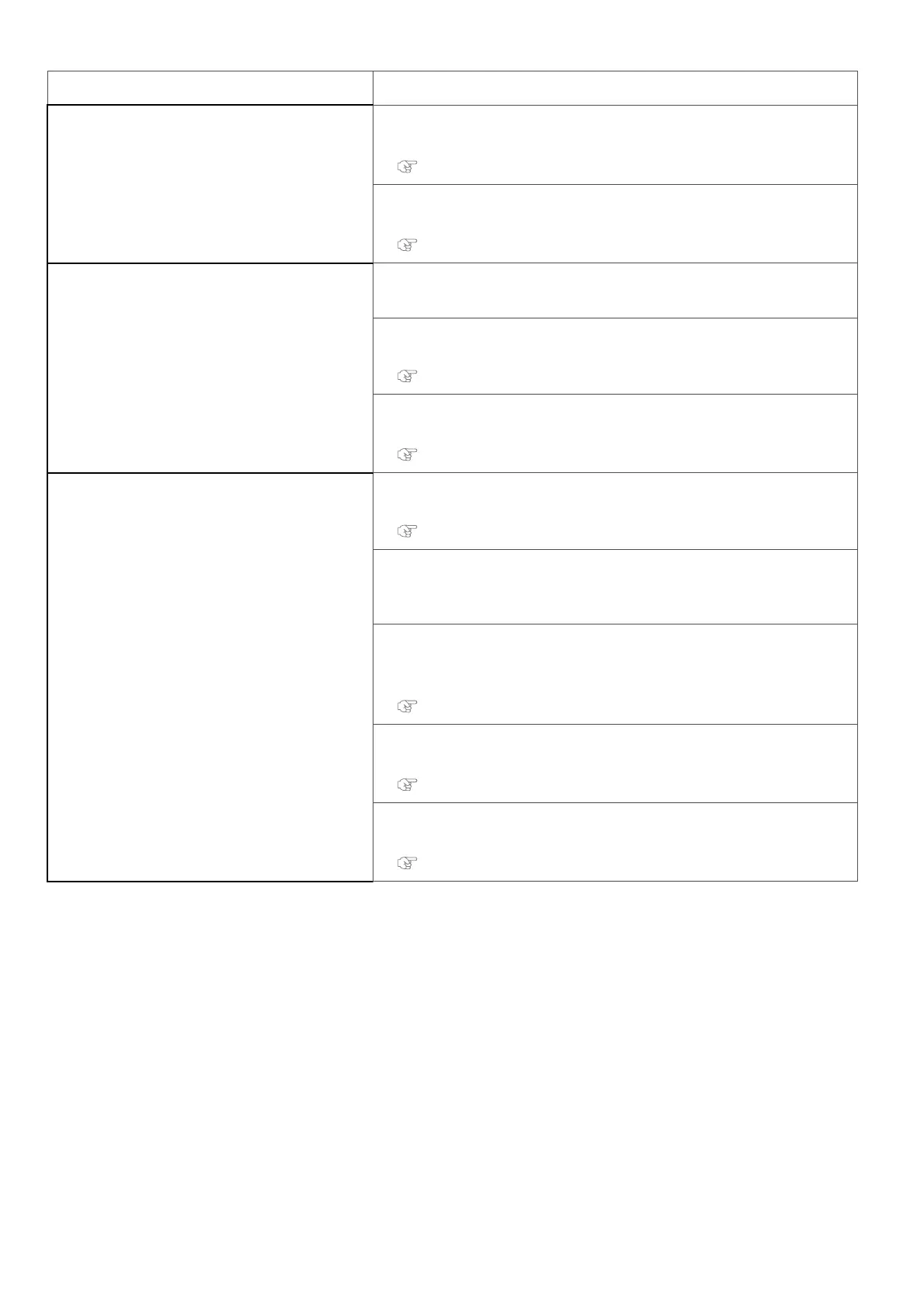
Symptom Possible cause and Remedy
The printing position is incorrect (some
parts of the media cannot be printed on).
Is the media loaded correctly?
• Load the media correctly.
"Loading a roll media" P. 22
Did you set up the origin?
• Cancel or reset the settings of the origin.
"Setup 8: Origin" P. 80
Printing is blurred.
Is the media printed on the printing surface?
• Check the printing surface of the media and set it correctly.
Did you perform Print quality adjustment?
• Perform Print quality adjustment.
"**>2: Adjust Print>" P. 62
Did you perform Media feed adjustment?
• Perform Media feed adjustment.
"**>3: PF Adjust" P. 68
White or black lines appearon printed
media.
Is the media loaded correctly?
• Load the media correctly.
"Loading a roll media" P. 22
Does the media contain moisture or are you using the creased or wrinkled
media?
• Replace it with the new media.
Are Nozzles in good condition?
• Perform Nozzle check.
• Then if nozzle missing is found, conduct cleaning.
"Nozzle check and cleaning" P. 31
Did you perform Print quality adjustment?
• Perform Print quality adjustment.
"**>2: Adjust Print>" P. 62
Did you perform Media feed adjustment?
• Perform Media feed adjustment.
"**>3: PF Adjust" P. 68



 To Next Page