Loading a roll media 23
If you want to apply torque to the media holders, follow the steps below.
[3]
Twist the handle clockwise to lock the flange.
Check that the flange is firmly locked.
If not, the media can be removed from the flanges, affecting the print
quality.
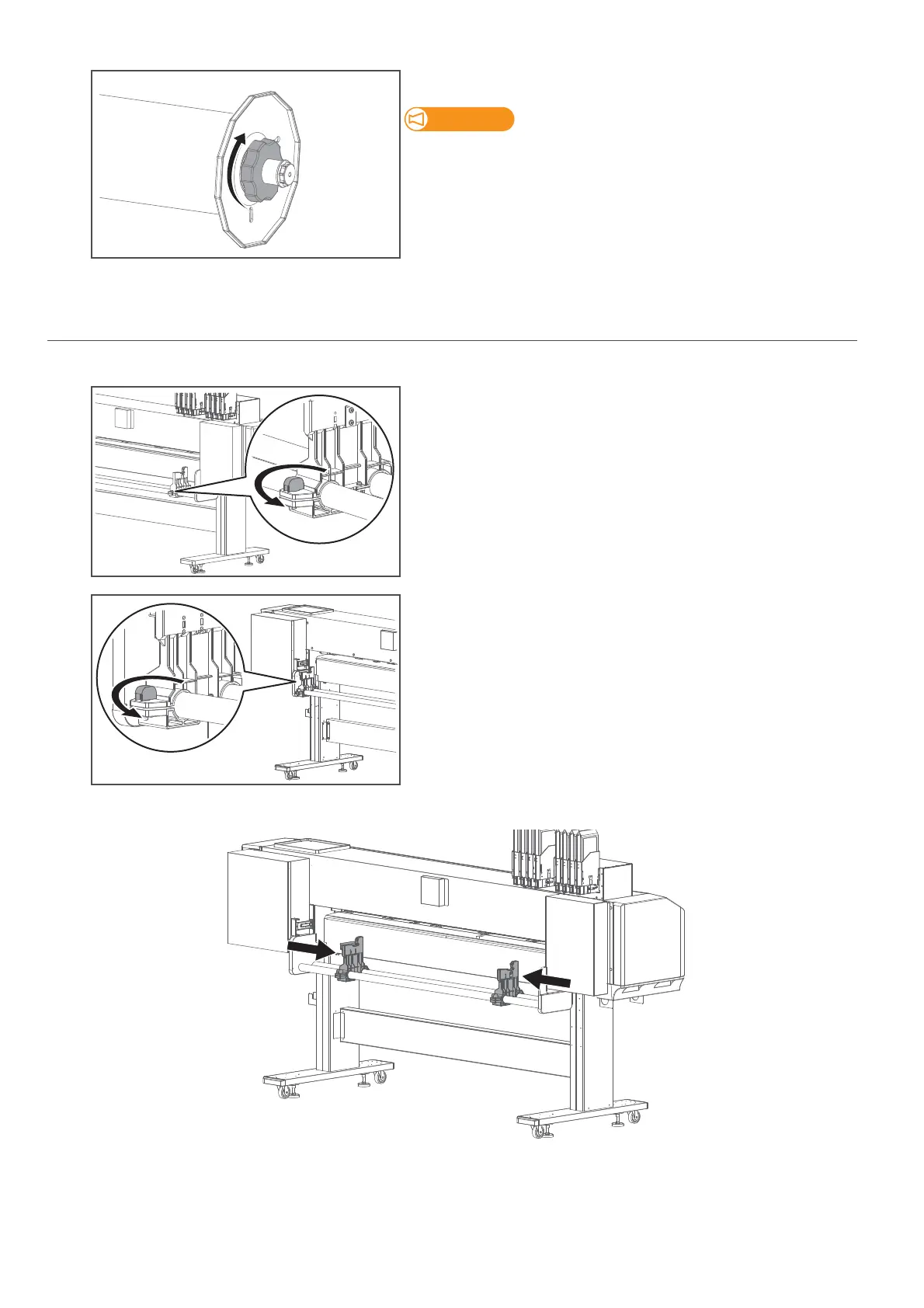
2. Enable torque on media holders
[1]
Twist the knob bolt on the right side of the media holder
anticlockwise to loosen.
[2]
Twist the knob bolt on the left side of the media holder anticlockwise
to loosen.
[3]
Slide both left and right media holders about 30 cm towards the center of the slider for easy access.
[4]
Tighten the knob bolts on both media holders.



 To Next Page