24 Loading a roll media
[5]
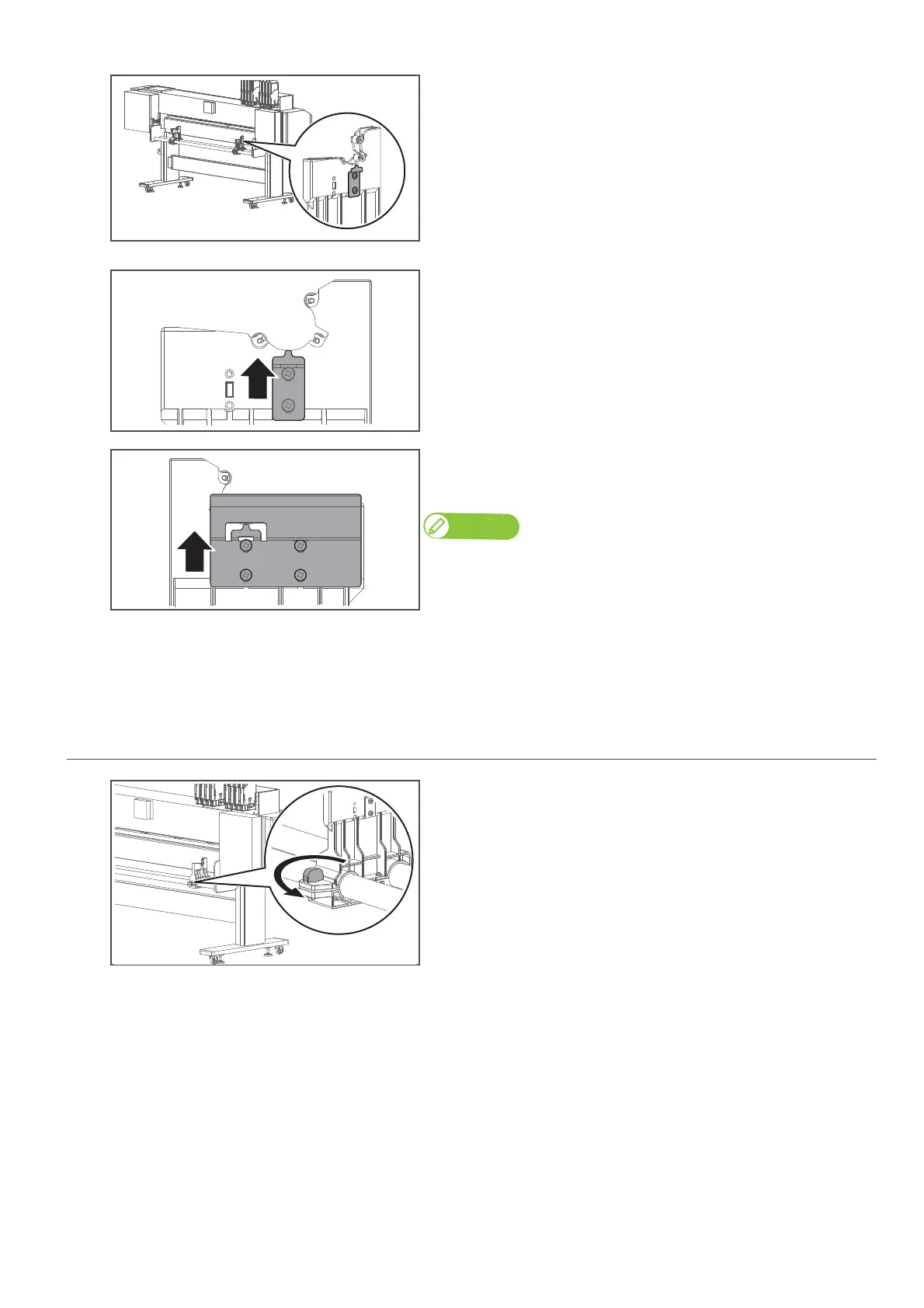
(When looking from the rear side of the printer) Use the screwdriver to
loosen two screws securing the roller shaft guide plate to the right
media holder.
[6]
Slide up the roller shaft guide plate as far as it will go and tighten the
screws.
[7]
Do the same for the left media holder to slide up the roller shaft guide
plate as far as it will go and tighten the screws.
Note
The shape, number of screws, and mounting location differ between left and
right guide plates.
[8]
Loosen the knob bolts and slide back both media holders to the original position.
[9]
Tighten the knob bolts.
3. Place the media onto the media holder
[1]
Twist the knob bolt on the right side of the media holder
anticlockwise to loosen.



 To Next Page