95
EN
hyperion - TECHNICAL MANUAL
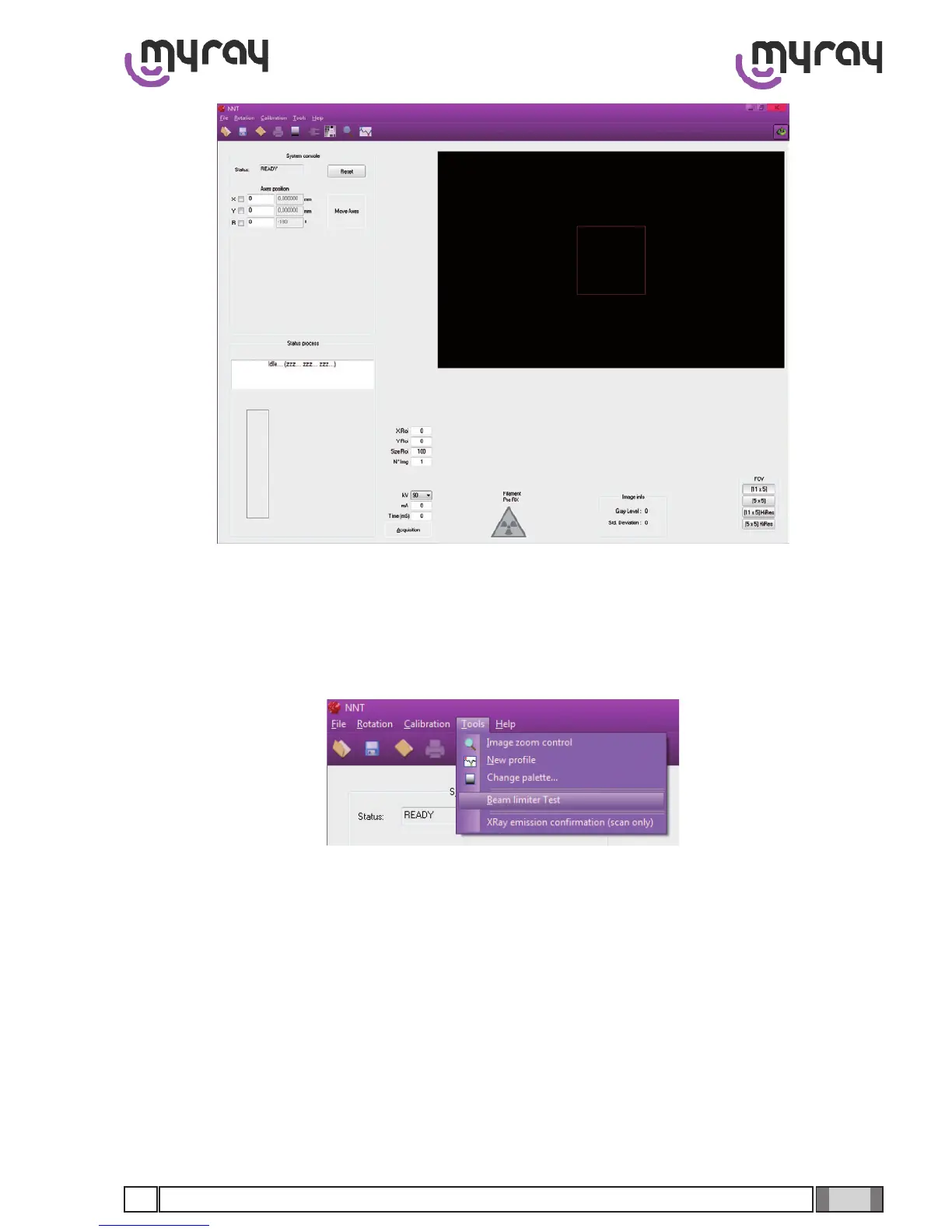
Press the “Reset” button, then select the “Tools ->Beam Limiter Test” menu.
On the bottom right corner of the window the list of the available FOV (Field Of View) is located.
Depending on the selected FOV the size of the green box drawn in the acquisition area will change; the purpose of this
calibrationistoconnetheirradiatedareainthegreenbox.Theredlineslocatedneartheedgesoftheboxrepresent
the available tolerance (the exposure ramp, transition between irradiated and not irradiated area, should be located
inside this tolerance)
Acquire an image (pressing the “Acquisition” button) using the with the following parameters: mA = 8, Time (mS) = 20,
The acquired image will appear on the right side of the window. Check the size of the irradiated area compared to the
green box.



 To Next Page