97
EN
hyperion - TECHNICAL MANUAL
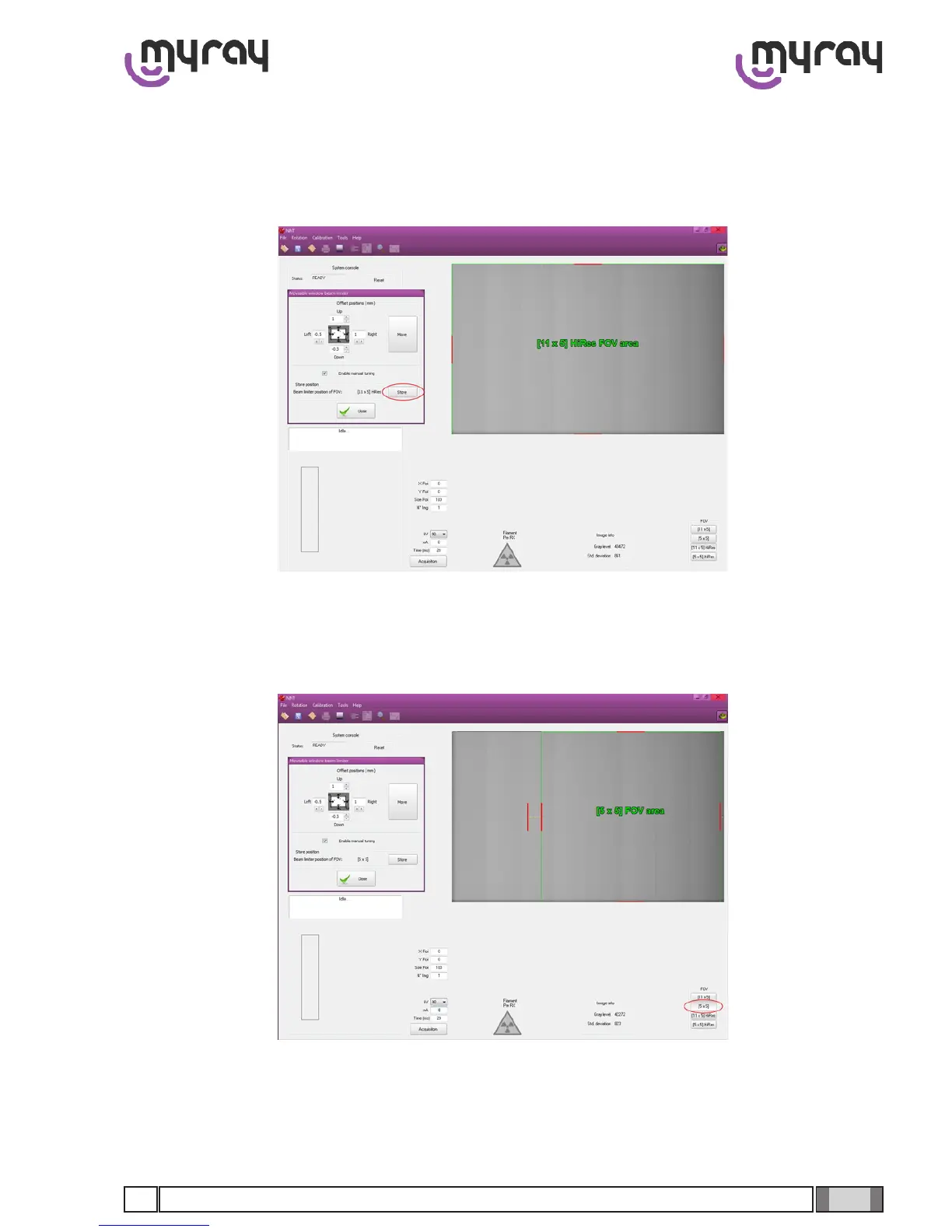
N.B. using the control buttons of each leaf is possible to perform single step of 0.5mm. In case a higher resolution step
is required (up to 0.1 mm) it can be achieved by typing the desired value.
Repeat the previous steps until the acquired image is correct. Once done select the “Store” button to save the current
collimator aperture.
Repeat the calibration for the other FOVs. For FOV with the same size (i.e., 5x5 Hi Res e 5x5 standard) the value will be
the same, so it is suggested to switch between the same FOVs and save each one before to readjusting the leaf values.



 To Next Page