Doc. Name: NMC-PRO ׀ User Guide Ver 3.05.03 Revision: 2.2 Page: 100
Crop Management Technologies
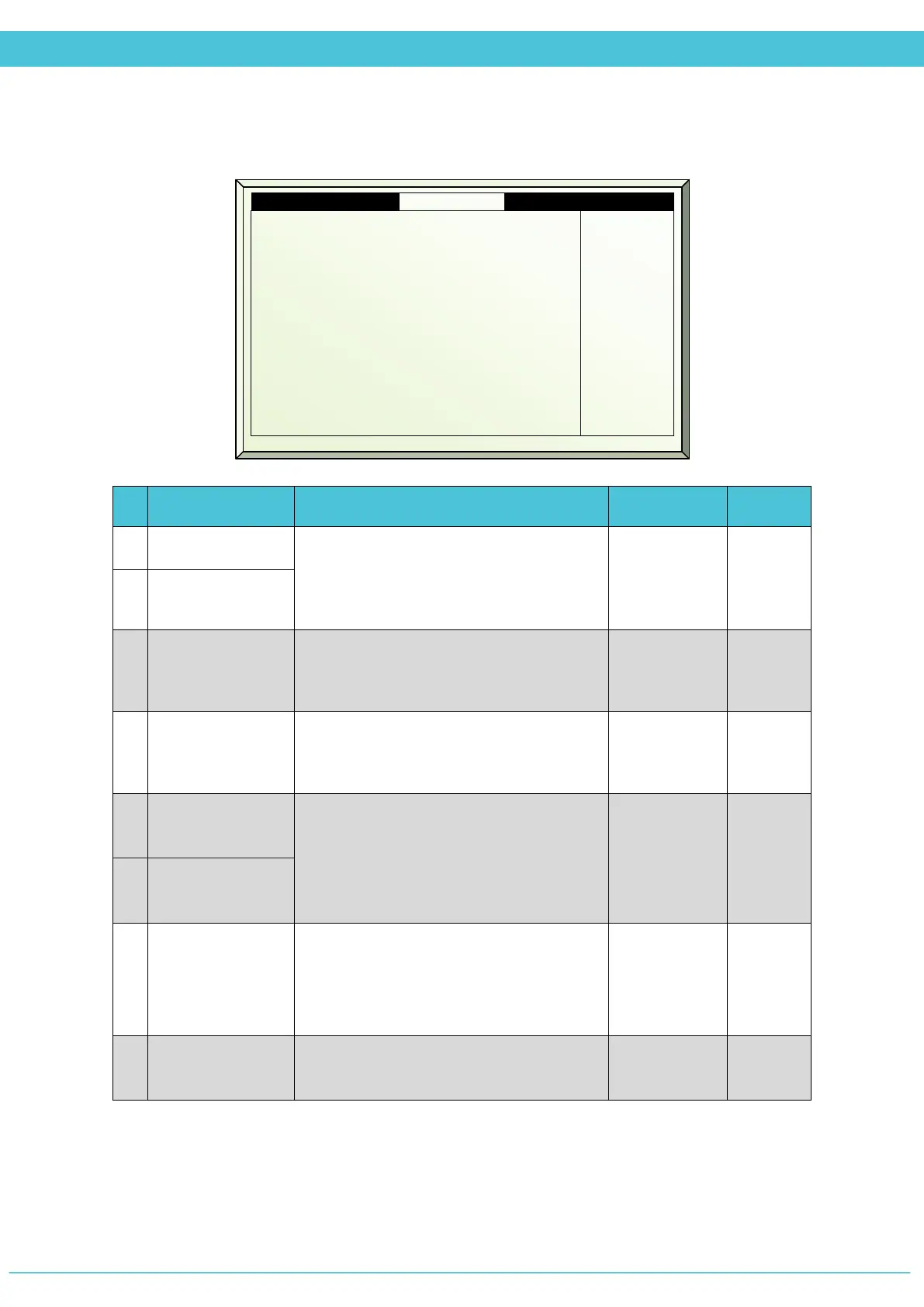
SETUP – LIGHT (MENU 7.9)
# Parameter Explanation Unit/Range Default
1.
Switch On Delay
When the controller needs to turn on/off
more than one string, the system waits
the time defined in this parameter to
delay between the switches.
mm:ss 00:00
2.
Switch Off Delay
3.
Off Level
Radiation Sum
Total accumulated radiation from
midnight that will result in turning off the
lights.
0 - 15000
W/m
2
15000
4.
Time to reset
Radiation Sum
The counter for the radiation sum should
be reset once a day. Define at what time
of the day the reset should occur.
hh:mm 00:00
5.
Minimum On
time
The minimum time the string can be
on/off.
hh:mm 00:00
6.
Minimum Off
time
7.
String rotation
Yes – operates the light string according to
the Light Program and working hours
counter
No – operates in successive order
Yes/No No
8.
Reset working
hours counter
Option to reset the working hours
counter. This is a onetime event.
Yes/No No
7.9 Light setup Zone 1 19/01/09 16:21
2. Switch Off delay mm:ss
3. Off level radiation sum W/m
2
4. Time to reset radiation sum
5. Min On time hh:mm
6. Min Off time hh:mm
7. Rotation
8. Reset working hours counter
00:03
15000
07:00
00:05
00:03
No
No



 To Next Page