Doc. Name: NMC-PRO ׀ User Guide Ver 3.05.03 Revision: 2.2 Page: 36
Crop Management Technologies
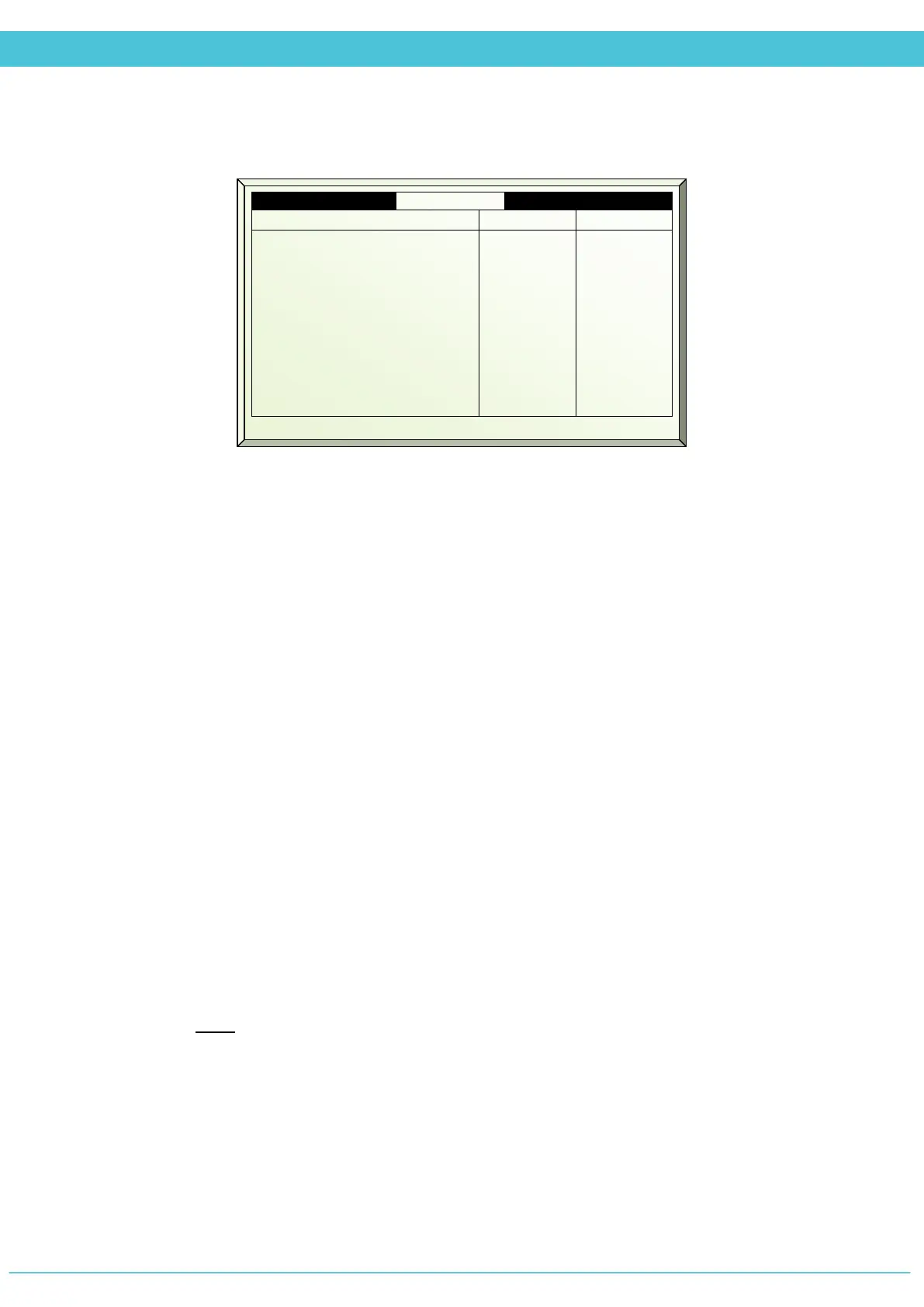
STATUS – SCREEN (MENU 4.2)
1. Screen # - Screen number corresponding with the Digital Outputs – System
Installation menu
2. Active as – Represents what is the current screens function (energy/shading)
3. Max Position % - Displays the maximum position percent as defined in the Screen
Setup menu
4. Min Position % - Displays the minimum position percent as defined in the Screen
Setup menu
5. Calculated temp gap – Displays the percentage of how much the screen should be
collected/spread due to the temperature gap
6. Calculated humidity gap – Displays the percentage of how much the screen should
be collected/spread due to the humidity gap
7. Calculated energy saving – Displays the quantity of energy conserved within the
green house (in percent)
8. Radiation limit – Displays the limit above/below which the screen will spread/collect
9. Limitation – Restrictions on calibration due to higher priority processes
10. Condition valid – Displays if all defined triggers are met for activation of screen
spread
NOTE: Shading: Only one trigger needs to be met to activate screen spread
Energy: ALL triggers must be met for activation of screen spread
11. Calculated screen position – Calculated screen position
12. Measured screen position – Displays the current screen position
1
3. Max Position %
4. Min Position %
5. Calc. temp gap %
6. Calc. humidity gap %
7. Calc. energy saving %
8. Calc. rad limit w/m2
9. Limitation
10. Condition valid
11. Calc. screen position
12.
Meas. screen position
100
0
20
0
20
0
None
No
0
0
90
0
0
30
0
0
Light
Yes
30
30



 To Next Page