Doc. Name: NMC-PRO ׀ User Guide Ver 3.05.03 Revision: 2.2 Page: 38
Crop Management Technologies
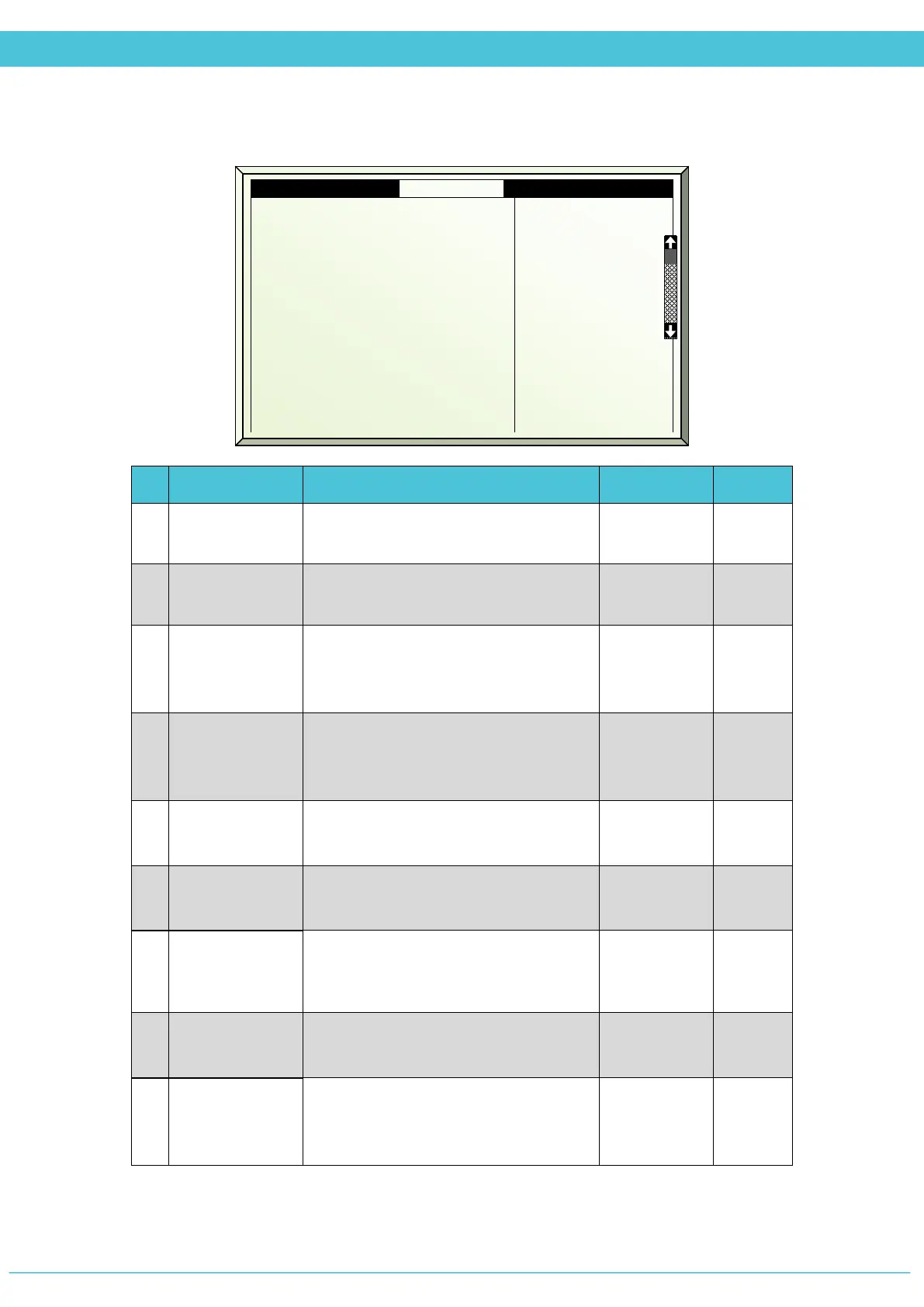
SETUP – SCREEN (MENU 7.2)
# Parameter Explanation Unit/Range Default
1.
Screen #
There are two screens available per
zone.
-- No
2.
Released
Define YES in order to allow the screen
to be released.
Yes/No
3.
Screen
Minimum
Position
The minimum allowed position of the
screen
0 - 100% 0
4.
Screen
Maximum
Position
The maximum allowed position of the
screen
0 - 100% 100%
5.
Energy Step
Size
The size of the energy screen’s step
0 - 100% 100%
6.
Energy Step
delay
Delay between screen steps during
spreading of the screen
mm:ss 00:00
7.
Spread Above
Position
The energy screen will spread to 100%
(in one step) once above the value
defined in this parameter
0 - 100% 70%
8.
Use Light
Influence
The screen spreading can be influenced
by existence of light
Yes/No No
9.
Screen
Position when
light is ON
Set the screen position percentage
when a light event occurs
0 - 100% 0
1. Screen #
2. Released
3. Min Position %
4. Max Position %
5. Energy Step Size %
6. Energy Step delay mm:ss
7. Spread above Position %
8. Use light influence
9. Pos. when light ON %
10. Pos. when ext. cont. %
11. Use F&P influence
12. Pos when F&P %
13. Rad delay Spread m:ss
1
Yes
0
100
10
00:30
70
No
0
0
No
0
03:00
2
Yes
10
90
10
00:30
85
No
0
0
No
0
00:00



 To Next Page