Doc. Name: NMC-PRO ׀ User Guide Ver 3.05.03 Revision: 2.2 Page: 69
Crop Management Technologies
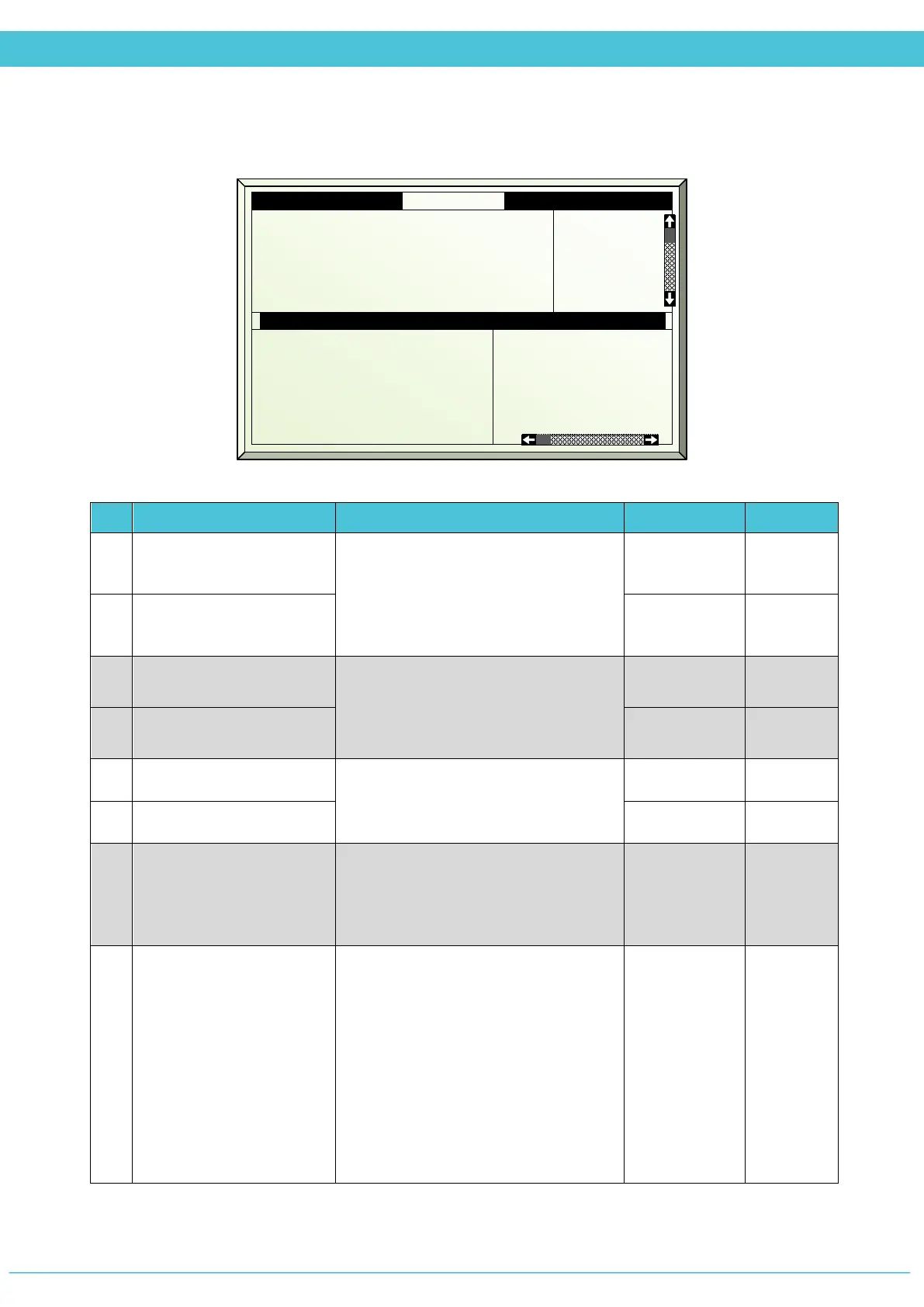
SETUP – FAN & PAD (MENU 7.5)
# Parameter Explanation Unit/Range Default
1.
Stage on delay
If there are two or more fan stages
that need to turn on/off at the same
time, then define a delay between
each fan stage to turn on/off so that
they do not turn on/off at once.
mm:ss 00:20
2.
Stage off delay mm:ss 00:12
3.
Pad pump start temp
The pad pump may start and stop
according to the temperature inside
the greenhouse (even if the fan stage
is not working).
o
C 25.5
4.
Pad pump stop temp
o
C 23.0
5.
Fan min on time
Each fan stage works according to the
defined minimum on time and the
minimum off time.
mm:ss 00:00
6.
Fan min off time mm:ss 00:00
7.
Air inlet temp curve
The air inlet should be opened when
the fan stages are active. The curve
defines a four point table for
Position(%) in relation to the temp
% - °C -
8.
Temperature difference
pump off
If the difference between the
temperatures inside the greenhouse to
the temperature outside is more than
the set point, the pad pump will turn
off.
Example:
Temp diff pump-off is set to 9°C. If the
outside temp is 20
o
C and the inside
temp is 30
o
C, then the pad pump will
turn off.
o
C 10
1. Stages on delay mm:ss
2. Stages off delay mm:ss
3. Pad Pump start temp °C
4. Pad Pump stop temp °C
5. Fan min on time mm:ss
6.
Fan min off time mm:ss
00:20
00:12
25.5
23.0
00:15
00:12
10. Fan stage #
11. F.stage when rain
12. F.stage when storm
13. F.stage when frost
14. F.stage w.ext cont.
15. When screen spread
1
Prog
Prog
Prog
Prog
Prog
2
Prog
Prog
Prog
Prog
Prog
3
Prog
Prog
Prog
Prog
Prog



 To Next Page