Doc. Name: NMC-PRO ׀ User Guide Ver 3.05.03 Revision: 2.2 Page: 51
Crop Management Technologies
LOG & HISTORY – APPLICATION HISTORY - HEATING (MENU 5.2.3)
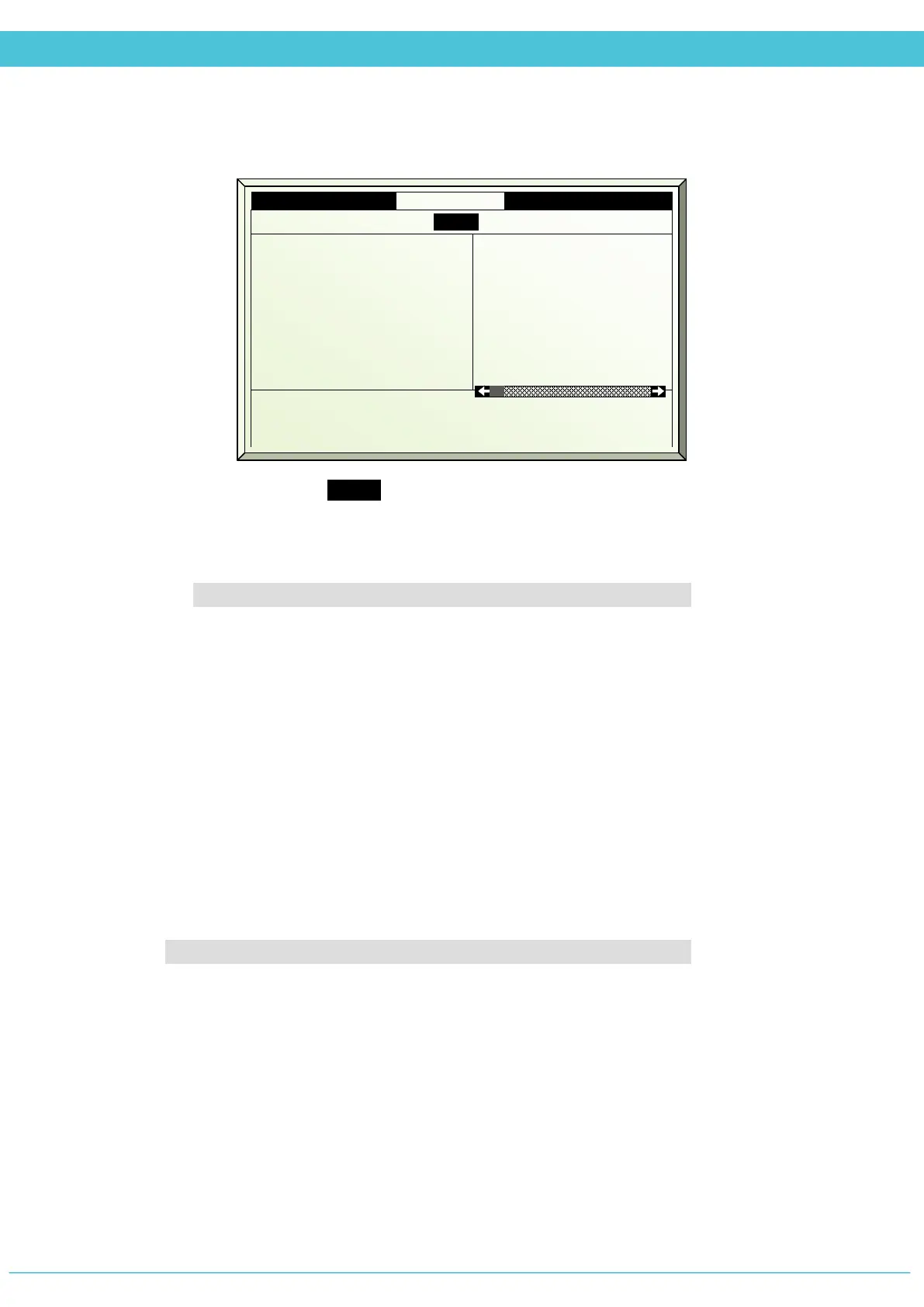
History includes the last X day/s – Define the number of days until current date to display
history data (1 day – 7 days)
1. Network # - Heating network or number corresponding with data displayed below
Data displayed from 2-6 is relevant for Water Heating Network only
2. Pump total hrs hh:mm – Accumulated pumps operation time over the last X
day/s
3. HS Pump total hh:mm - Accumulated high speed pump operation time over
the last X day/s
4. LS Pump total hh:mm - Accumulated low speed pump operation time over
the last X day/s
5. Max water temp °C – The highest temperature that was measured within
the last X day/s
6. Min water temp °C - The lowest temperature that was measured within the
last X day/s
Data displayed for 7 is relevant for ON/OFF Heating only
7. On/Off time on hh:mm – Accumulated ON/OFF heating time over the last X day/s
History includes the last 5 days
2. Pump total hrs hh:mm
3. HS Pump total hh:mm
4. LS Pump total hh:mm
5. Max water temp °C
6. Min water temp °C
7. On/Off time on hh:mm
---
---
---
---
---
34:00
47:00
20:00
27:00
90
30
---



 To Next Page