Doc. Name: NMC-PRO ׀ User Guide Ver 3.05.03 Revision: 2.2 Page: 104
Crop Management Technologies
LOG & HISTORY
CLIMATE ZONE
History (Menu 5.1.1)
NOTE: Must define the SETTINGS menu before being able to view the HISTORY!
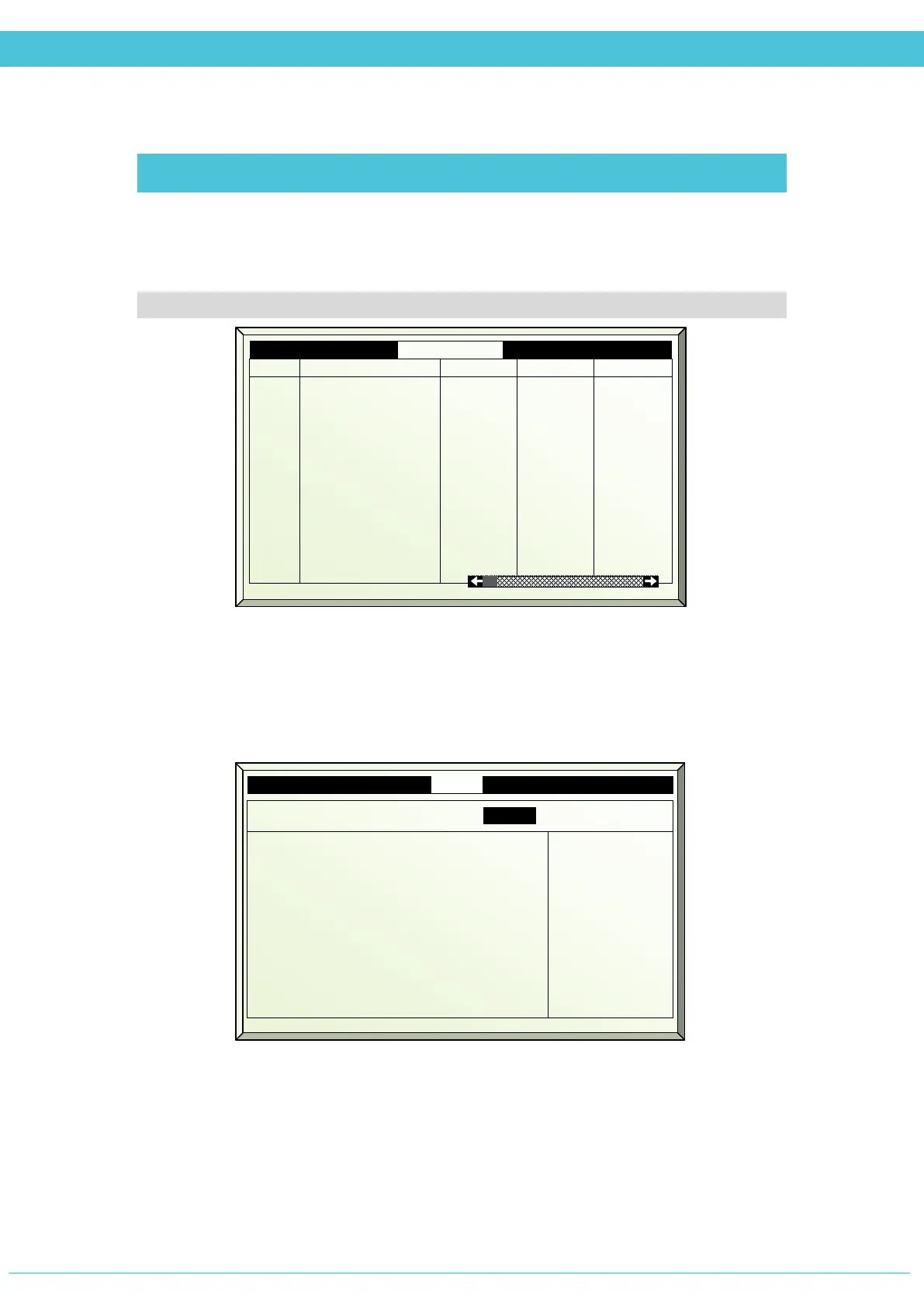
Displays all data collected by sensors that are defined in the SETTINGS (Menu 5.1.2),
according to the History resolution interval defined.
Settings
Define in the History resolution interval how often the controller will record the sensor
readings. Check-mark the sensors desired for the controller to record in the Climate Zone –
History.
2
3
4
5
6
7
18/01/09 22:00
18/01/09 21:00
18/01/09 20:00
18/01/09 19:00
18/01/09 18:00
18/01/09 17:00
18.0
18.5
19.0
19.0
20.0
21.0
18.1
18.6
19.0
19.0
20.1
21.0
18.0
18.4
18.9
19.0
20.0
21.0
5.1.2. Sensors Set ZONE 1
1. History resolution interval 15 min.
3. Temperature Sensor 1
4. Temperature Sensor 2
5. Temperature Sensor 3
6. Temperature Sensor 4
7. Water Temp. Network 1
8. Water Temp. Network 2
9. Water Temp. Network 3
10. Water Temp. Network 4
11. Water T.Ret. Manifold
12.
Water T. Supl. Manifold
√
√
√
√
√
---
---
---
√
√



 To Next Page