Doc. Name: NMC-PRO ׀ User Guide Ver 3.05.03 Revision: 2.2 Page: 71
Crop Management Technologies
SETUP – SYSTEM CALIBRATION – FAN & PAD INLET (MENU 7.10.3)
NMC Pro supports two calibration methods:
• Manual Calibration
• Automatic Calibration
Manual Calibration
At regular intervals, calibrate the air inlets to maintain accurate performance. There are two
different calibration methods depending on the way the air inlet movement is measured:
•
Time (air inlet curtain is controlled by the running time)
•
Measured (performed when Air Inlet Position sensor is installed)
Table 3: Fan and Pad Inlet Calibration Course of Action
TIME MEASURED
1. Make sure all manual switches of the
electrical switch board are set to the
AUTO position
1. Make sure all manual switches of the
electrical switch board are set to the
AUTO position
2. Set the Drive vent % 0% 2. Set the Drive vent % 0%
3. Verify visually that the vent is completely
closed
3. Verify visually that the vent is completely
closed
4. Change Calibrate now
YES 4. Change Calibrate now
YES
5. Wait until the Calibrate now changes
back to NO
5. Wait until the Calibrate now changes
back to NO
6. Set the Drive vent % 100%
6. Set the Drive vent % 100%
7. Verify visually that the vent is completely
opened
7. Verify visually that the vent is completely
open
8. Change Calibrate now
YES 8. Change Calibrate now
YES
9. Wait until the Calibrate now changes back 9. Wait until the Calibrate now changes
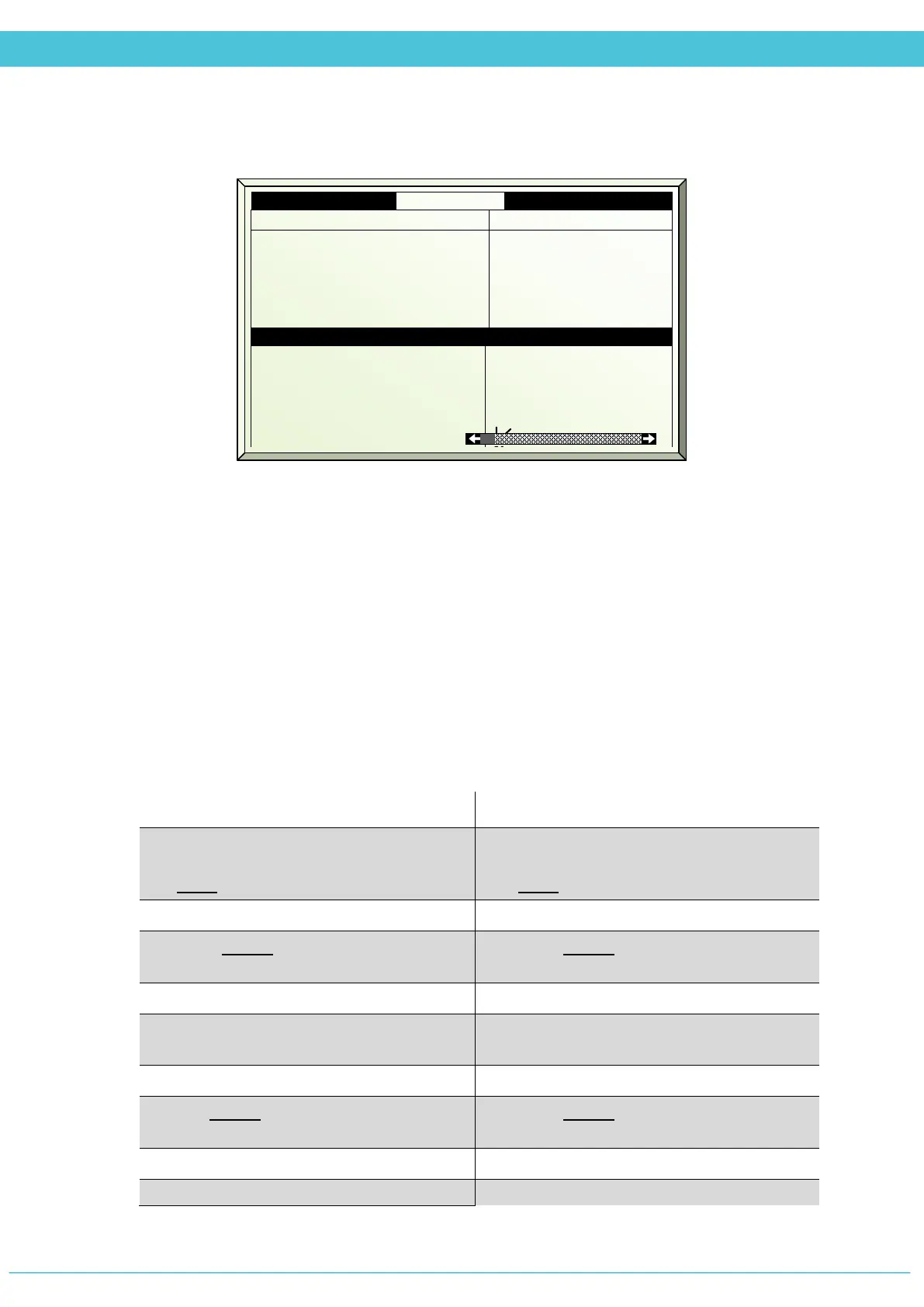
1. AirInlet # 1
2. Drive F&P inlet %
3. Calib pos %
4. Calibrate now
5. Auto Calib
6. Auto Calib hh:mm
None
0
No
Off
00:00
Measurements
8. Measured pos %
9. Control type
10. Measured mV
11. Curve mV-%
81
Time
0



 To Next Page