Doc. Name: NMC-PRO ׀ User Guide Ver 3.05.03 Revision: 2.2 Page: 29
Crop Management Technologies
# Parameter Explanation Unit/Range Default
21.
Maximum
Vent lee (Max.
Wind)
Maximum vent opening on the lee/wind
side when wind speed is above the
Maximum Wind for Vent Influence.
% (0 – 100) 5
22.
Maximum
Vent wind
(Max. Wind)
% (0 – 100) 0
Notes:
• To change the wind speed scale to m/sec, go to Set Up > System Calibration >
Weather Station > Parameter 7 (Wind Speed Unit).
• If conditions are such that both rain and wind limit the maximum vent opening,
NMC employs the more restrictive parameter. For example, if Maximum lee when
Rain is set to 50% and Maximum Vent lee (Max. Wind) is set to 75%, the vent opens
to 50%.
• Status Window (Status – Vent (Menu 4.1), page 25) displays an event If the wind
speed is influencing the vent opening,
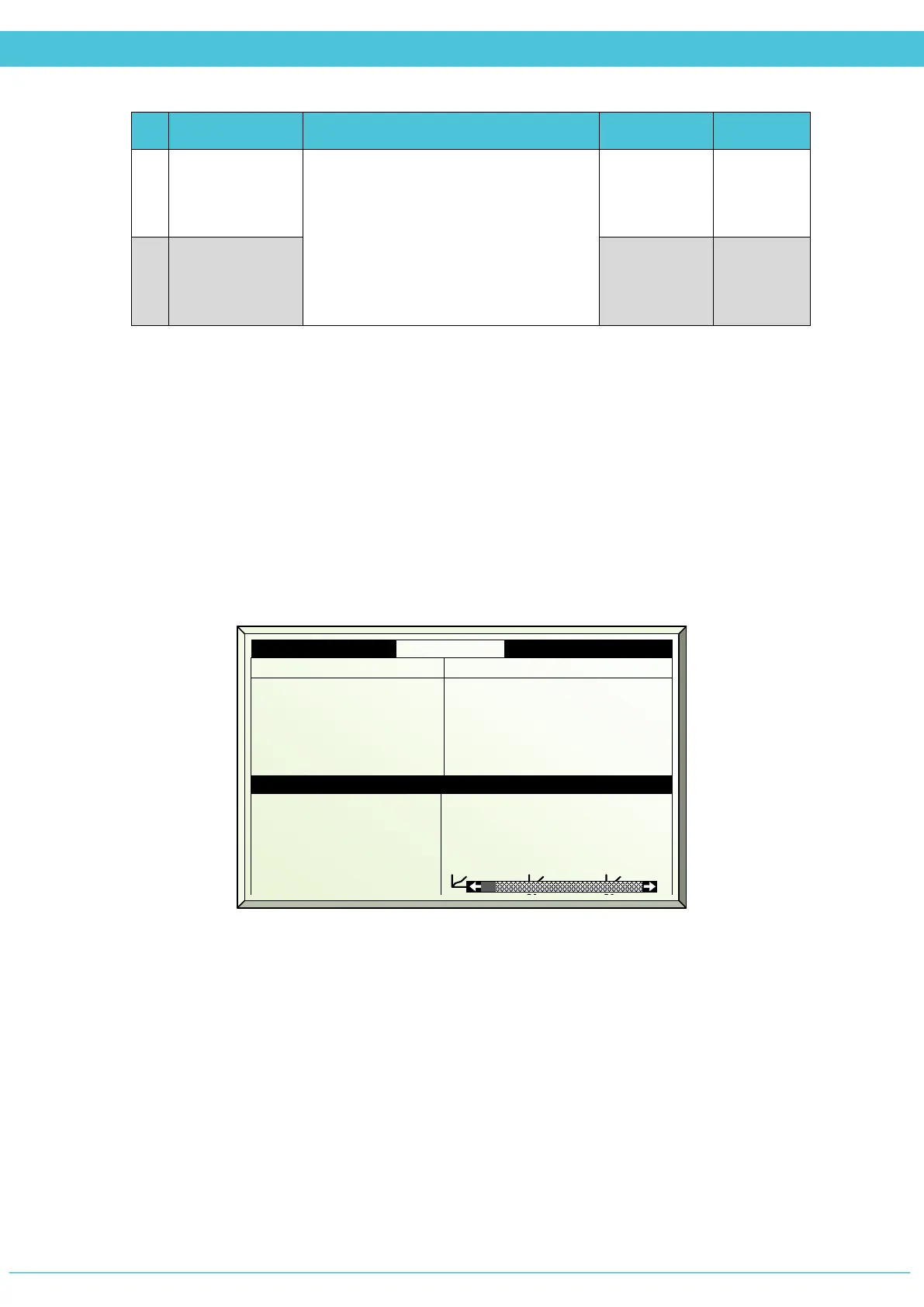
SETUP – SYSTEM CALIBRATION – VENTS (MENU 7.10.1)
NMC Pro supports two calibration methods:
• Manual Calibration
• Automatic Calibration
7.10.1 Vents Zone 1 19/01/09 16:21
3. Calib pos %
4. Calibrate now
5. Auto Calib
6. Auto Calib hh:mm
0
No
Off
00:00
0
Yes
Off
00:00
100
No
Off
00:00
8. Measured pos %
9. Control type
10. Measured mV
11. Curve mV-%
45
Meas.
0
60
Time
3000
0
Time
120



 To Next Page