Doc. Name: NMC-PRO ׀ User Guide Ver 3.05.03 Revision: 2.2 Page: 94
Crop Management Technologies
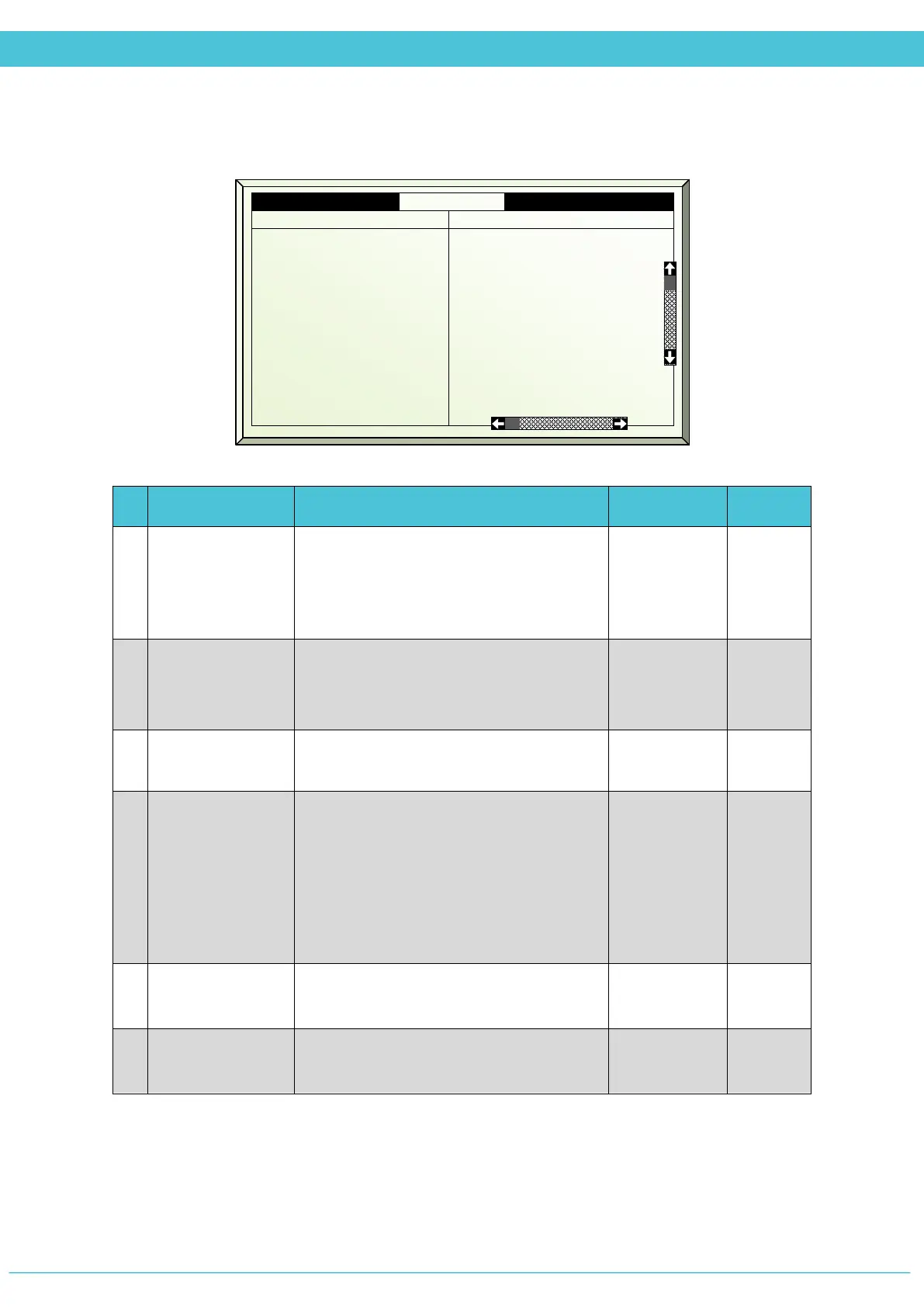
SETUP – CROP PROTECTION (MENU 7.8)
# Parameter Explanation Unit/Range Default
Start day/time
Displays the specified date and time
(defined in the Crop Protection Program)
for operation of the Crop Protection.
*Cannot be edited
1.
Phase
There are 4 phases – Prepare, Spray,
Process, and Purge.
*This line serves as a title of the column
2.
Active
Updated by the controller
(For indication only)
Yes/No
3.
Use Fan stage
Select if to use fan stages along with the
crop protection.
Free – according to Fan&Pad program
Yes – allows activation per fan stage 1-8
No – disables fan stages during crop
protection
Free/Yes/No No
4.
F&P inlet
position %
The minimum position of the air inlet, in
order to operate the fan stage/s.
0 - 100% 0
5-12
Use fan stage
(1-8)
Select if to enable the fan stage (1-8) in
this phase
Yes/No
7.8 Crop Prot. Set Zone 1 19/01/09 16:21
Start day/time 30/Nov 6:00
2. Active
3. Use fan stage
4. F&P inlet pos %
5. Use fan stage 1
6. Use fan stage 2
7. Use fan stage 3
8. Use fan stage 4
9. Use fan stage 5
10. Use fan stage 6
11. Use fan stage 7
No
Yes
10
Yes
No
No
No
No
No
Yes
No
No
No
No



 To Next Page