Doc. Name: NMC-PRO ׀ User Guide Ver 3.05.03 Revision: 2.2 Page: 27
Crop Management Technologies
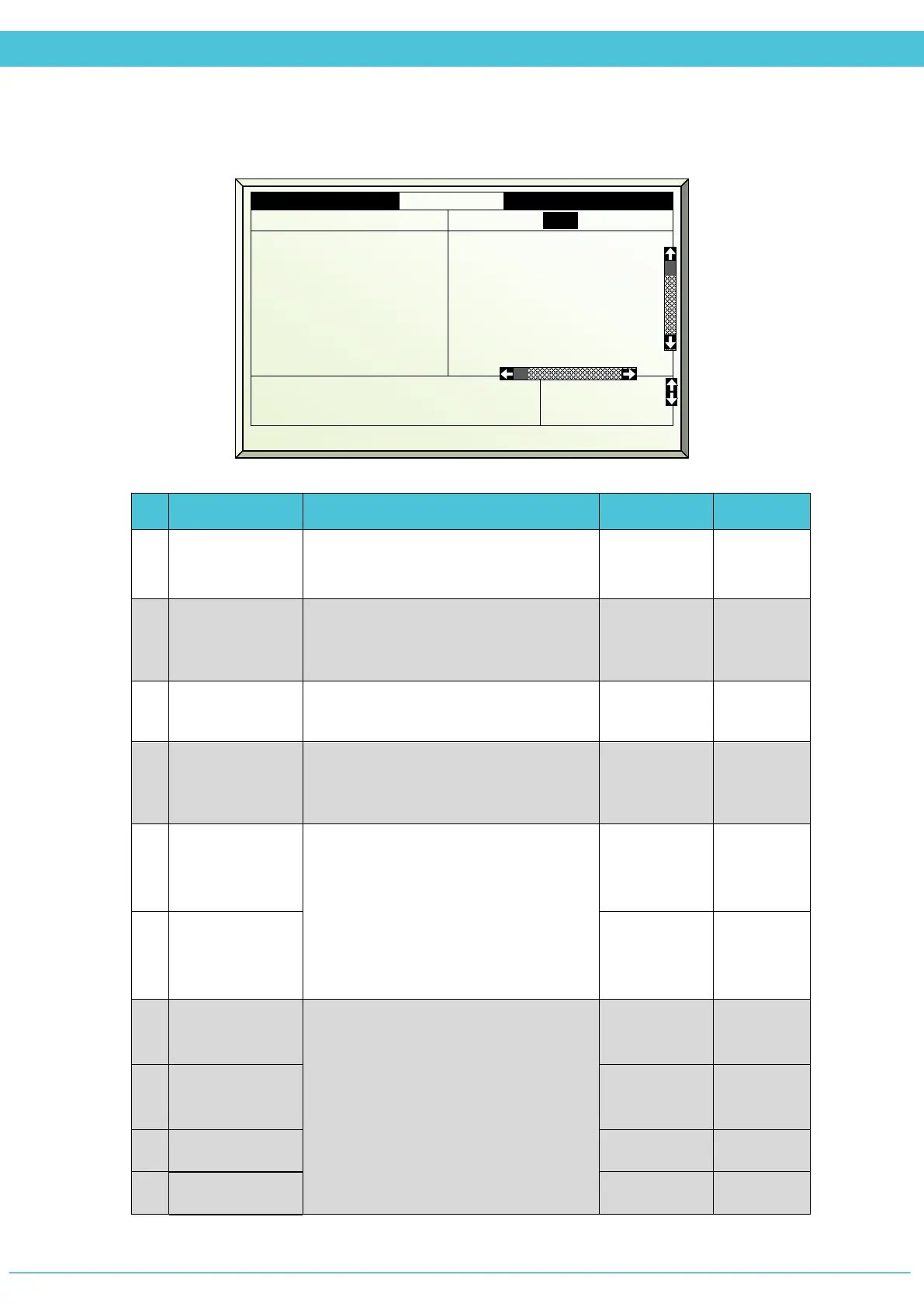
SETUP – VENT (MENU 7.1)
# Parameter Explanation Unit/Range Default
1.
Vent Control
Select the vent control type desired
to be defined
Top 1-4
Long Side
2.
Period
It is possible to divide the day up to 6
periods. You can decide if the period is
On/Off
-- No
3.
Active
Updated by the controller
(For indication only)
Yes/No
4.
Start Time
Start Time of the period. The next
period START TIME overrides the
previous period.
hh:mm --:--
5.
Temp.
difference
Wind open
Set the temperature difference in
degrees from the desired temperature
to open to 100% (The desired
temperature which is the fully closed
position, is defined as the Top/Side
temp in the Vent Program menu 1.1)
Degrees 4
o
C
6.
Temp.
difference Lee
open
Degrees 3
o
C
7.
Max Vent
Wind
Set the maximum and minimum
positions of the vents allowed during
the specific period
0 - 100% 100%
8.
Min Vent
Wind
0 - 100% 0%
9.
Max Vent Lee 0 - 100% 100%
10.
Min Vent Lee 0 - 100% 0%
1.
Vent control
Top1
3. Active
4. Start hh:mm
5. Temp diff wind °C
6. Temp diff lee °C
7. Max vent wind %
8. Min vent wind %
9. Max vent lee %
Yes
06:00
5.0
5.0
80
5
90
No
No
18:00
4.0
5.0
70
10
85
11. Min step size %
12. Vent wind when rain %
10
0



 To Next Page