Doc. Name: NMC-PRO ׀ User Guide Ver 3.05.03 Revision: 2.2 Page: 32
Crop Management Technologies
SCREEN
PROGRAM – SCREEN (MENU 1.2)
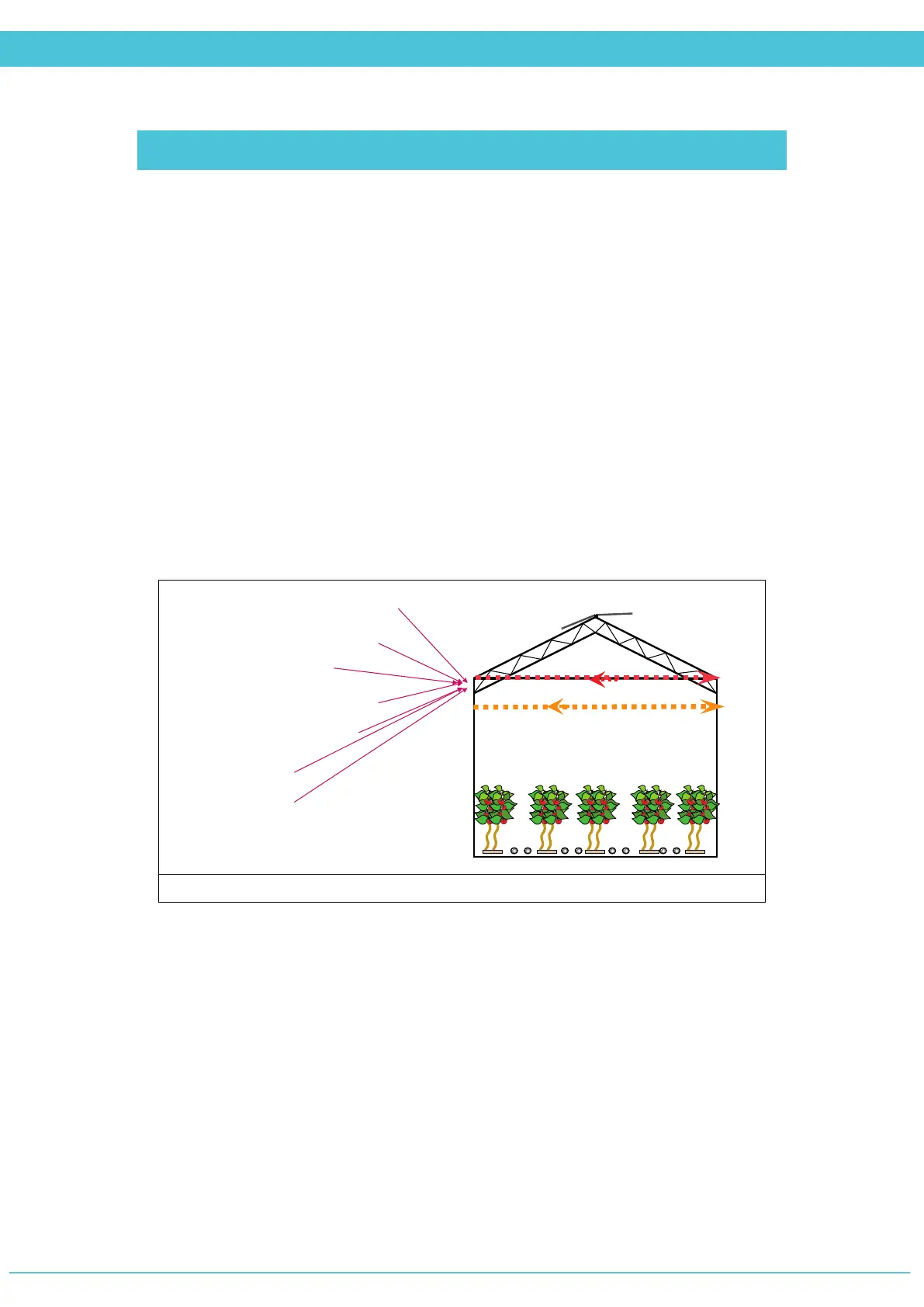
The goal of the Screens process is to maintain certain energy in the green house. The Screen
control manages the screens operation according to the conditions of the greenhouse. The
monitoring and operation is done per zone; the system operates each screen individually,
and each day is divided into several periods.
There are different types of screens, such as: energy, shading or black out, each screen type
effects the environment of greenhouse differently.
Emergency cases like rain, storm or frost are monitored continuously. In such events, the
controller reacts according to the configuration. The screen control should operate in
cooperation with other controls like fan & pad, vent, etc.
There may be up to two screens per zone defined in the system.
1. Light (radiation).
2. Temperature.
3. Humidity.
4. Heat demand.
5. Wind speed.
6. Time.
7. Snow.
Factors which effect the screen position



 To Next Page