Doc. Name: NMC-PRO ׀ User Guide Ver 3.05.03 Revision: 2.2 Page: 35
Crop Management Technologies
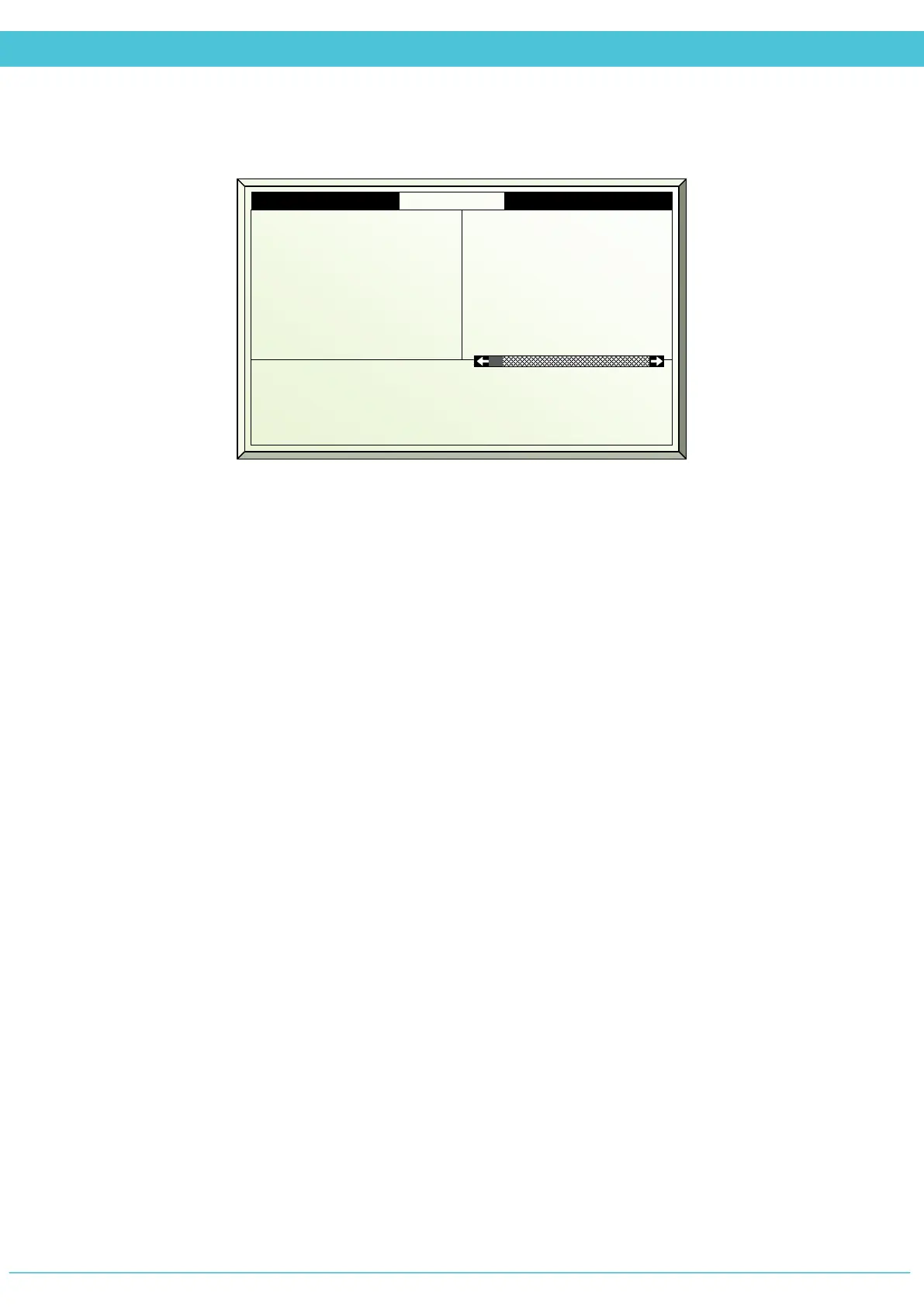
MANUAL – SCREEN (MENU 2.2)
1. Screen # - The corresponding screen number as defined in the System Installation
2. Screen type - The corresponding screen control type as defined in the Screen Setup
3. Drive screen (Press Enter to display drop-down menu)
Auto - operates as defined by the screen program
Spread - Drives screen to completely spread (100%)
Collect - Drives screen to completely collected (0%)
Fixed - Allows for manually defining the desired position of the screen
4. Fixed Position % - Define the screen position when the Drive screen option selected
is: FIXED (0-100%)
5. Measured Position % - Displays the current position of the screen
6. Calculated Position % - Displays what is the target position of the screen
1. Screen #
2. Screen Type
3. Drive Screen
4. Fixed Position %
5. Measured Position %
6. Calculated Position %
1
Shade
Auto
---
65
65
2
Energy
Spread
---
100
45



 To Next Page