Doc. Name: NMC-PRO ׀ User Guide Ver 3.05.03 Revision: 2.2 Page: 102
Crop Management Technologies
ALARM DEFINITIONS
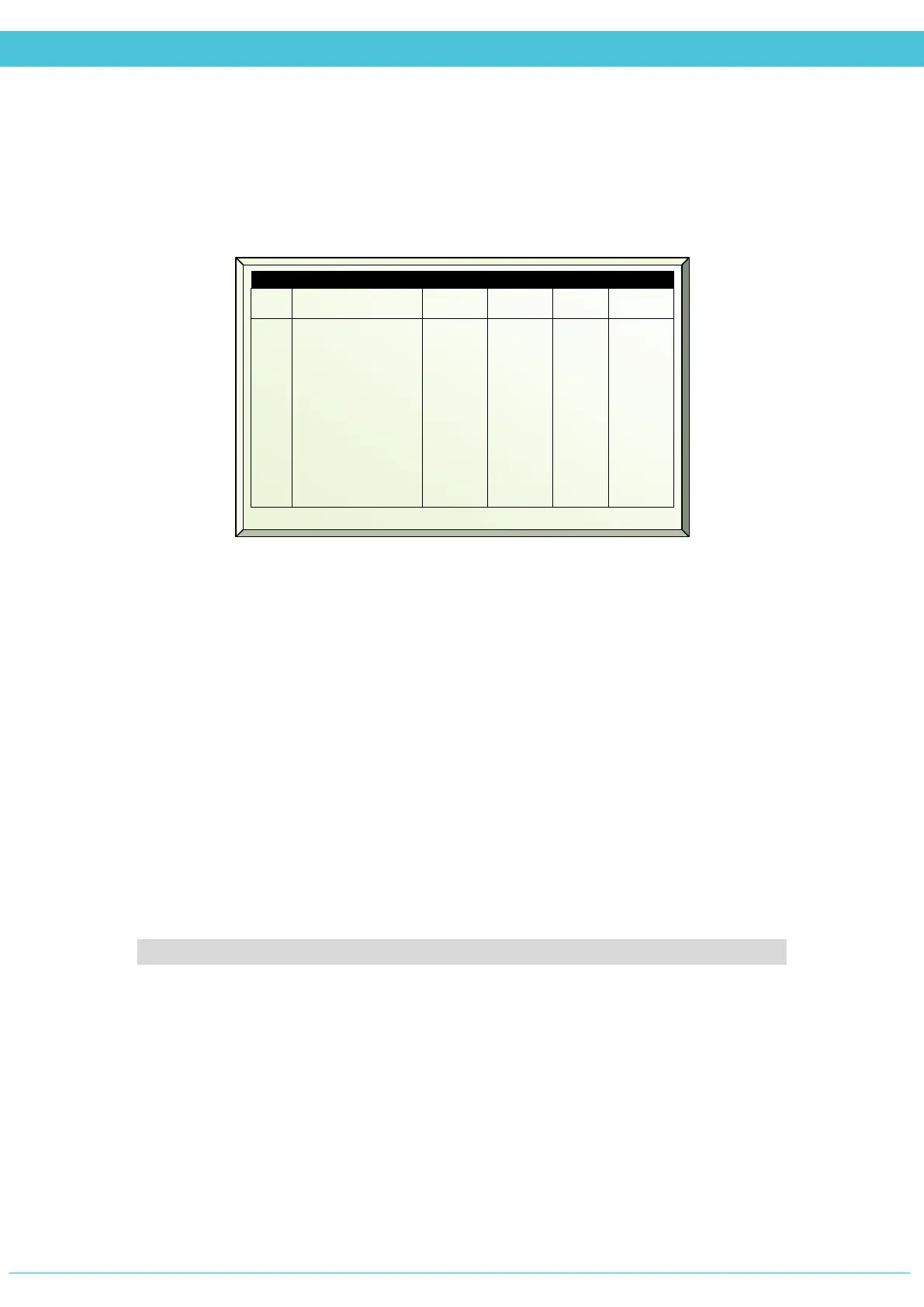
Process Alarms (Menu 3.3.1)
# - Each alarm has its own unique number (for technical support)
Name – Alarm name
Limit – Define the value for the controller to consider the deviation an alarm
Delay – Define the time (mm:ss) for the controller to wait before taking action and logging
the alarm
Out (Log) – The controller logs the alarms in the Log & History – System Log menu 5.5
Action – Define what the controller should do in case the alarm occurs
Ignore –controller will not take any action and does not display or log the alarm
Stop –controller displays and logs alarm, but stops processes relevant to the issue
Continue – controller displays and logs alarm, and continues running processes
relevant to the issue
The following alarm definition menus follow the same format as the above menu
• Communication Alarms
• Weather Station Alarms
• Vent Alarms
• Screen Alarms
• Heating Alarms
• F&P Alarms
# Name Limit Delay Out Action
2
3
4
5
6
7
8
9
10
11
Hum defect
CO2 defect
High temp
Low temp
High hum
Low hum
High CO2
Low CO2
Temp>T.vent
Temp<T.heat
0.0
0.0
35.0
15.0
95.0
35.0
1000
100.0
0.0
0.0
01:00
01:00
01:00
01:00
01:00
01:00
01:00
01:00
01:00
01:00
SMS
SMS
SMS
SMS
SMS
SMS
SMS
SMS
SMS
SMS
Ignore
Ignore
---
---
---
---
---
---
---
---



 To Next Page