Doc. Name: NMC-PRO ׀ User Guide Ver 3.05.03 Revision: 2.2 Page: 13
Crop Management Technologies
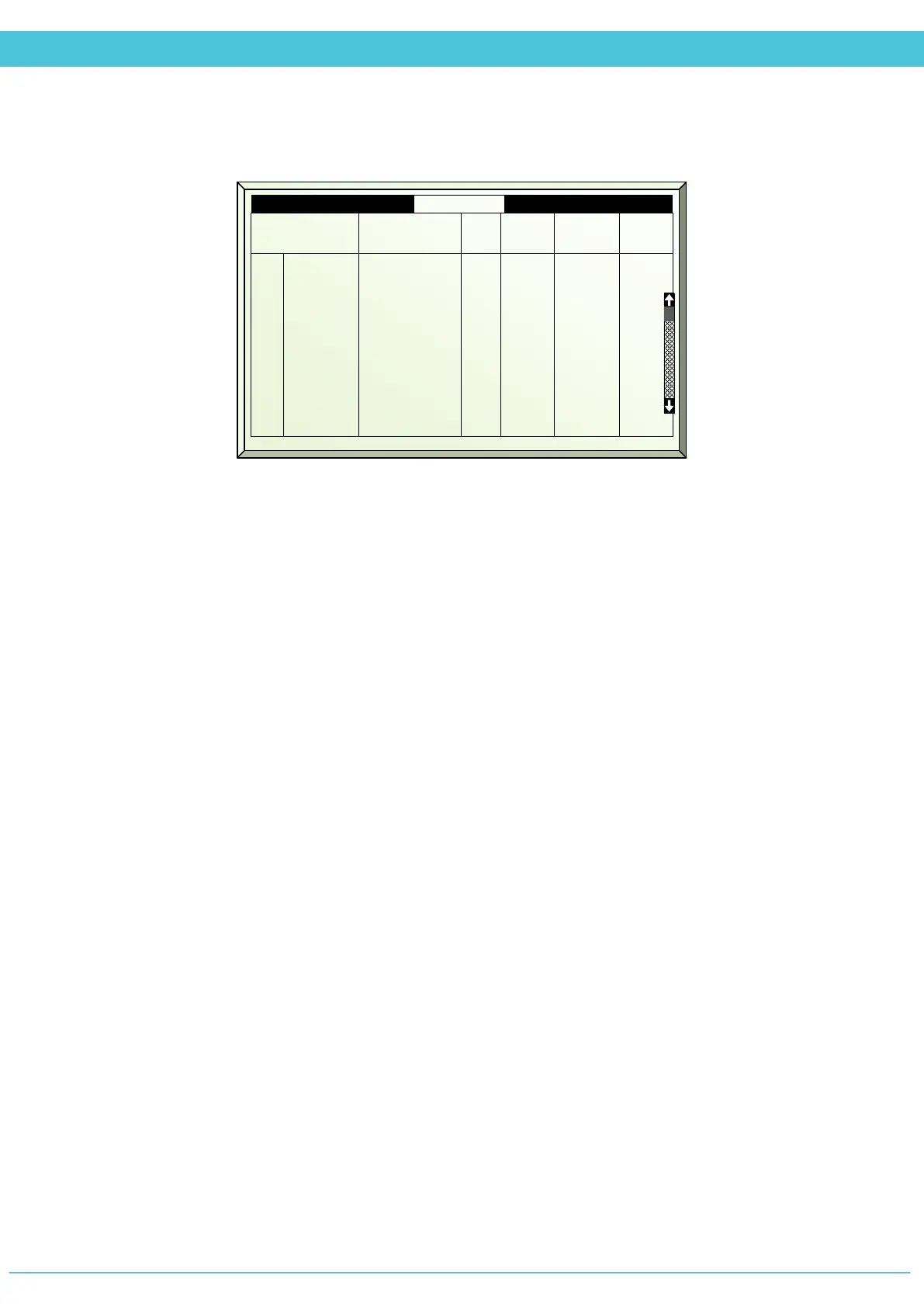
Temperature & Humidity Calibration (Menu 7.10.5)
Input Unit
Location of the sensor according to the Analog Inputs – System Installation menu (8.1.3)
Function
Sensor type
# (Number)
Every sensor is given a number during installation, in case there are multiple sensors within
the same zone
A/D
Analog/Digital reading given by the sensor
Value
Value given by sensor (includes factor offset)
Factor (only editable section on screen)
Difference between the installed sensor and another sensor separate from the system; for
example a manual sensor reading. You can edit the value according to the manual sensor.
Inp Unit Function # A/D Value Fac
2
3
4
5
6
7
8
9
Local
Local
Local
Local
Local
Remote
Remote
Exp 1
Temp. In
Humidity
Temp. In
Humidity
Temp. In
Humidity
Temp. In
Temp. In
1
2
3
1
5
3
7
8
562
562
562
562
562
562
562
562
24.1
70
24.0
72.1
24
80.0
24.5
23.5
45
45
45
45
45
45
45
45



 To Next Page