Doc. Name: NMC-PRO ׀ User Guide Ver 3.05.03 Revision: 2.2 Page: 66
Crop Management Technologies
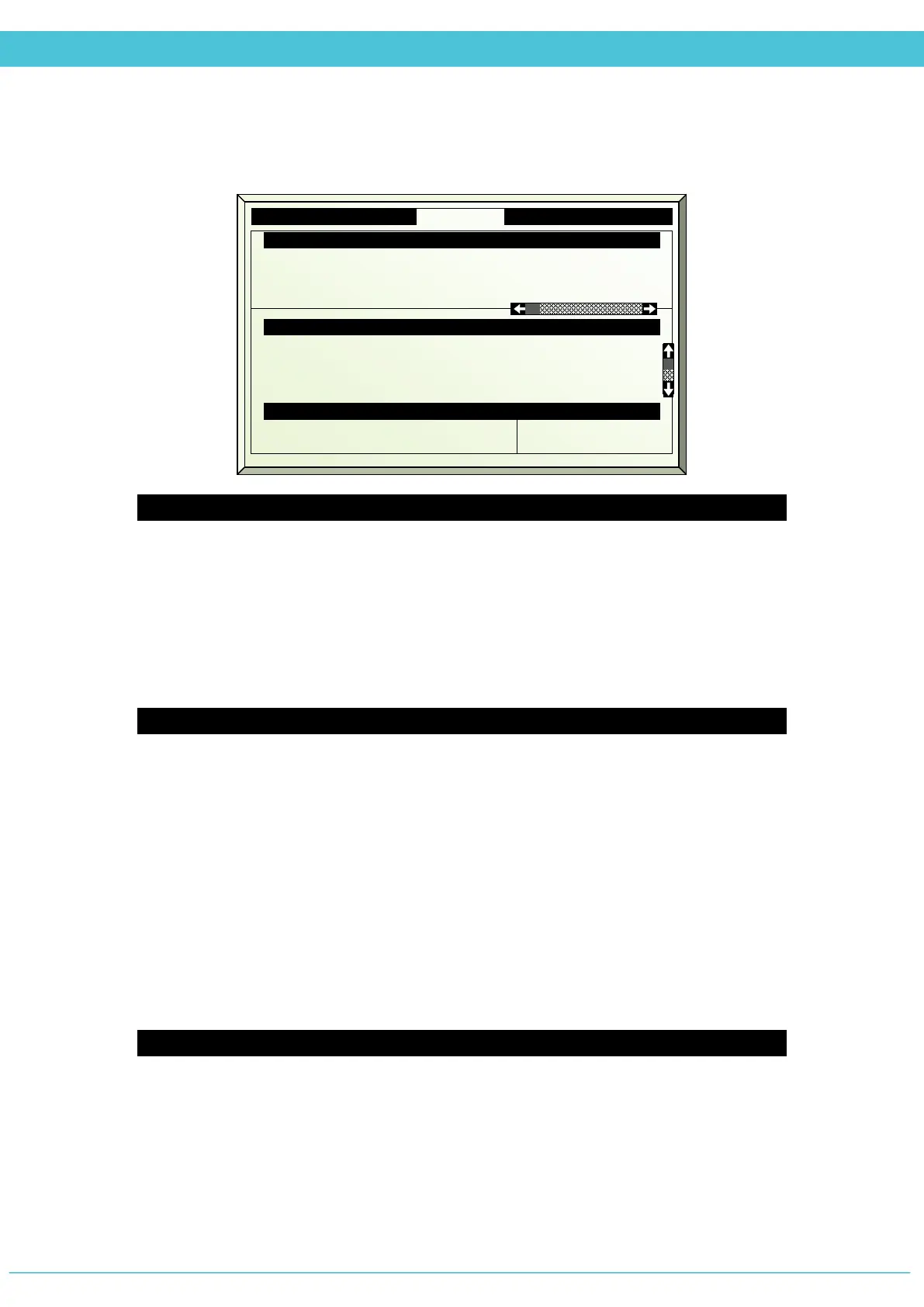
MANUAL – FAN & PAD (MENU 2.5)
Fan Stage
1. Fan stage # — fan device number as defined in the System Installation menu
2. Drive fan stage (Press Enter to display drop-down menu)
Auto — operates according to Fan&Pad program
On — turns fan on
Off — turns fan off
3. Status - displays the current status of fan
Fan & Pad Inlet
4. Drive air inlet (Press Enter to display drop-down menu)
Auto — operates as defined by the Fan&Pad program
Open — Drives air inlet to completely open (100%)
Close — Drives air inlet to completely closed (0%)
Fixed — Allows for manually defining the desired position of the air inlet
5. Fixed position % — define the desired position for the Fan&Pad air inlet
6. Measured position % — displays the current position of the air inlet
7. Calc. Position % — displays what the position of the air inlet should be
8. Air inlet direction — displays the direction of the air inlet according to the wind
direction (lee or wind)
Pad Pump
9. Drive Pad pump (Press Enter to display drop-down menu)
Auto — operates according to Fan&Pad program
On — turns pump on
Off — turns pump off
10. Status — Displays the current status of the pump
2. Drive fan stage
3. Status
Auto
Off
Auto
Off
Auto
Off
5. Fixed position %
6. Measured position %
7.
Calculated position %
15
62
62
Pad Pump
10.
Status
On



 To Next Page