Doc. Name: NMC-PRO ׀ User Guide Ver 3.05.03 Revision: 2.2 Page: 6
Crop Management Technologies
USER INTERFACE
Keyboard
Numeric
- Enter values/quantities
- Use as shortcuts to screens
+/- Key
- Toggle between positive and negative values
- Mark check boxes
- Use to toggle between quantities and time format in History screens
Arrows
- Scroll up, down, left, and right to select menus
MENU
- Displays Main Menu
- Use as "ESC" and "Back" key
ENTER
- Enter menu/submenu/value
- Open window
- Confirm or change a value
ZONE
- Opens drop-down menu for selecting Zone #
DELETE
- Erases typing mistake
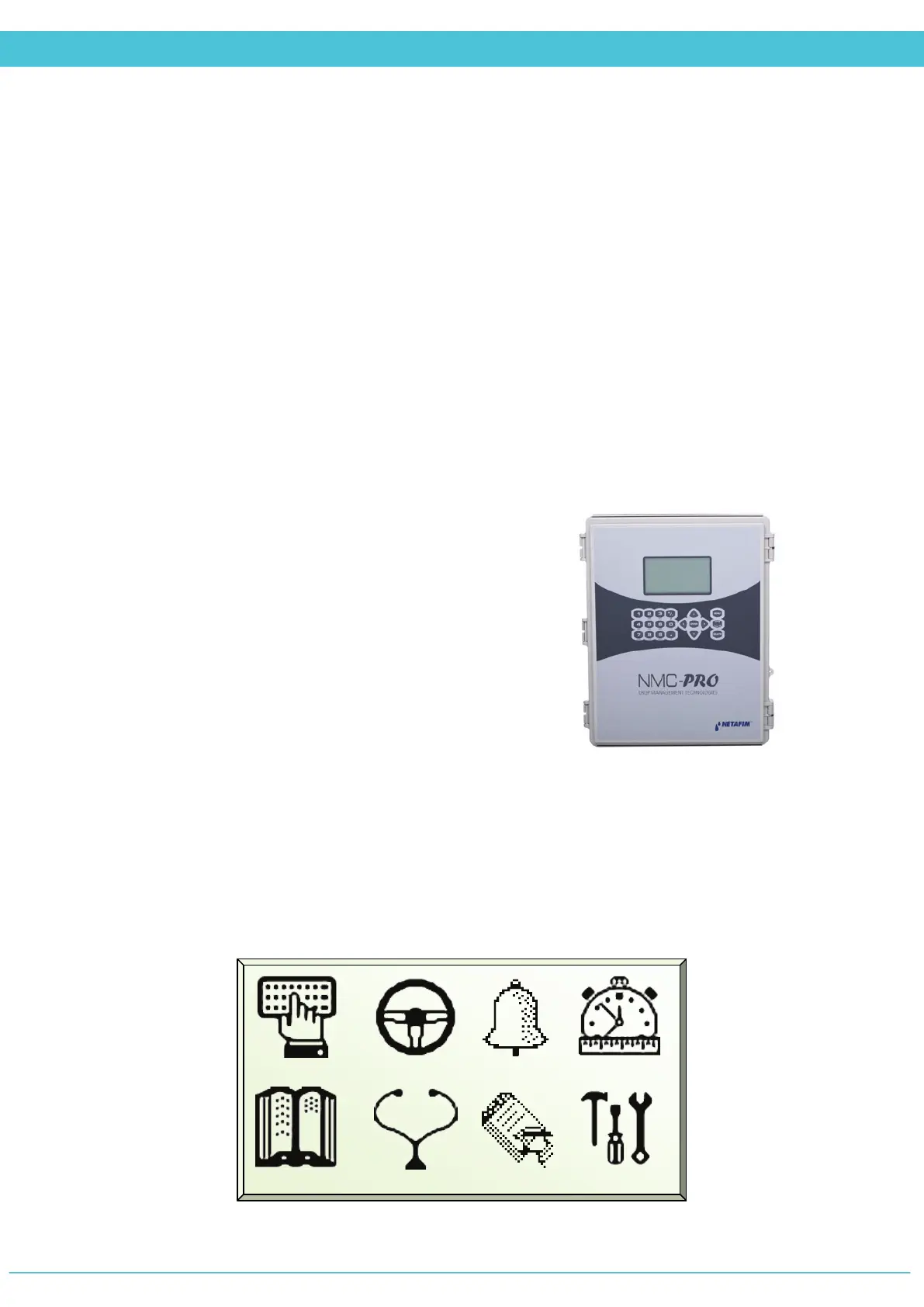
Main Menu Screen
1. PROGRAM 2. MANUAL 3. ALARMS 4. STATUS
5. LOG&HIS 6. TEST 7. SETUP 8. INSTALL



 To Next Page