Doc. Name: NMC-PRO ׀ User Guide Ver 3.05.03 Revision: 2.2 Page: 96
Crop Management Technologies
IMPORTANT: Verify that the SETUP parameters have been
defined for Light!
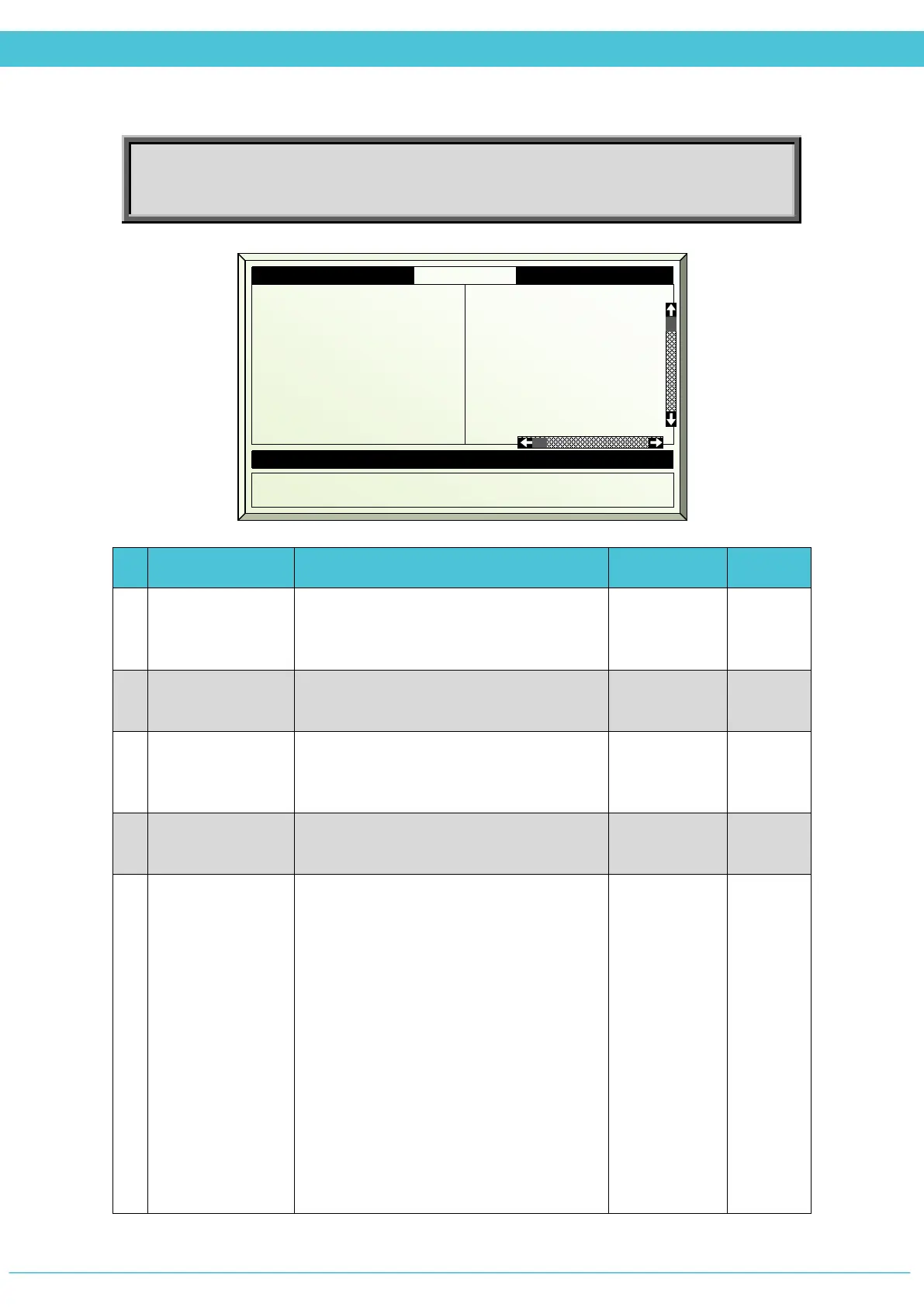
# Parameter Explanation Unit/Range Default
1.
Period
It is possible to divide the day up to 6
periods. The User may decide if the period
is active
On/Off Off
2.
Active
Updated by the controller
(For indication only)
Yes/No
3.
Start Time
Start Time of the period. In case of
overlapping periods, the next period
overrides the previous period.
hh:mm 06:00
4.
End Time
The Light program is active only within the
set period.
hh:mm 10:00
5.
Light Method
The User can select to work on Fixed or
Cyclic method
Fixed – turns light strings on and off
according to limitations of outside
radiation and maximum strings which are
allowed to be turned on per zone
(according to configuration).
Cyclic – turns light strings on and off
according to the limitation of the outside
radiation and the time that the string
should be on is according to the setting in
parameters 8-11: Light String 1-4.
*Both methods can work with or without
rotation
Fixed / Cyclic Fixed
1. Period
2. Active
3. Start time hh:mm
4. End time hh:mm
5. Light method
6. Rad. limit W/m
2
7. Rad. dead bnd W/m
8. Strg1 time hh:mm
On
Yes
06:00
10:00
Fixed
100
50
01:00
Off
No
Off
Calculated/Status
12. Number of Strings ON
13. Limitation
0
None



 To Next Page