192
S
MARTNA™ 10G NETWORK ACCESS (SMARTNA-X)
WEB USER-INTERFACE REFERENCE | FILTERS TAB
DRAFT
Filters tab
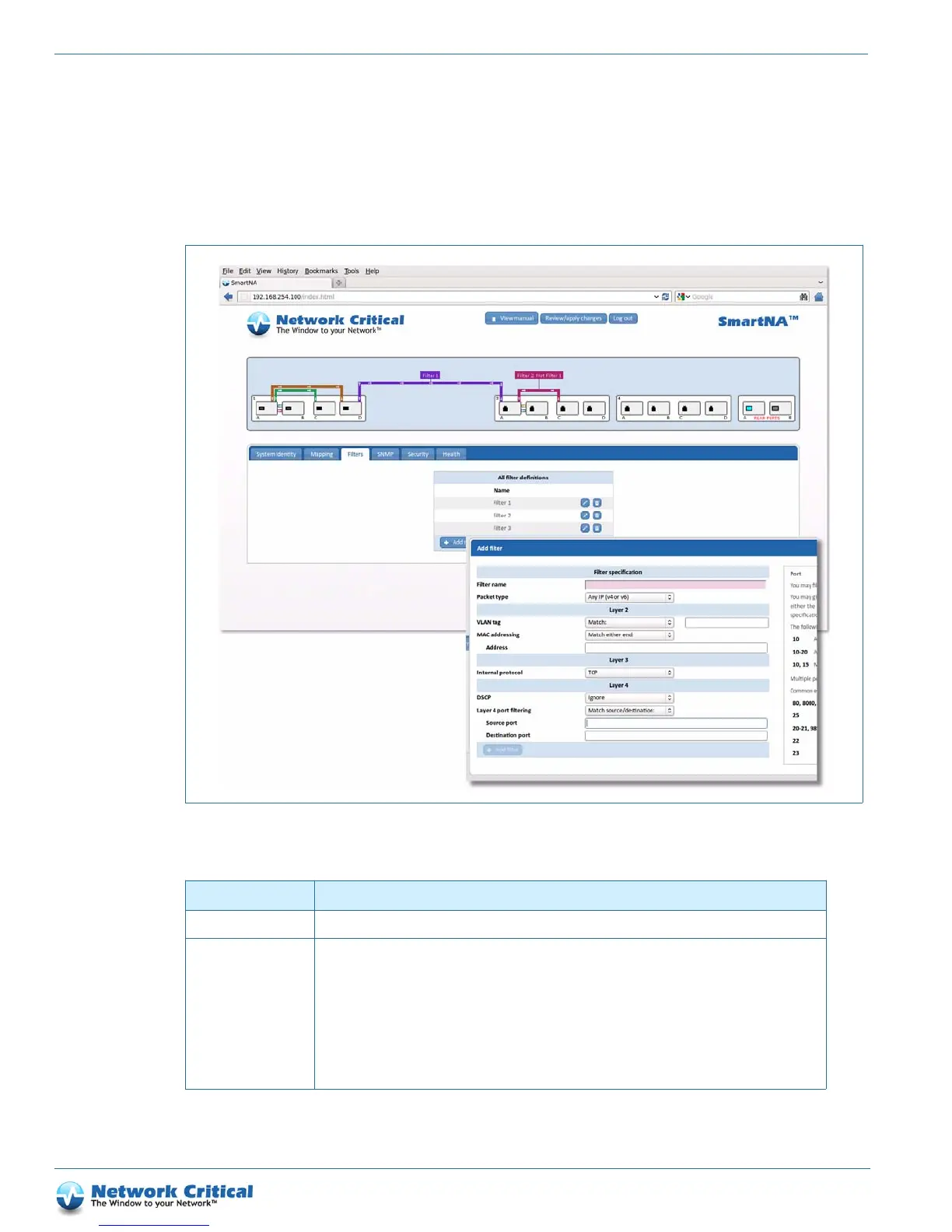
The Filters tab (Figure B-3) is available after clicking on the chassis. It shows all available filters and allows you to
edit, add and delete them. The table below shows the options that are available when setting up packet filters.
Figure B-3 The Filters tab showing the Add filter window
Table B-2 Filters tab options
Option Description
Filter name All filters must have a unique name. This is used to label any maps where the filter is applied.
Packet type All filters must specify a packet type. This corresponds approximately to the EtherType in the packet
header, and determines which additional layer 2, 3 and 4 filter fields are applicable.
MPLS packets may be further filtered by the top MPLS label in the stack. All non-MPLS packet types can
instead be filtered by VLAN tag and MAC address at layer 2.
ARP packets can additionally be filtered by IPv4 address at layer 3 and by DSCP at layer 4.
IP packets can additionally be filtered by IP address, if you specify IPv4 or IPv6, and by IP protocol (TCP,
etc.) at layer 3. At layer 4, they can be filtered by DSCP, and if an IP protocol is specified, also by relevant
additional fields such as port.



 To Next Page