204
S
MARTNA™ 10G NETWORK ACCESS (SMARTNA-X)
WEB USER-INTERFACE REFERENCE | PORT TAB
DRAFT
Port tab
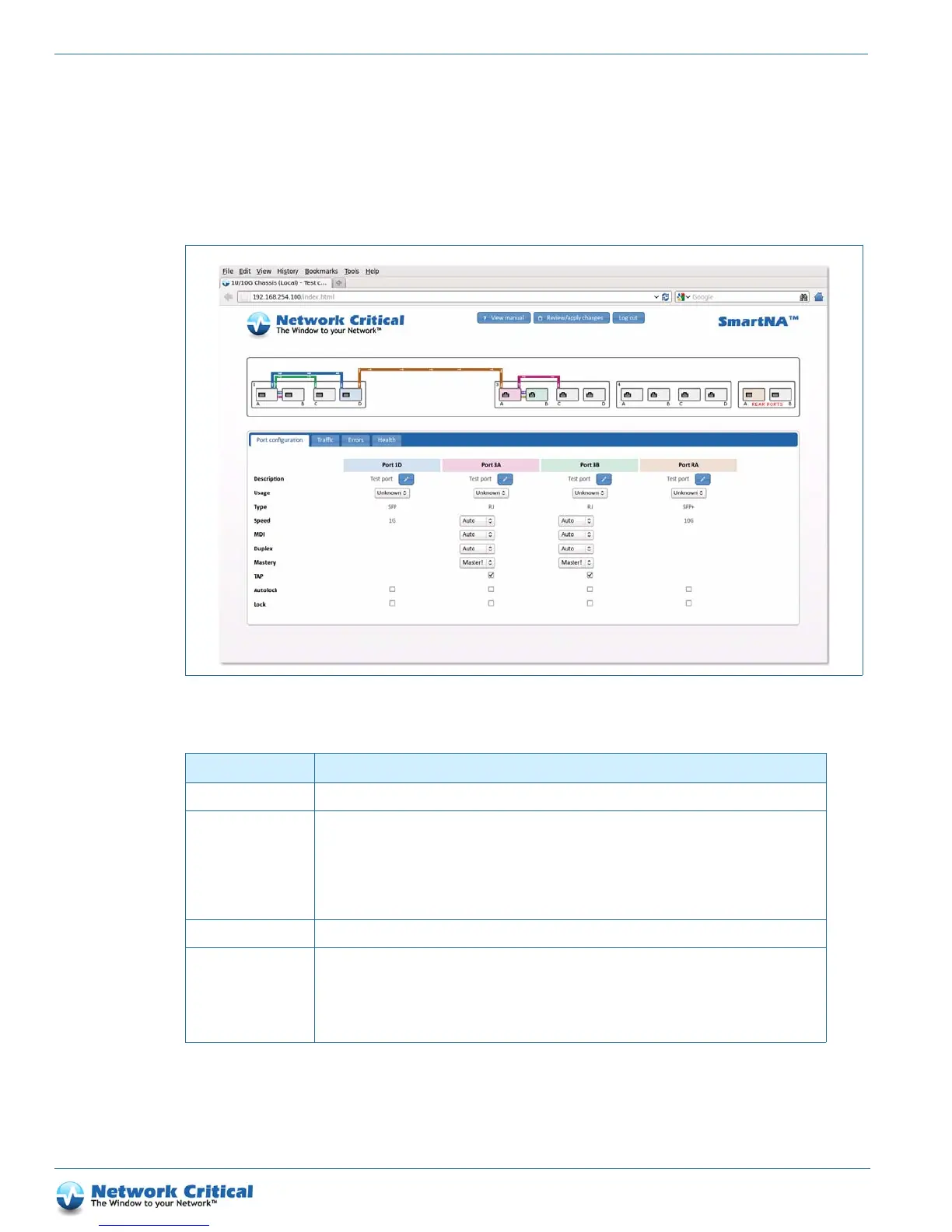
The Port configuration tab (Figure B-9) is available after clicking on a port. It provides access to the port settings
shown in Table B-1 4.
Figure B-9 The Port configuration tab
Table B-14 Port configuration tab options
Option Description
Description Enter a description for the port’s intended purpose to be entered.
Usage Declares the port’s intended usage:
Tool – Port is connected to a network tool, such as a monitoring computer or data analysis equipment
Network – Port is connected to a live network
Unknown – Usage is not known/open
This setting is optional (the port will operate as normal whatever setting is selected).
Type Show the port type, either SFP (1G port), SFP+ (10G port) or RJ (1G port).
Speed Sets the link speed, limiting the port to the selected value (even if the link partner doesn’t support it). Auto
(negotiated speed) can be used for all ports which support this setting but may introduce a fail to safe
delay operating in ‘TAP’ mode. See the “Configuring port failsafe and LFP (TAP mode)” section on page
40 for instructions.
Available for copper ports only.



 To Next Page