50
S
MARTNA™ 10G NETWORK ACCESS (SMARTNA-X)
CREATING PORT MAPS | CREATING PORT MAPS
DRAFT
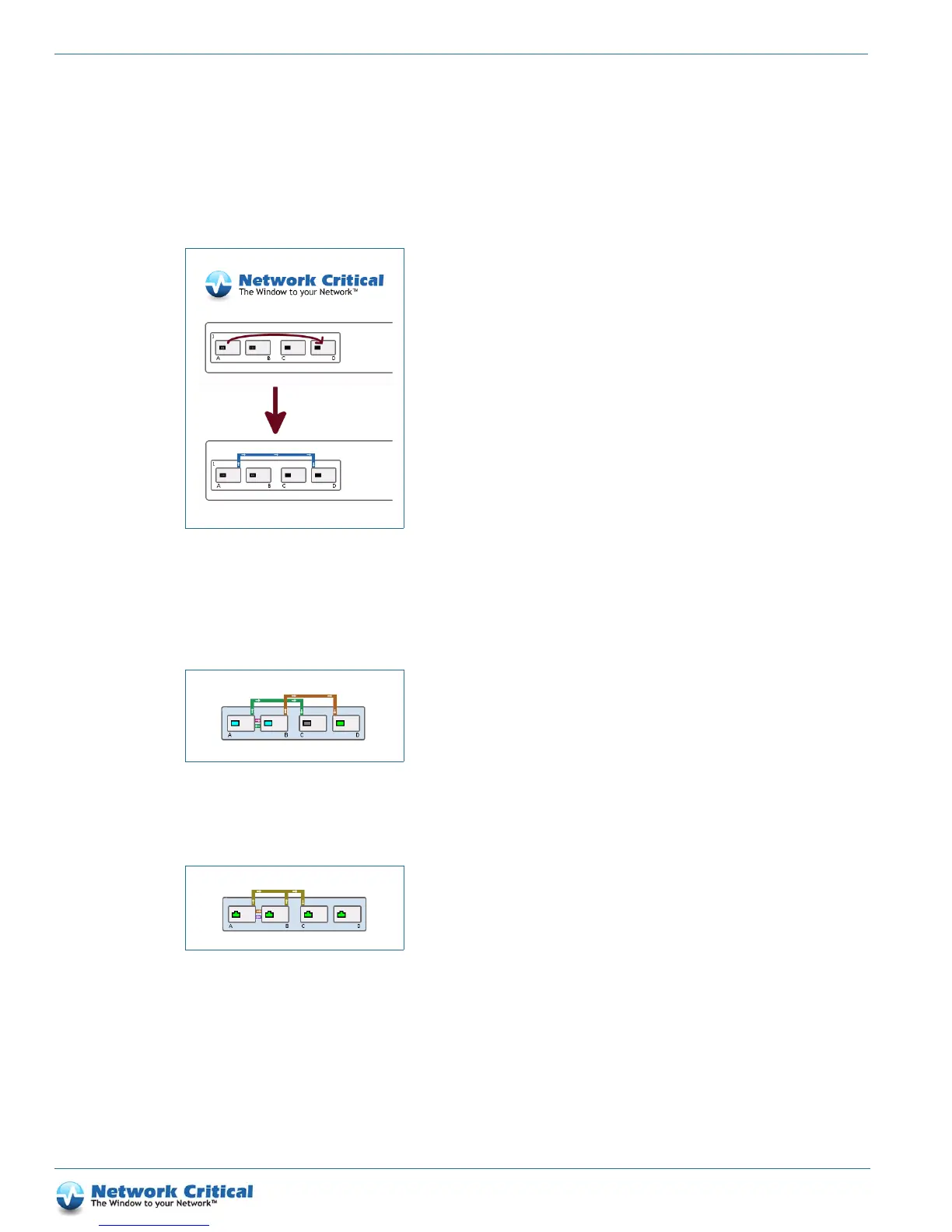
Creating maps in the web UI
Maps are created in the web UI by clicking in the system diagram on the input port and dragging to the output
port (
Figure 7-4). An arbitrarily colored line will connect the two ports, with arrows indicating the direction of
traffic flow, as shown in the lower part of the figure.
The modularity of the SmartNA-X system allows you to connect ports and maps with almost unlimited flexibility.
For instance, you can map the upstream and downstream links to separate output ports for analysis by separate
tools (Figure 7-5).
Aggregate input ports into one output stream (Figure 7-6).
Figure 7-4 Creating a port map
Figure 7-5 Mapping the upstream/downstream input port to separate output ports
Figure 7-6 Aggregating ports to one output port



 To Next Page