206
S
MARTNA™ 10G NETWORK ACCESS (SMARTNA-X)
WEB USER-INTERFACE REFERENCE | PORT TRAFFIC TAB
DRAFT
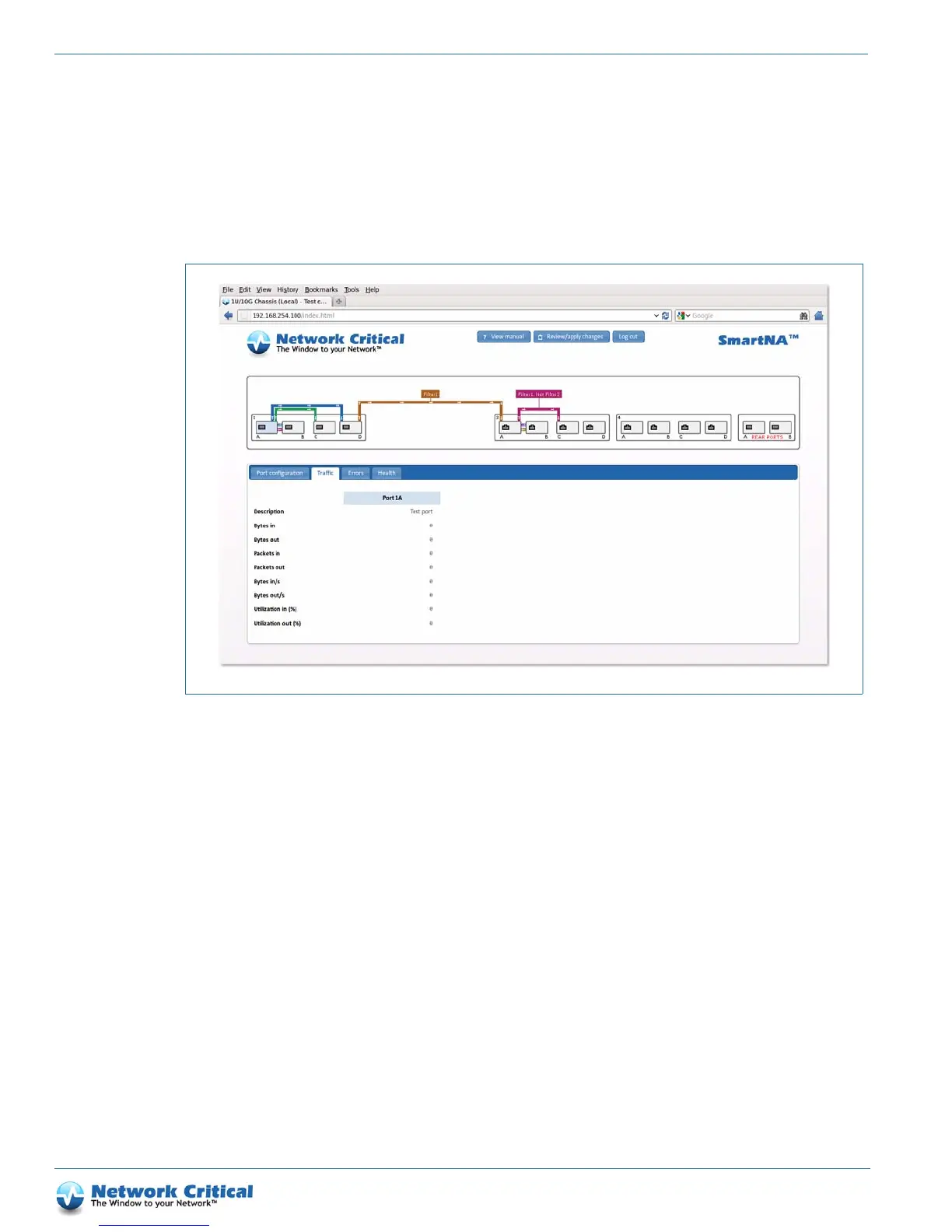
Port Traffic tab
The port Traffic tab (Figure B-10) provides traffic statistics for the selected port, showing details for the total
number of bytes and packets received and sent since rebooting, byte rate per second, and the overall utilization of
the port.
Port Errors tab
The port Errors tab (Figure B-11) shows details of any packet errors on the port. A large number of errors may
indicate the port has been misconfigured in relation to the link partner. In general, to avoid errors, the port settings
on the two communicating devices must match.
Figure B-10 The Port traffic tab



 To Next Page