202
S
MARTNA™ 10G NETWORK ACCESS (SMARTNA-X)
WEB USER-INTERFACE REFERENCE | MANAGEMENT TAB
DRAFT
Management tab
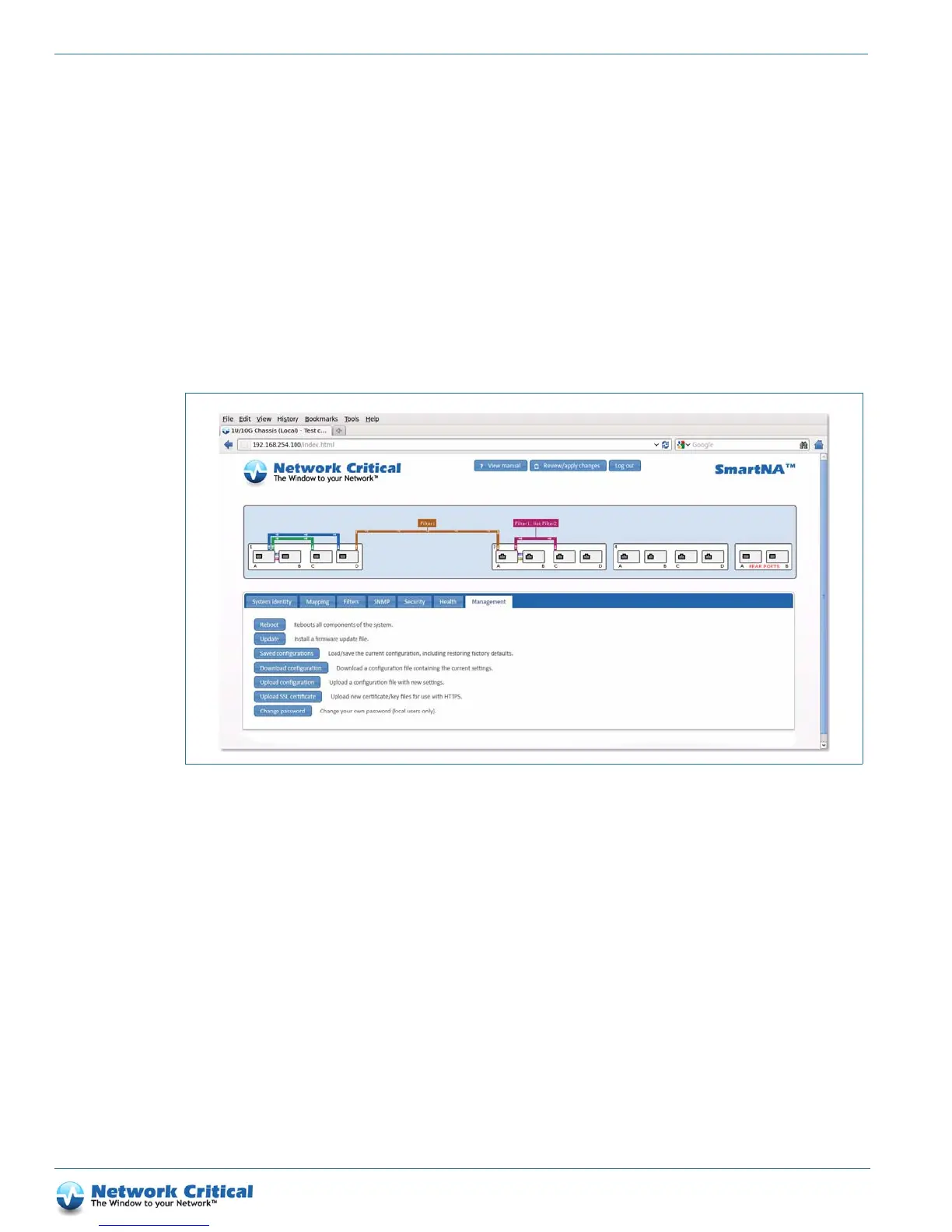
The Management tab (Figure B-7) is available after clicking on the chassis. The Management tab provides options
for
• loading and saving system configurations so you can quickly change configurations, downloading and uploading
configurations so you can archive and share configurations between SmartNA-X devices (see
Saving and
restoring SmartNA-X configurations, page 30)
• rebooting to refreshing the system or returning settings to pre-applied states (see Rebooting the system, page 32)
• updating system and TAP card firmware (see Updating system firmware, page 32)
• changing your local password (see Changing your password, page 33)
Figure B-7 The Management tab



 To Next Page