201
S
MARTNA™ 10G NETWORK ACCESS (SMARTNA-X)
WEB USER-INTERFACE REFERENCE | HEALTH TAB
DRAFT
numbers that may be requested by Network Critical Support if support is required.Refer to Tabl e B- 12 for more
details of the information that is available in the Health tab.
Fan 1, Fan 2 Shows the state of each fan, either up (working) or down (not working).
Firmware build Shows the firmware build date.
Firmware revision Shows the firmware revision. You may be asked to pro
vide this information when contacting Network
Critical Support.
Hardware revision Shows the hardware version. You may be asked to pro
vide this information when contacting Network
Critical Support.
Model number Shows the SmartNA-X model number. You may be asked to provide this information when contacting
N
etwork Critical Support.
PSU 1, PSU 2 Shows the state of the power supply units, either up (connected) or down (not connected). For power
outage
redundancy, connect to independent power supplies.
Serial number Show the serial number. You may be asked to provide th
is information when contacting Network Critical
Support.
System status Shows the overall health of the system. Under normal c
ircumstances, the system status will always be
‘OK’. If an internal error is detected, the system status will change to ‘Contact Network Critical’. If
configured, an SNMP system health (SH) notification will also be sent should this condition occur. See
the “SNMP tab” section on page 195 for instructions on enabling the SH notification.
System temperature Shows the temperature of the SmartNA-X chassis. If the temperature rises above a set threshold, an
SNMP
notification will be sent to your configured SMNP managers.
System uptime Shows the length of time in days, hours, minutes and seconds since the last
reboot.
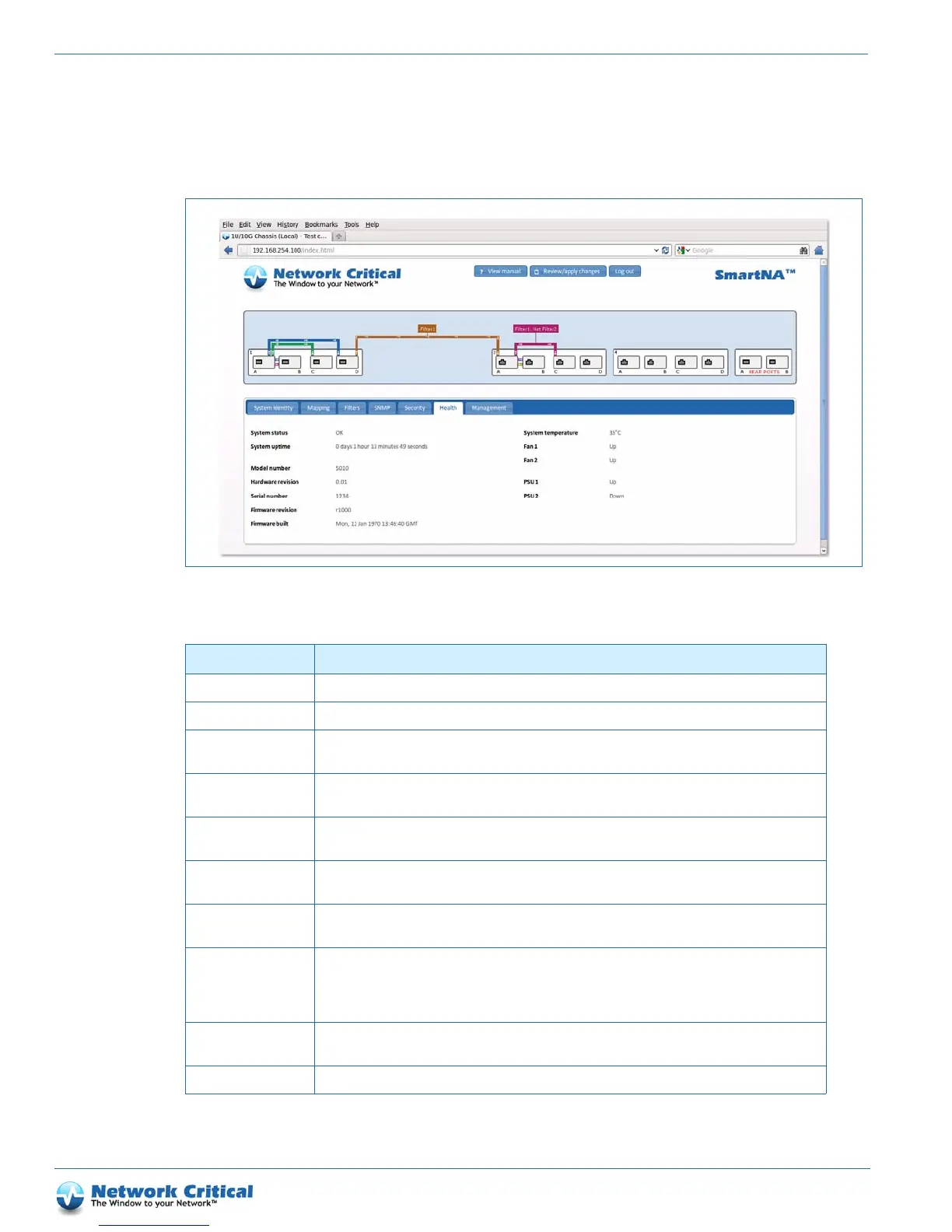
Figure B-6 The Health tab
Table B-12 Health tab options
Status Description



 To Next Page